


Problems with Street View

new street view from new google map release shows black screen
Изабрано решење
new street view from new google map release shows black screen if I hit F5 it refreshes and redraws the street view until I try to move the view.
Linux Mint 17 64 bit
Firfox 30
Nouveau video driver
Сви одговори (15)
Одабрано решење
new street view from new google map release shows black screen if I hit F5 it refreshes and redraws the street view until I try to move the view.
Linux Mint 17 64 bit
Firfox 30
Nouveau video driver

Hello again.
Start Firefox in Safe Mode {web link} While you are in safe mode; Press the <Alt> or <F10> key to bring up the tool bar. Followed by;
Windows; Tools > Options Linux; Edit > Preferences Mac; application name > Preferences
Then Advanced > General. Look for and turn off Use Hardware Acceleration.
Poke around safe web sites and see if there is still a problem. Then restart.
Nope. No help at all. I ran in SafeMode as well.
Can you post the link?

I'm having similar problems with Street View on openSUSE. For the time being you can try to switch back to the classic Google Maps.
https://support.google.com/maps/answer/3045828?hl=en&ref_topic=3093612
Измењено од стране christ1
@christ1: Well, switching back to the old GoogleMaps does the trick. Keeps me from switching browsers. I would prefer a more permanent solution but that does until someone fixes whatever they broke. Thanks!
@FredMcD: Link? It happens whenever I go to googlemaps and do a street view. If I try to move the scene, by clicking on the road ahead, I get a black screen. I have to hit F5 to restore the view.
Hello @F.Natural @christ1, there is no need to go back to the old version of Google Maps/StreetView which is using proprietary Flash plugin. At the moment, if you want to use the new HTML5 version with Firefox on Linux, you have to force WebGL, using this link https://www.google.com/maps/preview/?force=webgl, like shared here: https://support.mozilla.org/en-US/questions/1002684#answer-600546 https://twitter.com/darkhole/status/480807577643929600
Thanks for sharing this. Unfortunately forcing WebGL doesn't do any good here. StreetView turns black right from the start.
Maybe you have a problem with WebGL because it works for @F.Natural and me. Can you run some of these WebGL examples? http://www.ibiblio.org/e-notes/webgl/webgl.htm
On that test page WebGL works fine here. I've attached a screenshot of how StreetView looks here with WebGL enforced. FF31b7 on openSUSE Linux.
linux01:~> glxinfo | grep -i render direct rendering: Yes OpenGL renderer string: Gallium 0.4 on AMD RV635
   GL_MESA_texture_signed_rgba, GL_NV_conditional_render, GL_NV_depth_clamp,
   GL_MESA_window_pos, GL_NV_blend_square, GL_NV_conditional_render,
linux01:~>
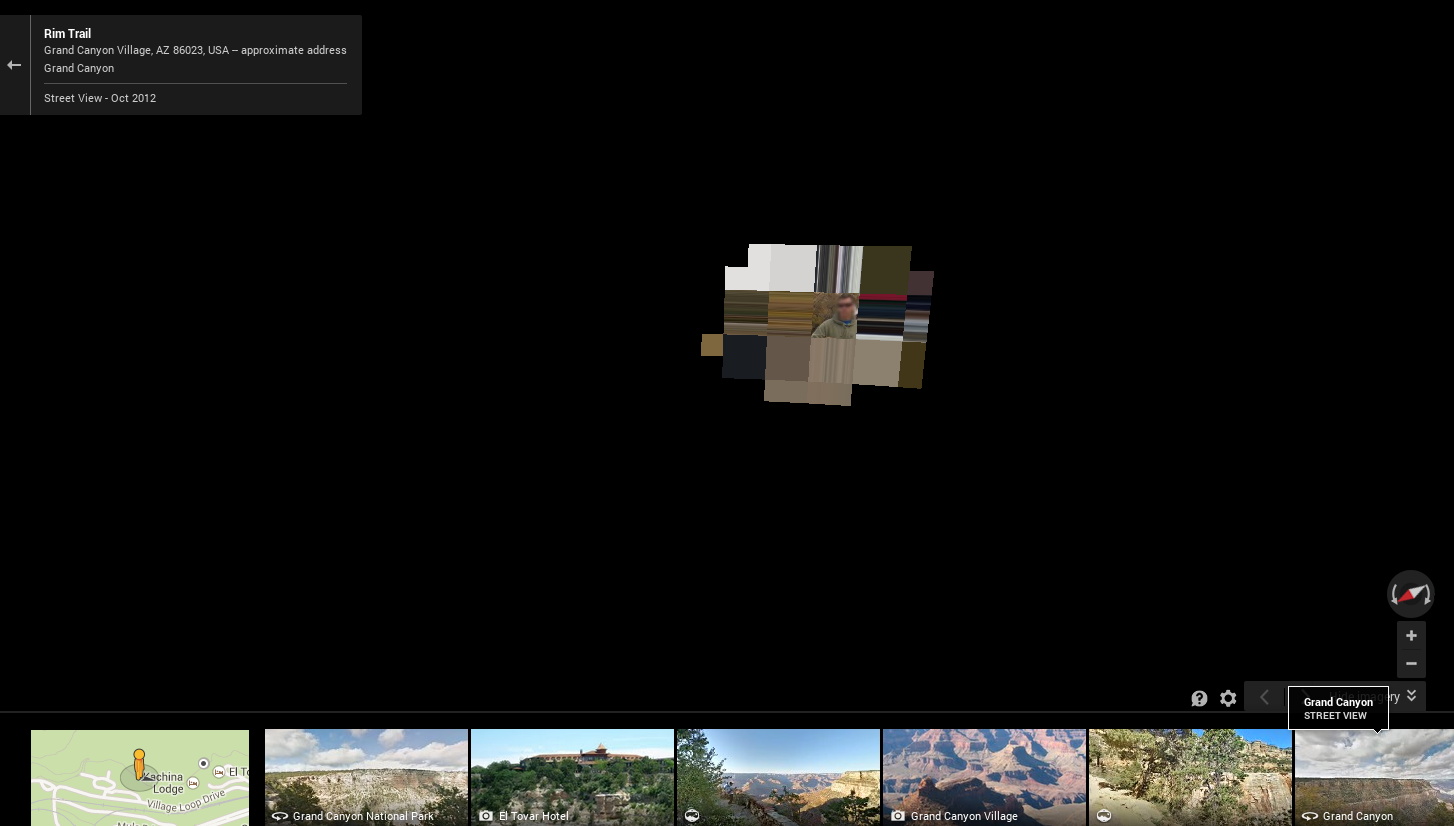
Hello, it is a bug Bug 1034593 - Large clips cause cairo to try to create huge mask surfaces, even when the source and destination are small.
affected linux and win xp, vixed in v32.0a2 version
(please do not comment in bug reports")
thank you
Thanks for the update. I can confirm Street View Lite mode is working again with FF32 beta. Still doesn't work for me with WebGL enabled though.
Street View keeps displaying a black screen with FF32 on Ubuntu 12.04, installed from Canonical's repository.
The examples at http://www.ibiblio.org/e-notes/webgl/webgl.htm work for me.
FireFox 32 fixed.

I cant use Google maps under FF 31, and it is it fixed in 32?