Otvorené
Cannot "Activate Firefox’s built-in VPN for extra privacy", nothing happens

Hello, apologies if I've chosen the wrong topic area but the options felt a little ambiguous for my issue.
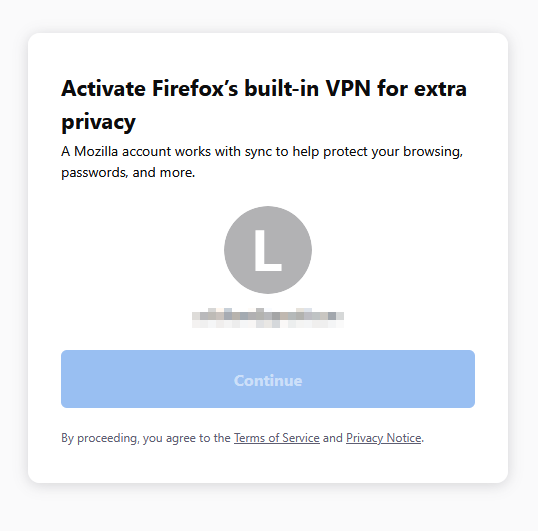
I had a pop-up on my Firefox today inviting me to sign up for the free 50gb VPN thing, it brought me to the accounts.firefox.com page which says "Activate Firefox’s built-in VPN for extra privacy", I press the blue 'Continue' button and absolutely nothing happens. I tried disabling all my extensions just in case one of them is causing an issue, but no success there either.
Is this a known issue, in which case I'll try again later when it's sorted; or is there another way I can redeem the offer?
Hello, apologies if I've chosen the wrong topic area but the options felt a little ambiguous for my issue.
I had a pop-up on my Firefox today inviting me to sign up for the free 50gb VPN thing, it brought me to the accounts.firefox.com page which says "Activate Firefox’s built-in VPN for extra privacy", I press the blue 'Continue' button and absolutely nothing happens. I tried disabling all my extensions just in case one of them is causing an issue, but no success there either.
Is this a known issue, in which case I'll try again later when it's sorted; or is there another way I can redeem the offer?