


NOTICE SAYS WEB BROWSER IS BLOCKING ME

I GET MESSAGES ON JIGSAW.COM THAT MY WEB BROWSER IS BLOCKING ME
Vybrané riešenie
Can you disable the antivirus, reboot and try again.
Čítať túto odpoveď v kontexte 👍 1Všetky odpovede (10)
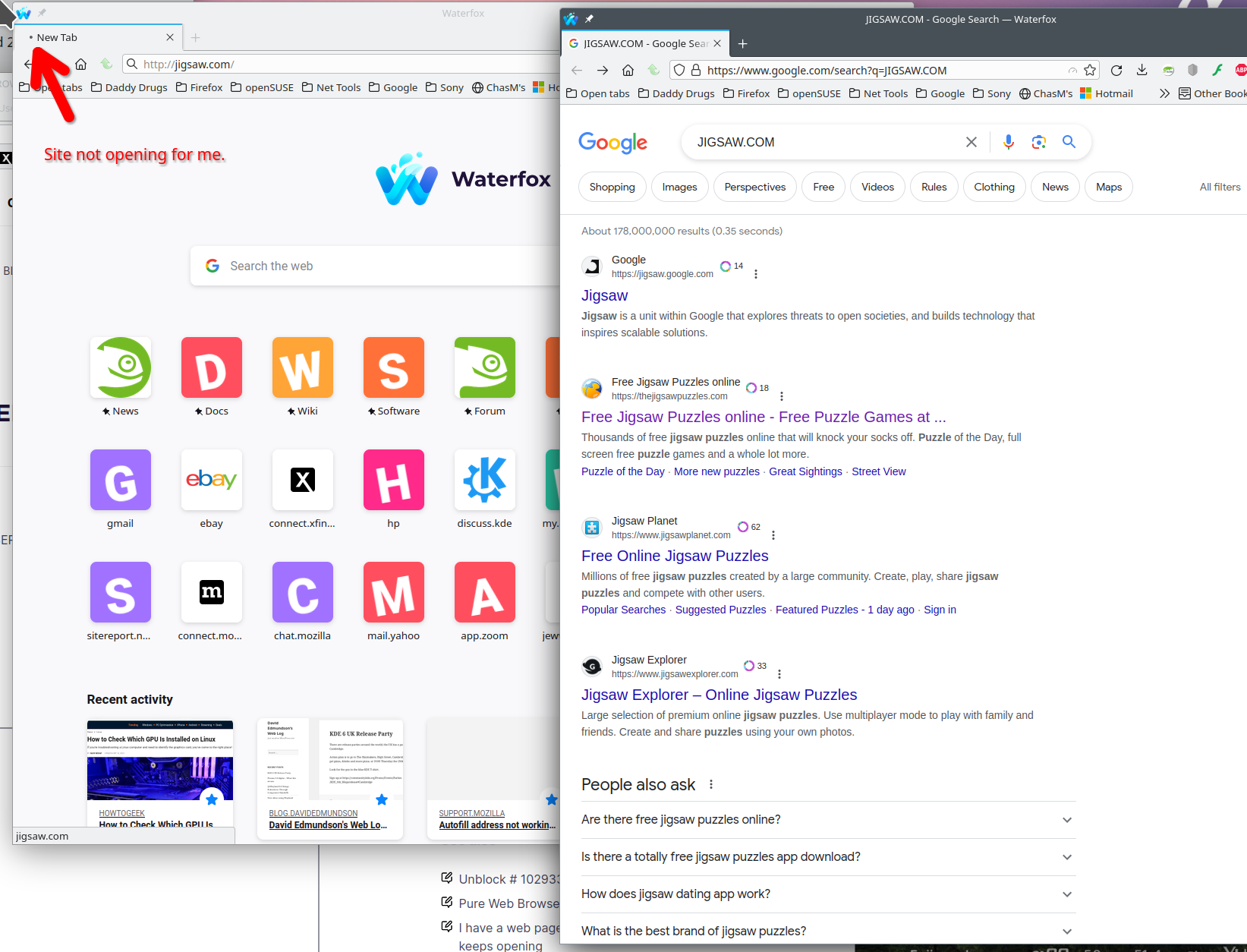
Are you sure about the website address. Your link doesn't open for me and google does not show anything for that site. see screenshot Post a screenshot showing what you get.
could not find out how to take a screen shot, but here is message which appears:
Jigsaw Explorer requires WebGL technology, but WebGL is either unavailable or disabled by your web browser.
Please see page www.jigsawexplorer.com/webgl for more information.
Went to their link but no help on how to unblock browser.
This should help with the screenshot issue. https://www.cnet.com/tech/services-and-software/8-easy-ways-to-take-screenshots-in-windows-10-and-11/#:~:text=To%20take%20a%20quick%20screenshot,image%20editor%20to%20save%20it.
Let me try the new site.
Did you try with Firefox in Troubleshoot Mode? https://support.mozilla.org/en-US/kb/diagnose-firefox-issues-using-troubleshoot-mode#search
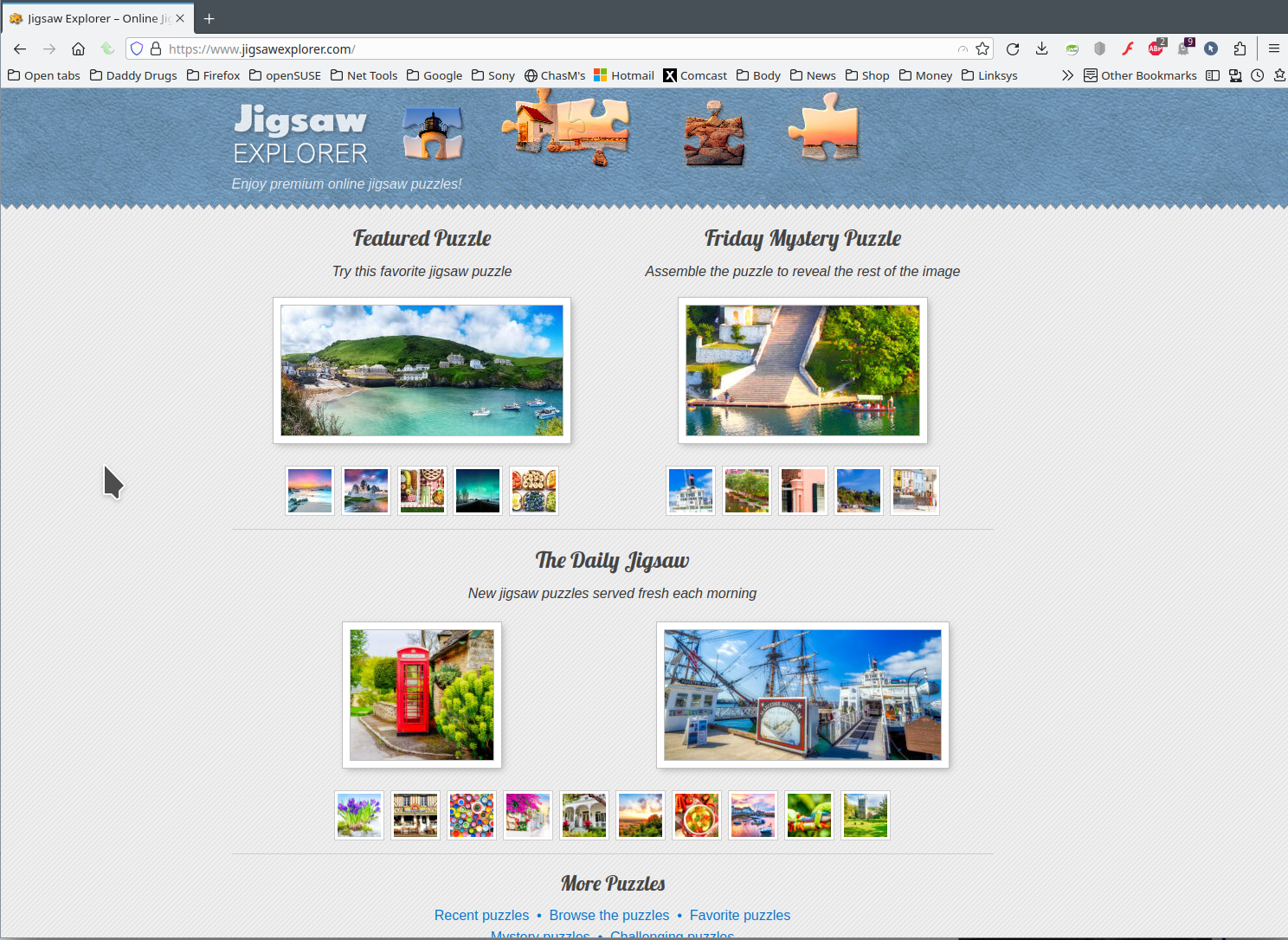
Site come up for me. see screenshot
Upravil(a) jonzn4SUSE dňa
You can check the Graphics section "Help -> More Troubleshooting Information" (about:support) page for WebGL related messages.
See also:
Make sure webgl.disabled is set to false, you can possibly set webgl.force-enabled to true in about:config.
Maureen D Page said
HOW DO I SHARE SCREENSHOT?
Below the Post a Reply box there is a "Add images (optional)" Browse button.
Note, typing in all Caps is the internet version of shouting at people who are talking to you. ;)