


Location Sharing not working
Trying to use a virtual terminal for my credit card processing for my business but firefox is not giving access to share location to the site even after I have manually allowed location sharing. This is the message I receive when I try to use the terminal: Sorry, we can’t load Virtual Terminal. We couldn't access your location. To use Virtual Terminal, allow Clover dashboard to know your location on your browser, then refresh the page How do I get this corrected?
Všetky odpovede (4)
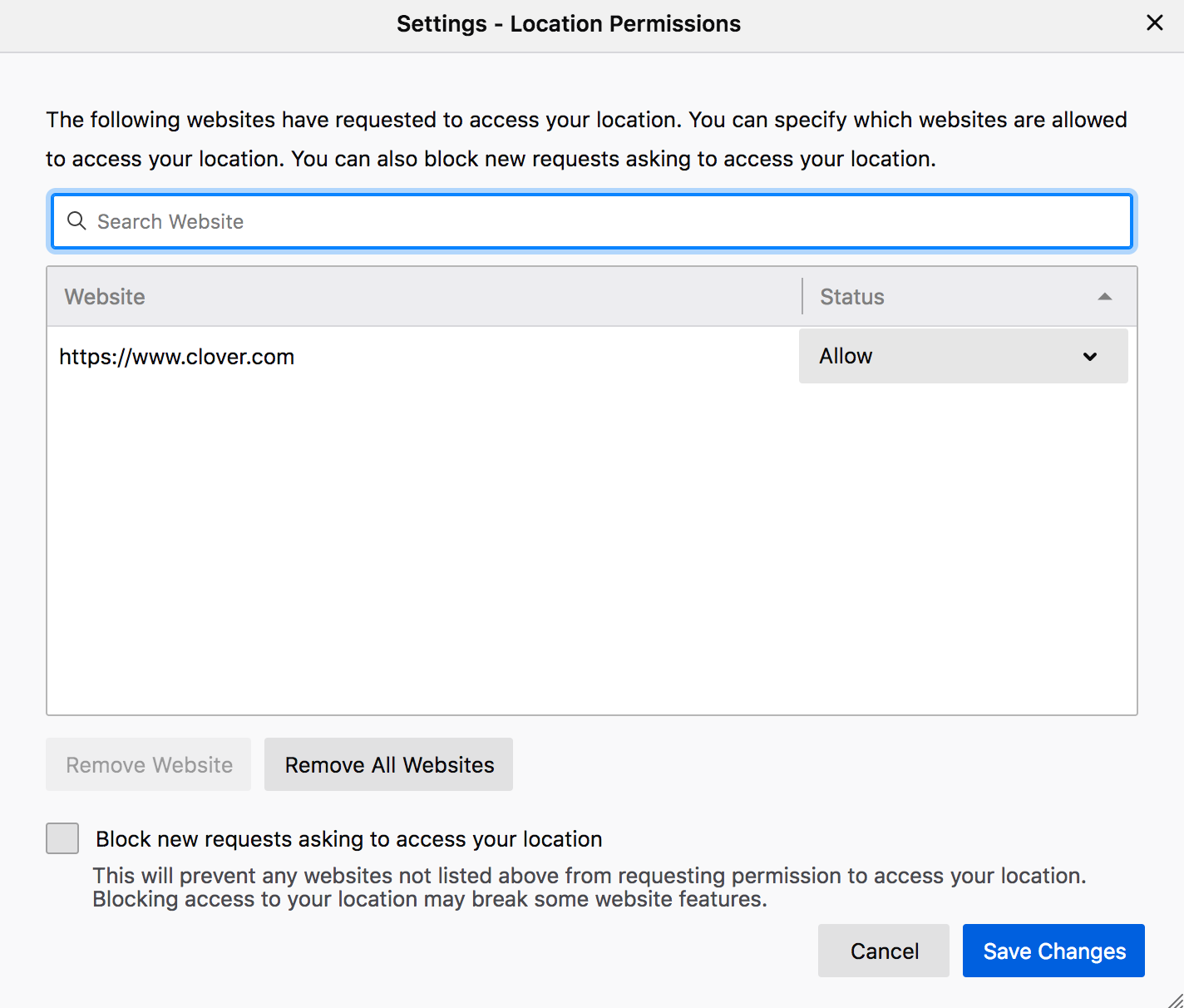
Hi jordan17, you can manage the location access settings at about:preferences#privacy.
- go to "Permissions"
- click on "Settings"
- allow the website to use your location data
- click on "Save changes"
Also check if Firefox has the permission to access your location by your system.
I have allowed the location sharing for my sight under permissions. (See photo) I'm not sure how to allow firefox permission to access your location by your system? Where do I go for this?
I do not use MacOS but this article from Apple Support should help you. https://support.apple.com/guide/mac-help/allow-apps-to-detect-the-location-of-your-mac-mh35873/mac

I can't seem to be able to add clover to the location setting. I don't find any opportunity to give permission. I guess Clover doesn't request permission. They just don't want me to use Firefox. :(