Mozilla Maintenance Service not working to bypass User Account Control

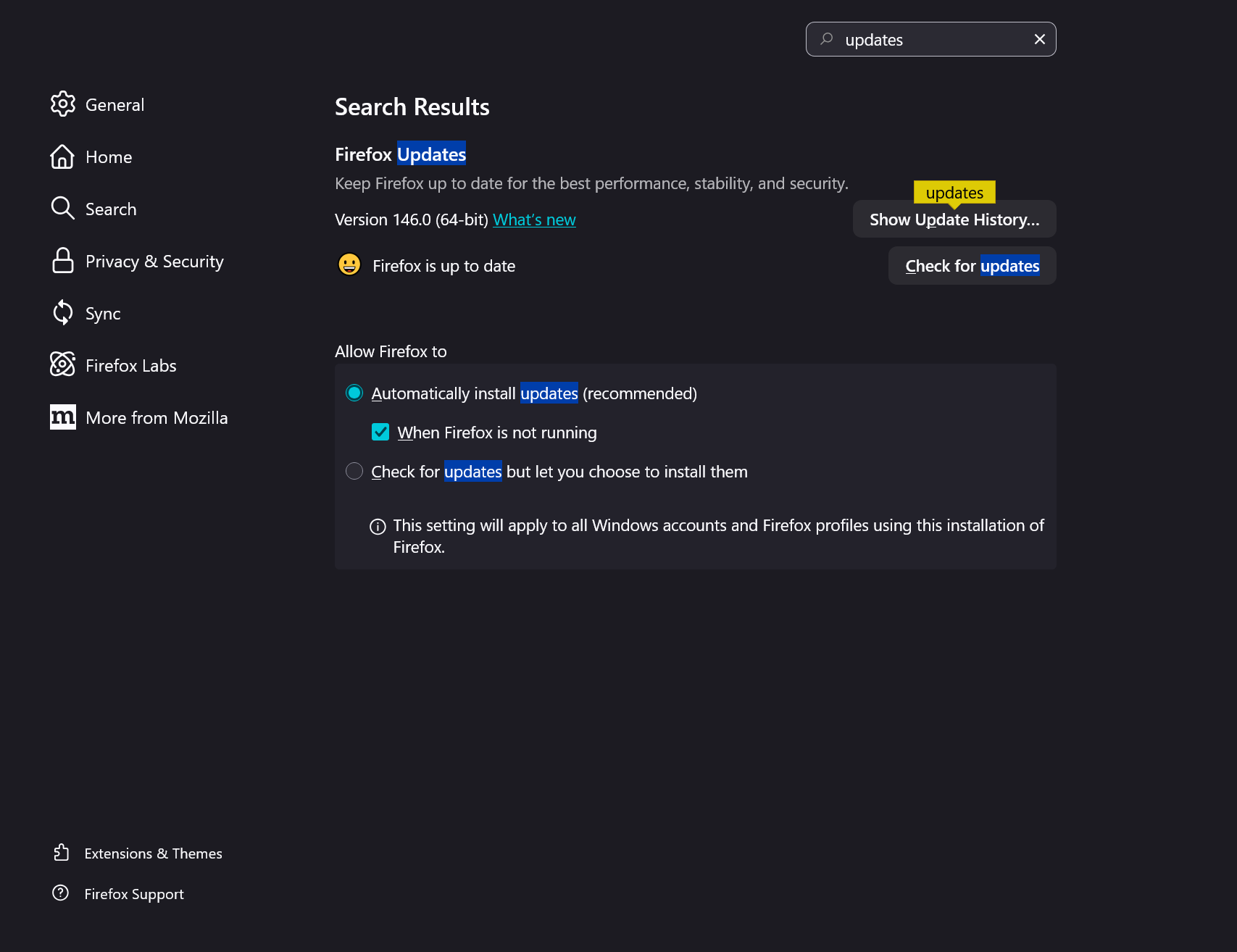
I updated to version 146 today on Windows 10 and had to use administrator credentials. I have Mozilla Maintenance Service previously installed. I tried uninstalling MMS and then re-installed FF using full installer and selecting the custom option to install MMS. I cannot see the option in Settings..General 'Use a background service to install updates' (Screenshot attached) How can I fix this issue which has been present for some time?
I updated to version 146 today on Windows 10 and had to use administrator credentials. I have Mozilla Maintenance Service previously installed. I tried uninstalling MMS and then re-installed FF using full installer and selecting the custom option to install MMS. I cannot see the option in Settings..General 'Use a background service to install updates' (Screenshot attached)
How can I fix this issue which has been present for some time?