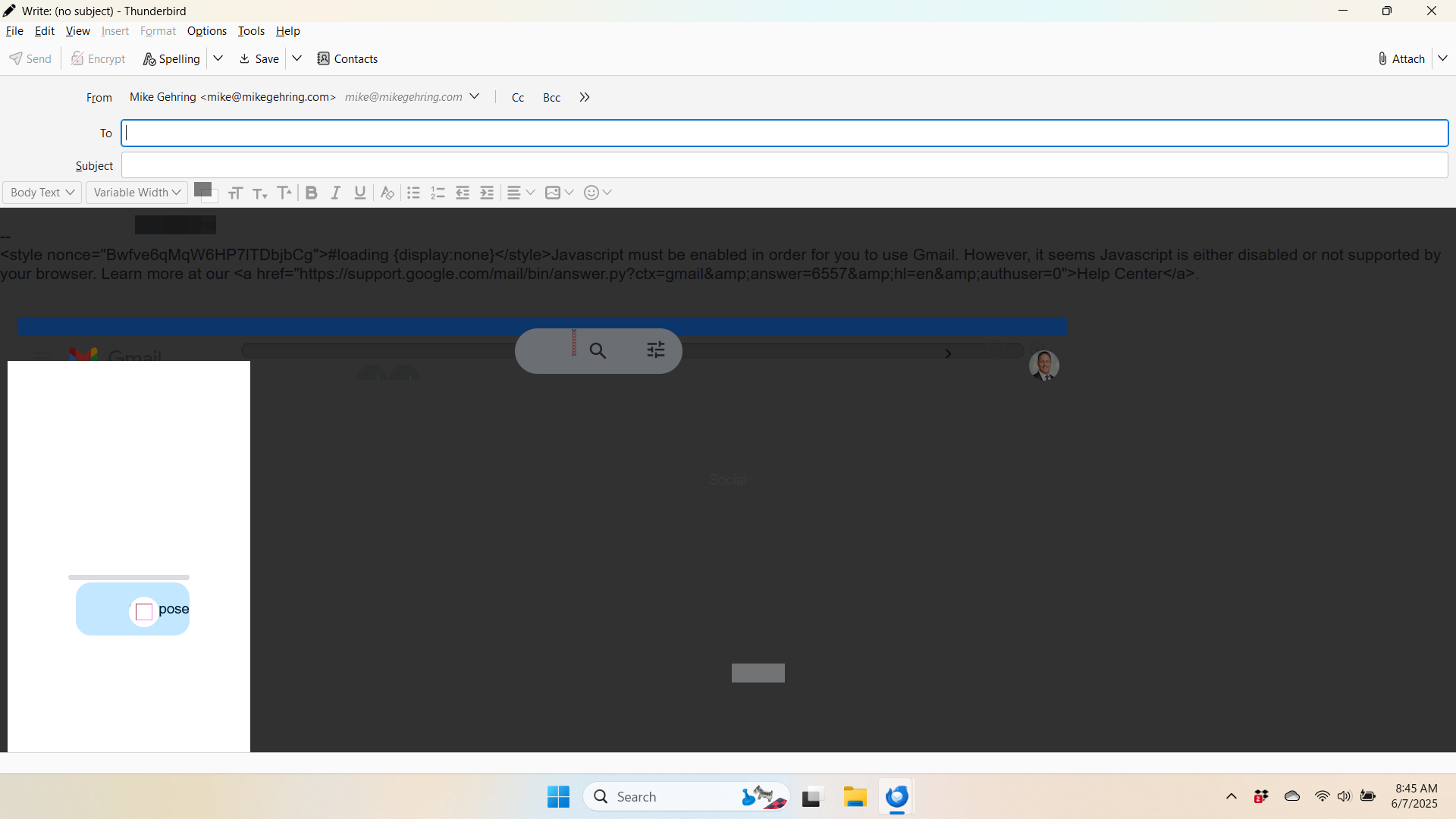
New Message Screen Dark And Filled With Coding

When I turned on my PC this morning there was a new message that popped-up that I never sent which was very difficult to cancel/close/discard so I rebooted my laptop. When I went back into Thunderbird to create a new message, the entire screen was dark and filled with coding (see screen shot below.) If I click on each element I can delete them and get back to a blank page. Also, it appears, thankfully, I am sending and receiving emails as normal. My email domain is with Go Daddy and I do use Owl so don't know if that has any effect. I would appreciate any help. Thank You!
When I turned on my PC this morning there was a new message that popped-up that I never sent which was very difficult to cancel/close/discard so I rebooted my laptop. When I went back into Thunderbird to create a new message, the entire screen was dark and filled with coding (see screen shot below.) If I click on each element I can delete them and get back to a blank page. Also, it appears, thankfully, I am sending and receiving emails as normal. My email domain is with Go Daddy and I do use Owl so don't know if that has any effect. I would appreciate any help. Thank You!