


Applying a rule to a specific folder

I want to create a rule that applies only to one folder. Essentially, I get various notifications that I want to keep for a couple of months, but don't need permanently (e.g. appointment reminders, visa notifications, etc.). I have rules that work properly to move the message to the correct folder, but I want to create a rule that will delete the message IN THAT SPECIFIC FOLDER after 60 days. I most certainly don't want to delete messages in the inbox or other folders that I need to keep permanently. 1. Is there a way to do that? 1a. If there isn't, can it be suggested as an enhancement? 2. If there isn't, is there a better way to do this that I can't think of?
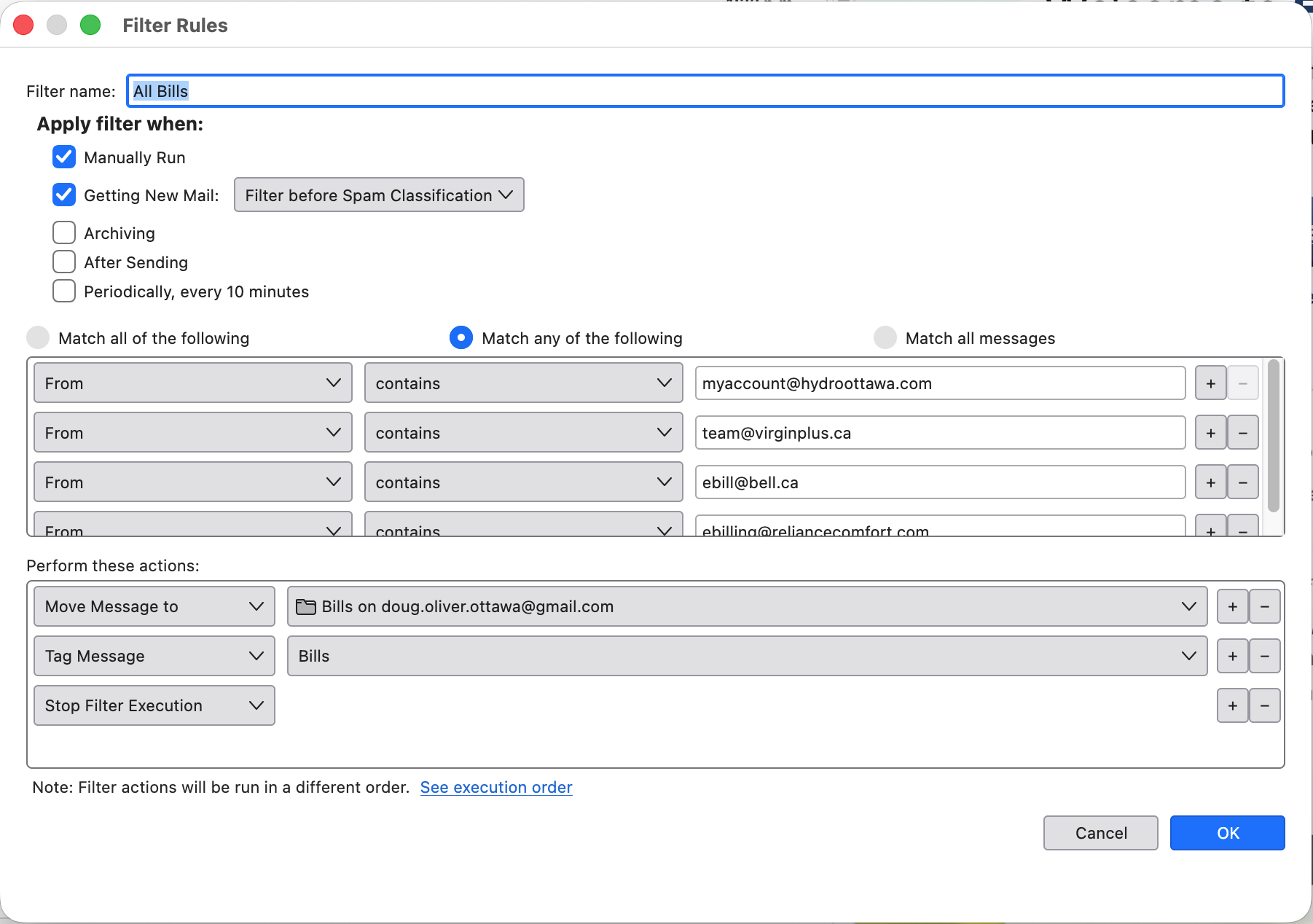
I've added a screenshot of one of the rules that I've created that works correctly. I need to be able to delete that message without deleting any messages in other folders.
ყველა პასუხი (1)
If the folder only contains messages that will match non-date criterion, and you want to delete messages older than X days, you can set folder retentions.