


Can’t disable typing bar at bottom of screen
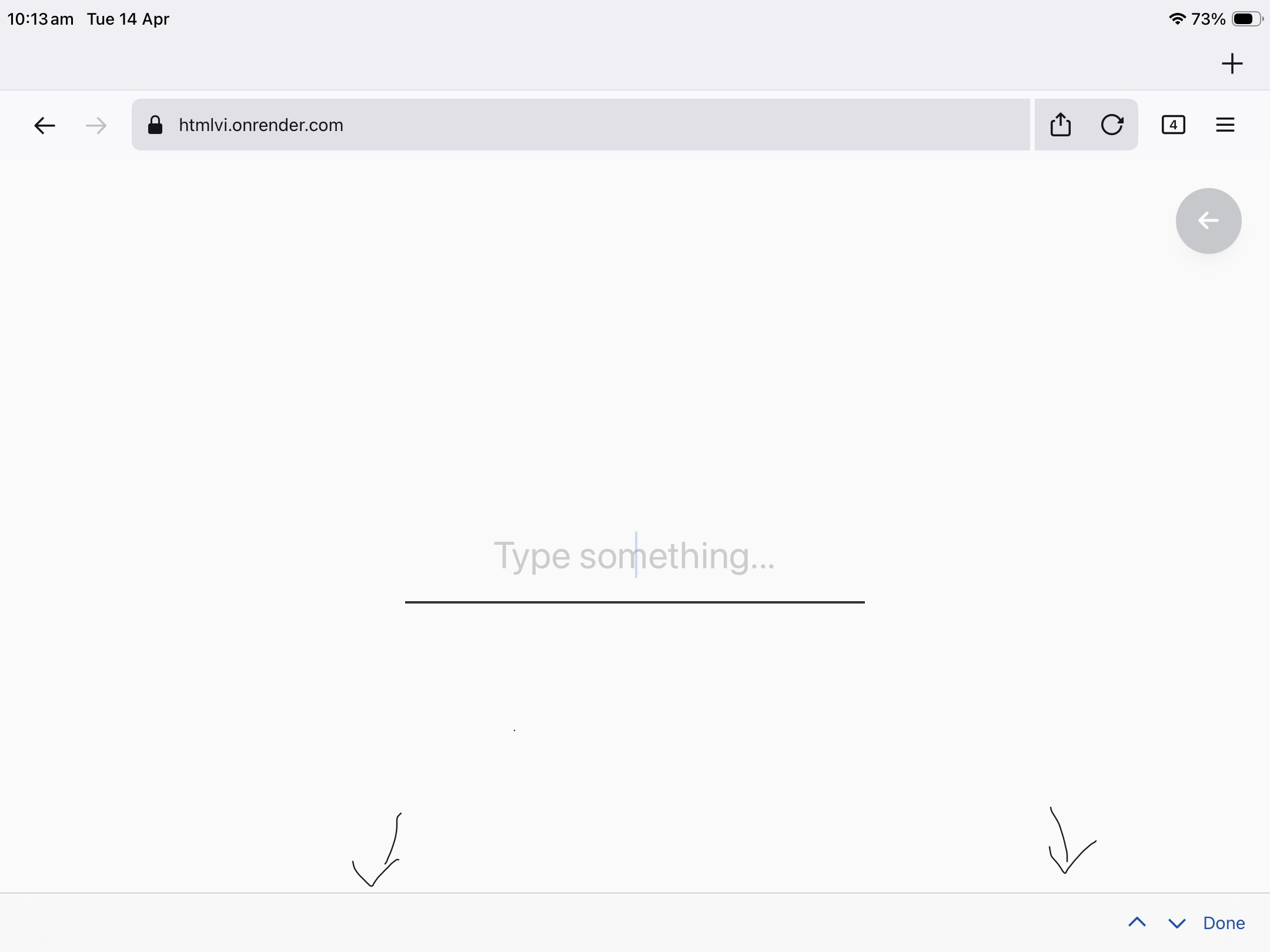
When I am using Firefox for iOS, and I click on any text input, a bar appears at the bottom of the screen. This bar contains nothing apart from ‘↑ ↓ Done’ on the right. This bar is really annoying and moves the page around irritatingly.
If I click ‘Done’ it will temporarily remove the bar until I click on a text input again, and it will appear again.
I would like to know if this is something to do with Firefox or the device iOS settings.
This thread from apple discussions has the same problem: https://discussions.apple.com/thread/255143785?sortBy=rank
A screenshot is attached.
შერჩეული გადაწყვეტა
Don’t worry, I found the problem! I just needed to update to a new version of Firefox, with more settings to turn this off.
Thanks for helping!
ყველა პასუხი (3)
Hi James, do you happen to use an external keyboard?
Also, could you please share the following:
- Your Firefox version
- Your iOS version
- The HTML rendered in the screenshot (or an actual website where this issue happens for you)
შერჩეული გადაწყვეტა
Don’t worry, I found the problem! I just needed to update to a new version of Firefox, with more settings to turn this off.
Thanks for helping!