


Display goes wrong on external display

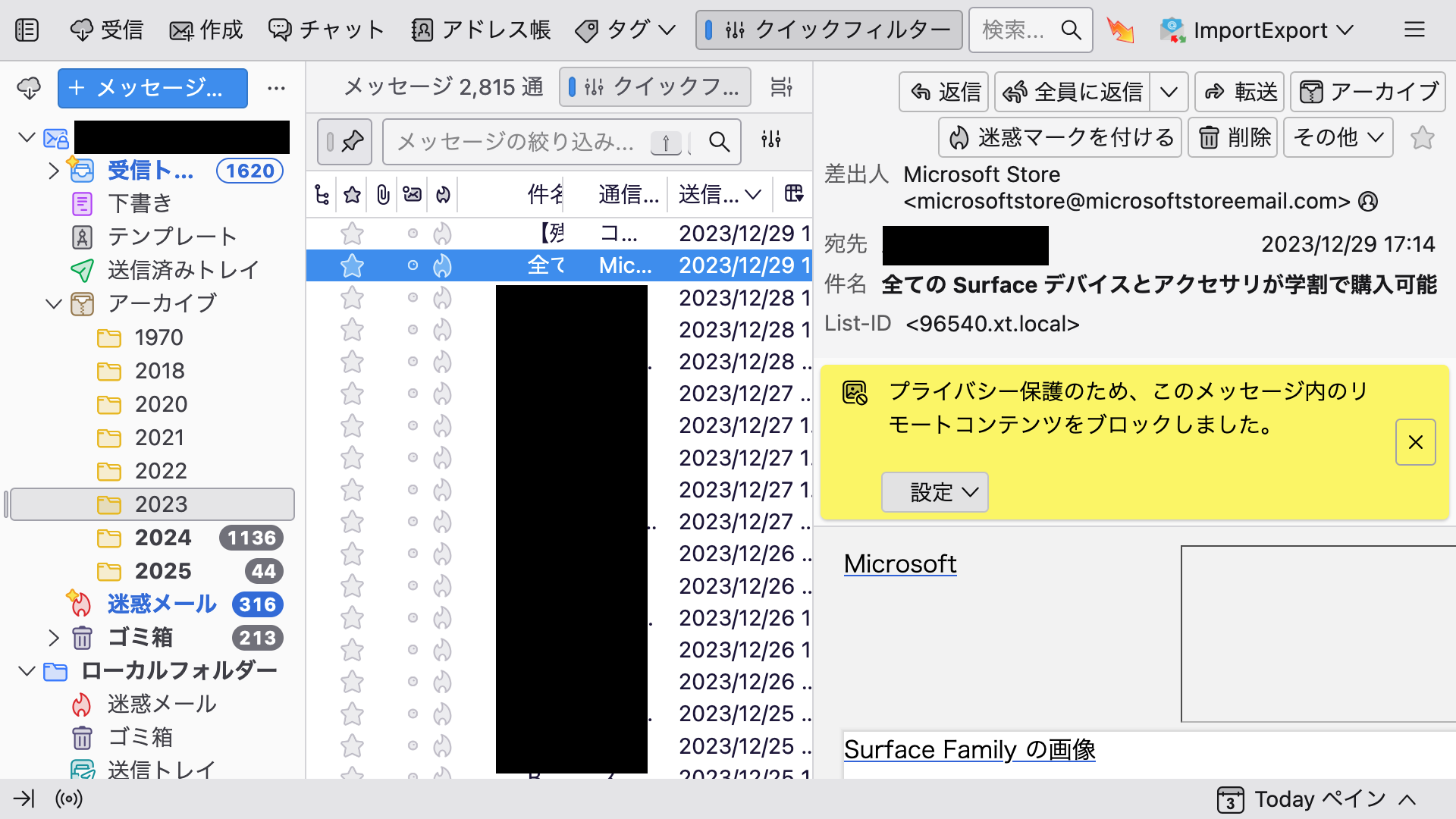
When using an external display, only Thunderbird may appear larger. (See attached image.)
This phenomenon does not appear on all displays, but only when using a Philips monitor.
Since this problem appears only in Thunderbird, it cannot be solved by changing the resolution of the PC.
Also, even if it is Philips, the display may still be correct. Rebooting does not solve the problem. The same phenomenon occurs with mirroring.
Please let me know if you know of any solution to this problem, as I will describe my operating environment below.
Thunderbird 128.6.1esr (64ビット)
--PC MacBook Pro (12-inch, M1, 2020) macOS Big Sur 11.3
--Display PHILIPS 271E1
--How to connect to the external display
MacBookPro
- Anker PowerExpand 6-in-1 USB-C PD (Hub)
- HDMI cable
- Philips 17inch display
ყველა პასუხი (2)

There are a couple hidden settings affecting the resolution at which Thunderbird displays that may have an erroneous value. You may check whether that's the case and reset them to their default values as follows.
Go to Settings > General, click Config Editor at the bottom, then repeat the following procedure with each of the following settings:
layout.css.dpi layout.css.devPixelsPerPx
1. Type the setting name (e.g. layout.css.dpi) into the search box of the Config Editor Advanced Preferences tab just opened.
2. If something has caused the setting to be changed from the default, a 'Reset' button with a counter clockwise arrow will be available to the right of the 'Edit' button for the setting. Click that button to reset the setting to the default value. If no 'Reset' button appears, the setting already has the default value.
Hello DavidGG, I tried as you said and the problem was solved! Thank you so much!!