


Why doesn't Thunderbird search for emails?

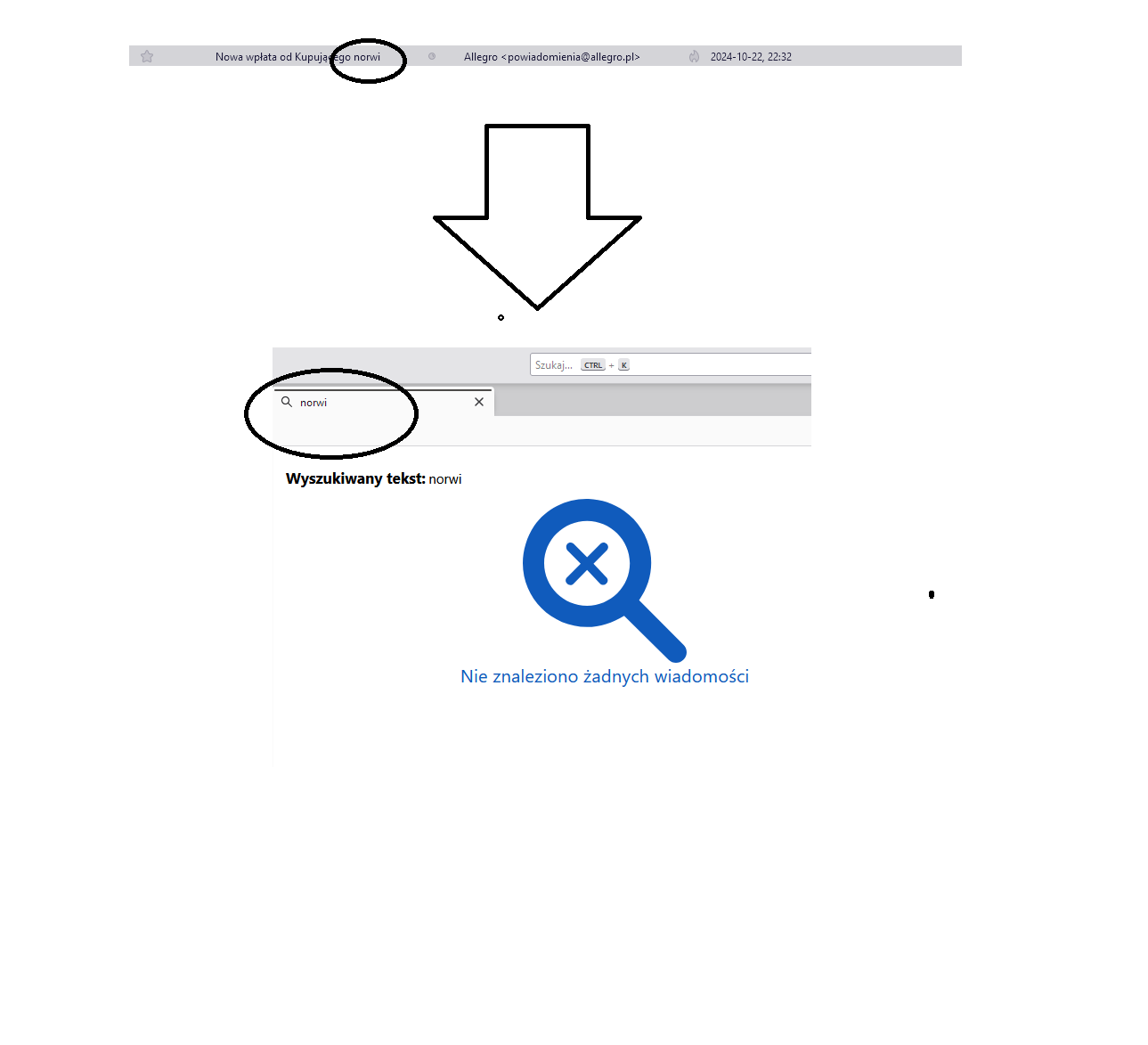
Why doesn't such a simple function in the program work? It's always like this, not for some time. Sometimes it finds some emails, sometimes it doesn't. It doesn't matter if I enter an email address or part of a word from the email.
ყველა პასუხი (3)
The first one is global search, the second is quick filter (QF). QF only searches the CURRENT folder.
What verson are you running?
Search only works for messages stored on your computer. If you use IMAP and leave them on the server it's useless.
ThePillenwerfer said
Search only works for messages stored on your computer. If you use IMAP and leave them on the server it's useless.
For global search only (ctrl+K) this is partially correct. Additional points:
1. Message headers are always downloaded, and those will always be indexed and searched. Which means subject, sender and recipients at a minimum.
2. If the folder or account has been changed from the default to not download the message body AND the message has never been viewed in Thunderbird, then yes, message body will not be searched.