How to remove/disable the cmd+k shortcut to open search

Hello community I am trying to remove/disable the cmd+k shortcut that opens the search part of the url bar in firefox. I usually just use cmd+l to focus the url bar and just search from there. The cmd+k sometimes interferes with command palettes of websites.
I have looked through a lot of docs and here a couple website talking about disable other keys but it seems much more complicated that I thought it should be.
https://www.math.cmu.edu/~gautam/sj/blog/20220329-firefox-disable-ctrl-w.html
https://support.mozilla.org/bm/questions/948441
Any help would be great!
ყველა პასუხი (3)

The CMD+K shortcut in the Firefox web browser is used to open the search bar. If you want to remove or disable this shortcut, you can follow these steps:
Open Firefox and type "about:config" in the address bar.
Click the "I accept the risk!" button to continue.
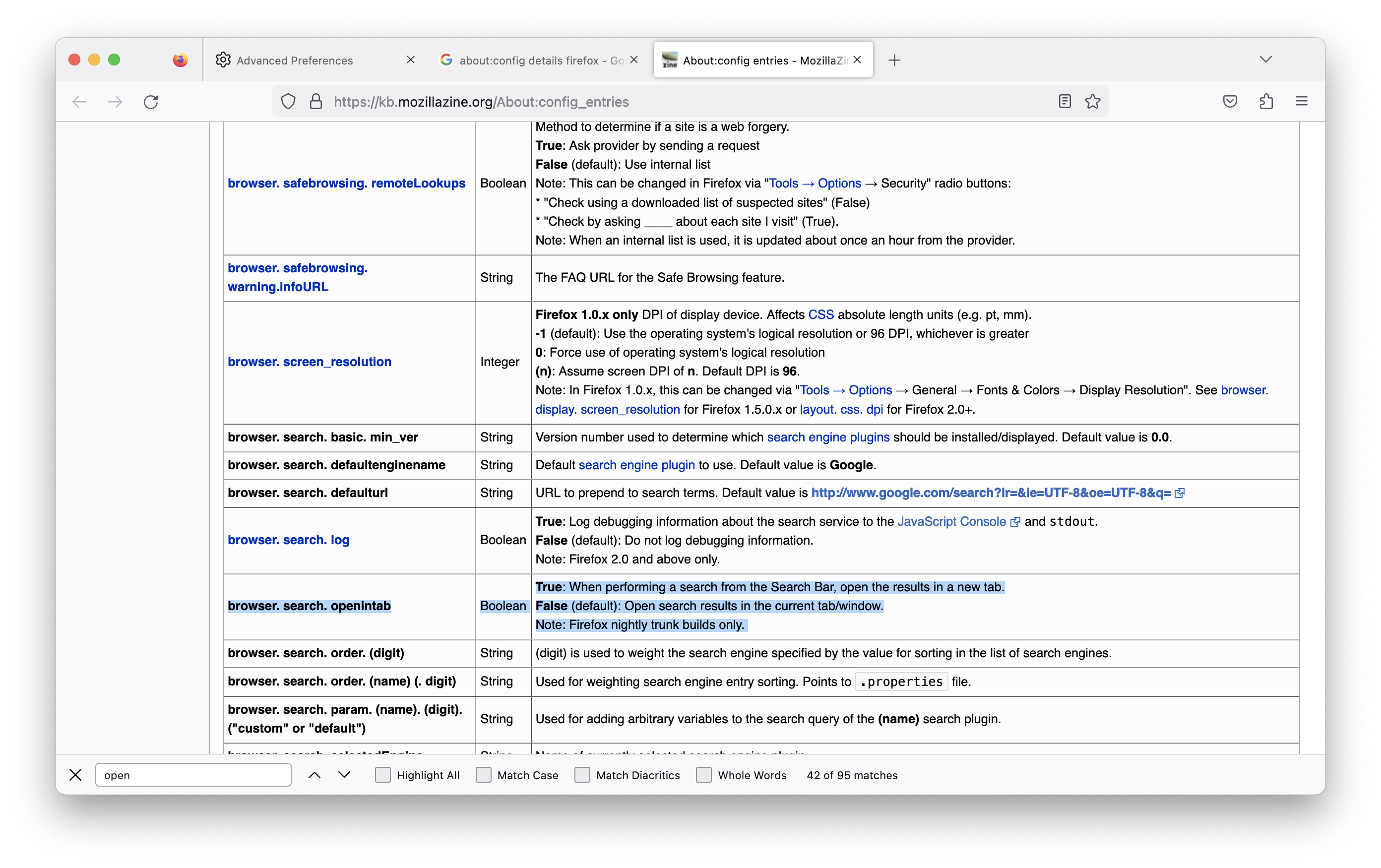
In the search bar, type "browser.search.openintab".
Double-click on the preference to toggle its value from "true" to "false".
Close the "about:config" tab.
This will disable the CMD+K shortcut for opening the search bar in Firefox. If you want to re-enable this shortcut in the future, simply repeat the above steps and toggle the "browser.search.openintab" preference back to "true".
You can check the "Override keyboard shortcuts" permission on the "Tools -> Page Info -> Permissions" page.
You can try to hold the Shift key in addition and use "Cmd+Shift+K" for the website.
lazizakhmedov1014 said
The CMD+K shortcut in the Firefox web browser is used to open the search bar. If you want to remove or disable this shortcut, you can follow these steps: Open Firefox and type "about:config" in the address bar. Click the "I accept the risk!" button to continue. In the search bar, type "browser.search.openintab". Double-click on the preference to toggle its value from "true" to "false". Close the "about:config" tab. This will disable the CMD+K shortcut for opening the search bar in Firefox. If you want to re-enable this shortcut in the future, simply repeat the above steps and toggle the "browser.search.openintab" preference back to "true".
It was already false. And this setting does not change the cmd+k value action it:
When performing a search from the Search Bar, open the results in a new tab.