Windows 10 reached EOS (end of support) on October 14, 2025. For more information, see this article.

Avatar for Username

ძიება მხარდაჭერაში

ნუ გაებმებით თაღლითების მახეში. აქ არავინ უნდა მოგთხოვოთ ტელეფონზე დარეკვა, შეტყობინების გაგზავნა ან პირადი მონაცემების გაზიარება. რამე საეჭვოს შემჩნევისას გთხოვთ გვაცნობოთ „დარღვევის მოხსენებით“.

ვრცლად

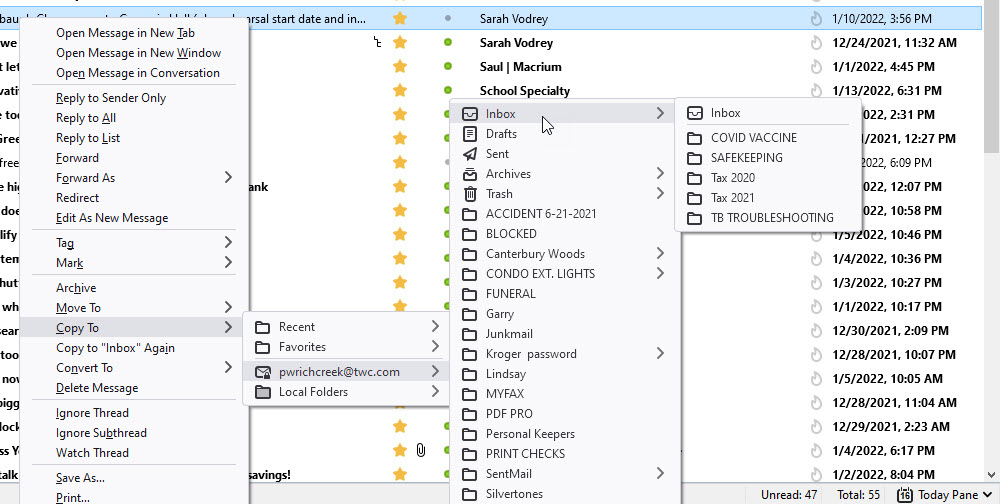
Copy or Move from a "Blocked" folder to Inbox fails with no error message

  • 1 პასუხი
  • 1 მომხმარებელი წააწყდა მსგავს სიძნელეს
  • 27 ნახვა
  • ბოლოს გამოეხმაურა david

სხვა პარამეტრები

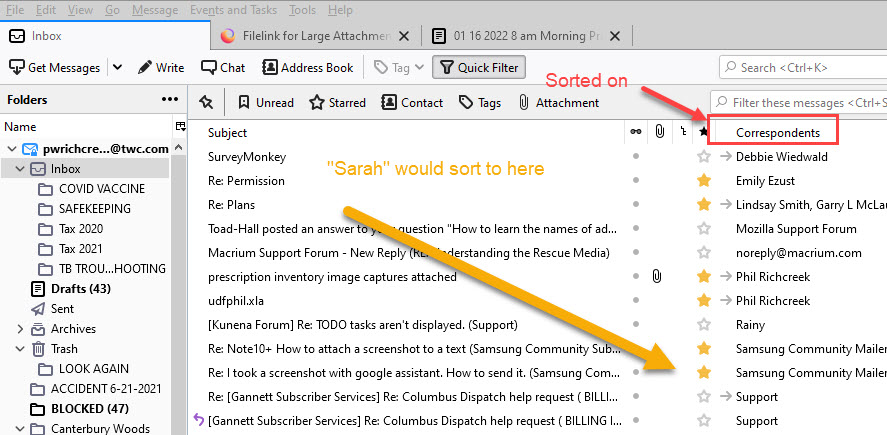
Copy or Move from a "Blocked" folder to Inbox fails with no error message. See attachments. My question is based on the fact that no message from "Sarah" appears in the Inbox when I either copy or move that person's email to the Inbox. The "Blocked" folder contains messages from unknown senders using a filter/rule (don't remember what they are called in TB) The attachments show that "Sarah" is in the Address book.

TIA for you help. SweetTasha.
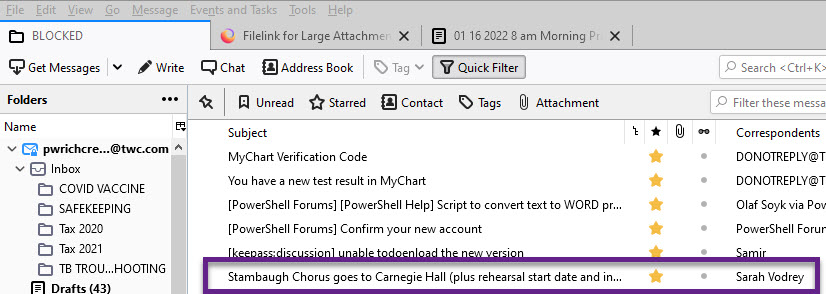
Copy or Move from a "Blocked" folder to Inbox fails with no error message. See attachments. My question is based on the fact that no message from "Sarah" appears in the Inbox when I either copy or move that person's email to the Inbox. The "Blocked" folder contains messages from unknown senders using a filter/rule (don't remember what they are called in TB) The attachments show that "Sarah" is in the Address book. TIA for you help. SweetTasha.
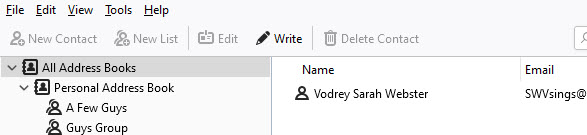
მიმაგრებული ეკრანის სურათები

ჩასწორების თარიღი: , ავტორი: SweetTasha

ყველა პასუხი (1)

სხვა პარამეტრები

Just to confirm that, I suggest you click on the folder and click 'Correspondents' in the message list menu to sort the folder and then scroll to confirm. Another step would be to use Edit>Find>Search messages, including subfolders, where subject contains Stambaugh Chorus.