Unassign website from container.
So, I dowloaded the multi-account container. And I wanted to unassign a website from a container. However, it seems that I can only re-assign to another container.
Is there any way around this? I added by mistake.
გადაწყვეტა შერჩეულია
Of course, you can unassign a website from a container. Just click the Multi-Accounts Containers -> Manage containers -> Personal -> Manage Site List...
პასუხის ნახვა სრულად 👍 2ყველა პასუხი (7)
შერჩეული გადაწყვეტა
Of course, you can unassign a website from a container. Just click the Multi-Accounts Containers -> Manage containers -> Personal -> Manage Site List...
Thank you

Thanks you for this tip
I can't seem to find the button to "manage site list". please help!
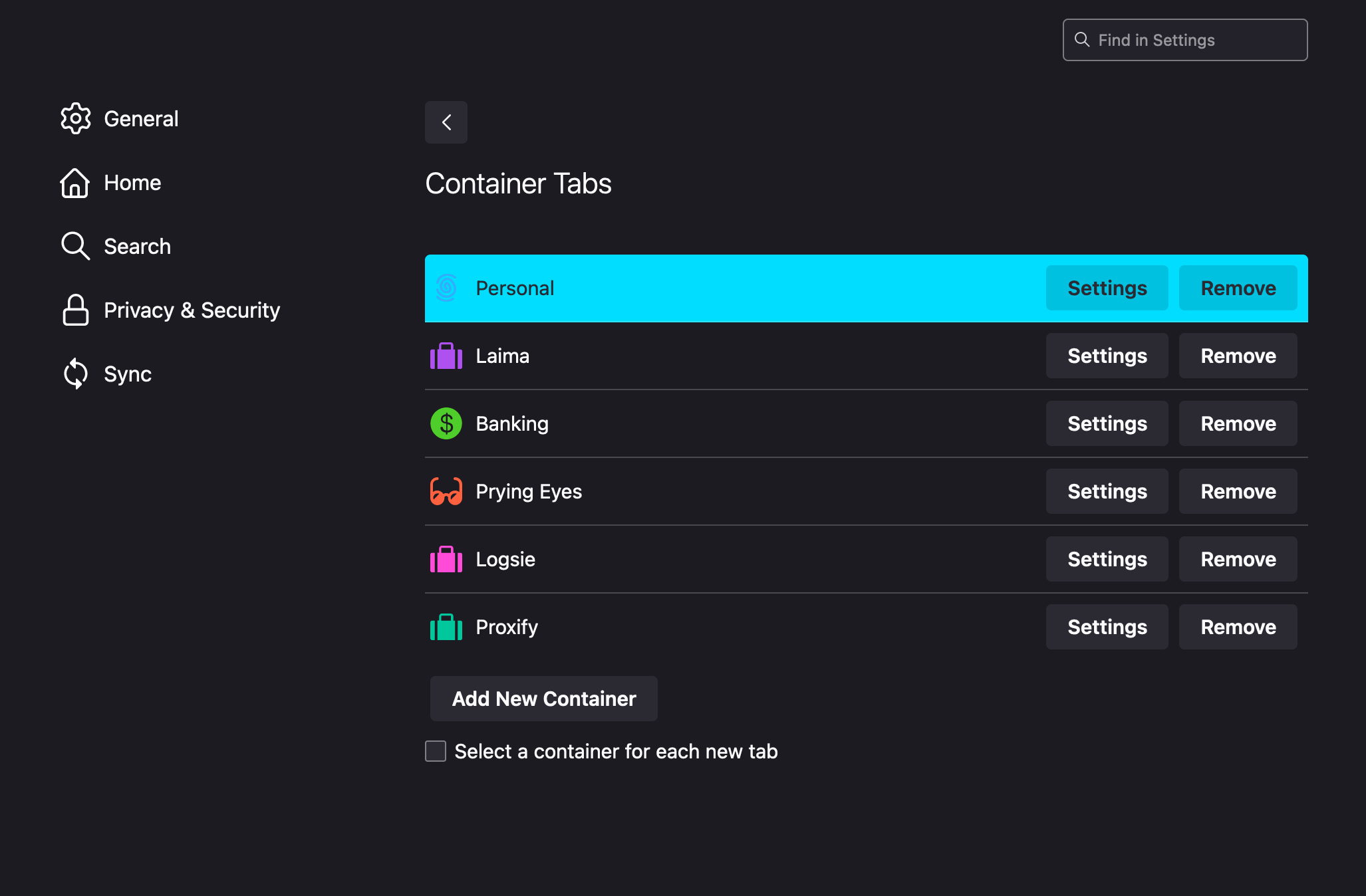
It's not there. You have to find the Multi-Accounts Containers extension icon on a toolbar or in a overlay menu.
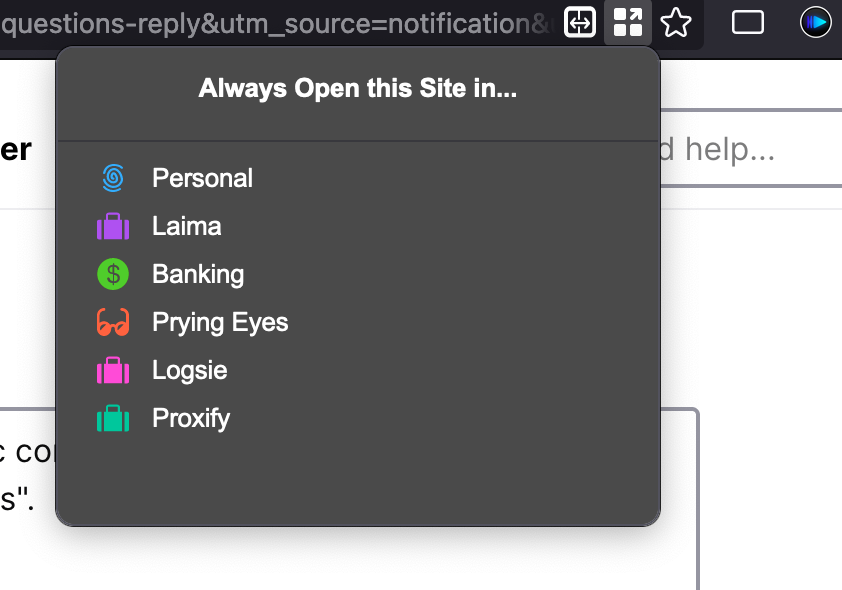
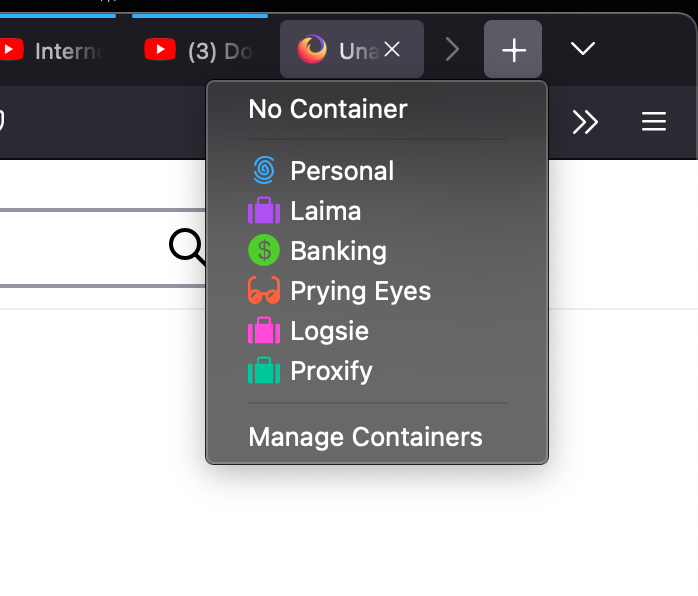
Yes, I can find that, but I want to remove a few sites from a specific container. How can I do that? when I click "manage containers", I'm sent to the "about:preferences#containers"; if i click on the icon in the address bar, i can only chose in which container to always open the current website. screenshots attached.