ეს თემა დაარქივებულია.
დასვით ახალი კითხვა, თუ დახმარება გესაჭიროებათ.

დაარქივებული
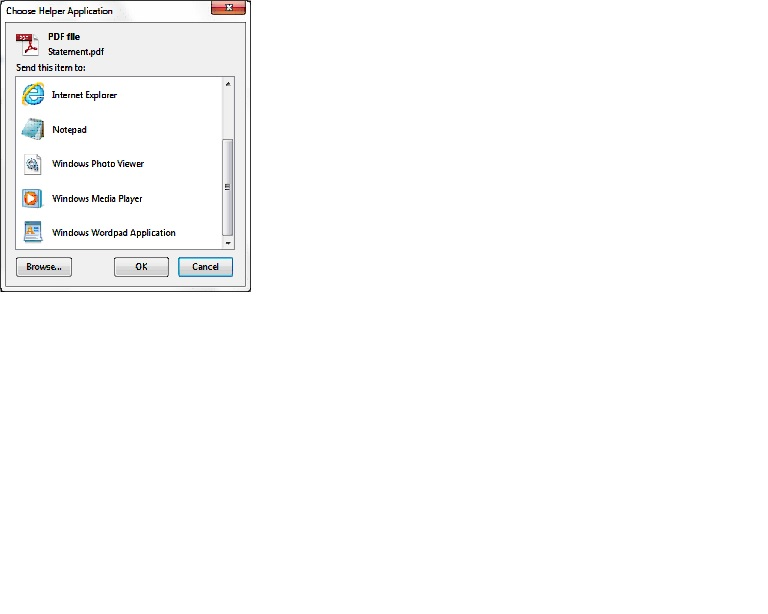
When downloading pdf files the acrobat reader is not in the group of "Choose Helper Application" programs.

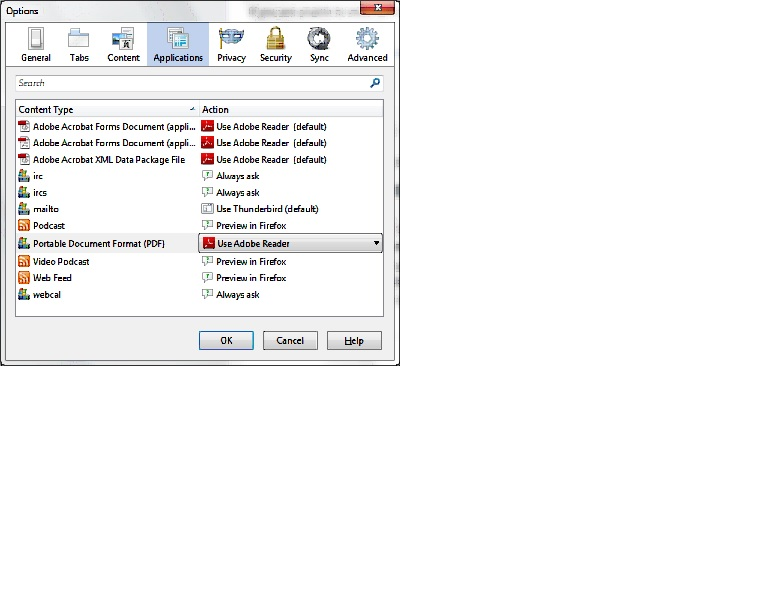
No matter what I try I can never get the Acrobat Reader to be added to the group of "Choose Helper Application" programs available in that window when downloading a pdf. I always have to browse to the Acrobat reader and select it that way. I have enabled Acrobat in the add-ons manager, but that has not solved the problem. In the options > applications menu I've selected use Acrobat Reader for pdf files but that doesn't work and furthermore doesn't seem to stick. That is, sometimes when I check that menu later the selection has reverted to "always ask".
I'm using Firefox 32 on Windows 7. I have used Firefox on XP for years and never had this problem.
No matter what I try I can never get the Acrobat Reader to be added to the group of "Choose Helper Application" programs available in that window when downloading a pdf. I always have to browse to the Acrobat reader and select it that way.
I have enabled Acrobat in the add-ons manager, but that has not solved the problem.
In the options > applications menu I've selected use Acrobat Reader for pdf files but that doesn't work and furthermore doesn't seem to stick. That is, sometimes when I check that menu later the selection has reverted to "always ask".
I'm using Firefox 32 on Windows 7. I have used Firefox on XP for years and never had this problem.
ყველა პასუხი (1)
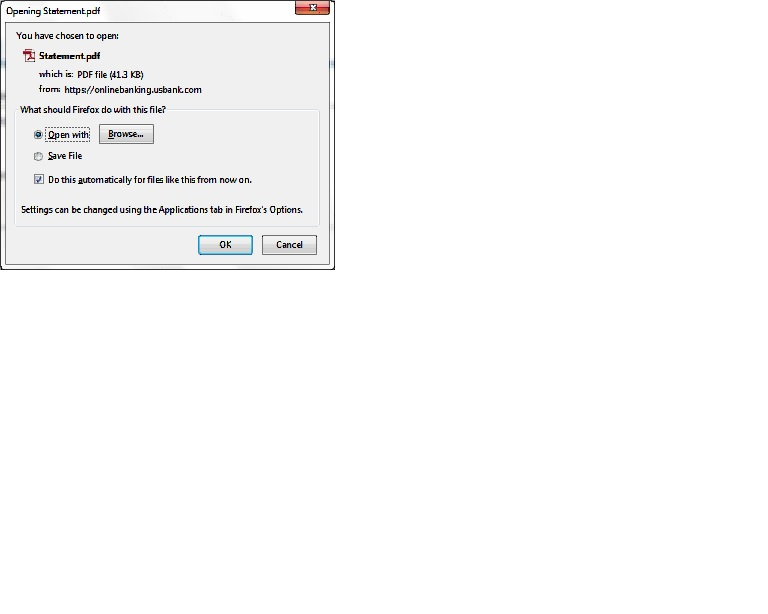
Here are some screen shots to backup my claims.