Windows 10 reached EOS (end of support) on October 14, 2025. If you are on Windows 10, see this article.

Támogatás keresése

Kerülje el a támogatási csalásokat. Sosem kérjük arra, hogy hívjon fel egy telefonszámot vagy osszon meg személyes információkat. Jelentse a gyanús tevékenységeket a „Visszaélés bejelentése” lehetőséggel.

További tudnivalók
A témacsoportot lezárták és archiválták. Tegyen fel új kérdést, ha segítségre van szüksége.
Archivált

manage account link does not work and profile pic won't populate

Kitty Fitz

In the password login page in the upper right hand corner the manage account link takes me to "session expired" and my profile pic will not populate and my display name is not displayed.

Any ideas why this might be happening?

It was fine and was displaying all the info and my old profile pic except I just went through a legal name change for gender affirming reasons (mtf) and when I changed it, it went blank and stopped functioning properly. It shows the new email only and clicking on that takes me to a "session expired"

https://accounts.firefox.com/settings?context=oauth_webchannel_v1&entrypoint=password-manager&uid=3d83334e2df54c189af324e342703f91&email=katophile6%40proton.me

I have to strip off everything but https://accounts.firefox.com and then sign in. ANd it lets me in.

But I see that I'm not signed into the browser and when I try, I used the auth code and it says bad request.

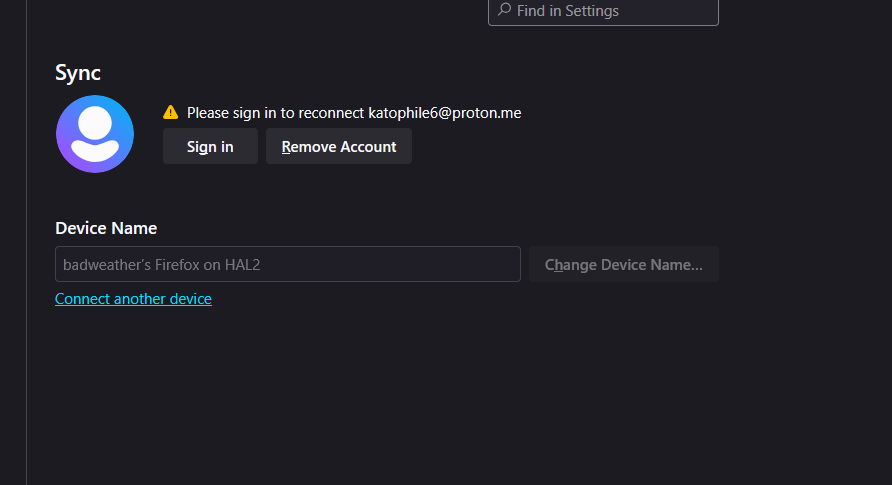
So since I changed my account name, I'm now locked out.
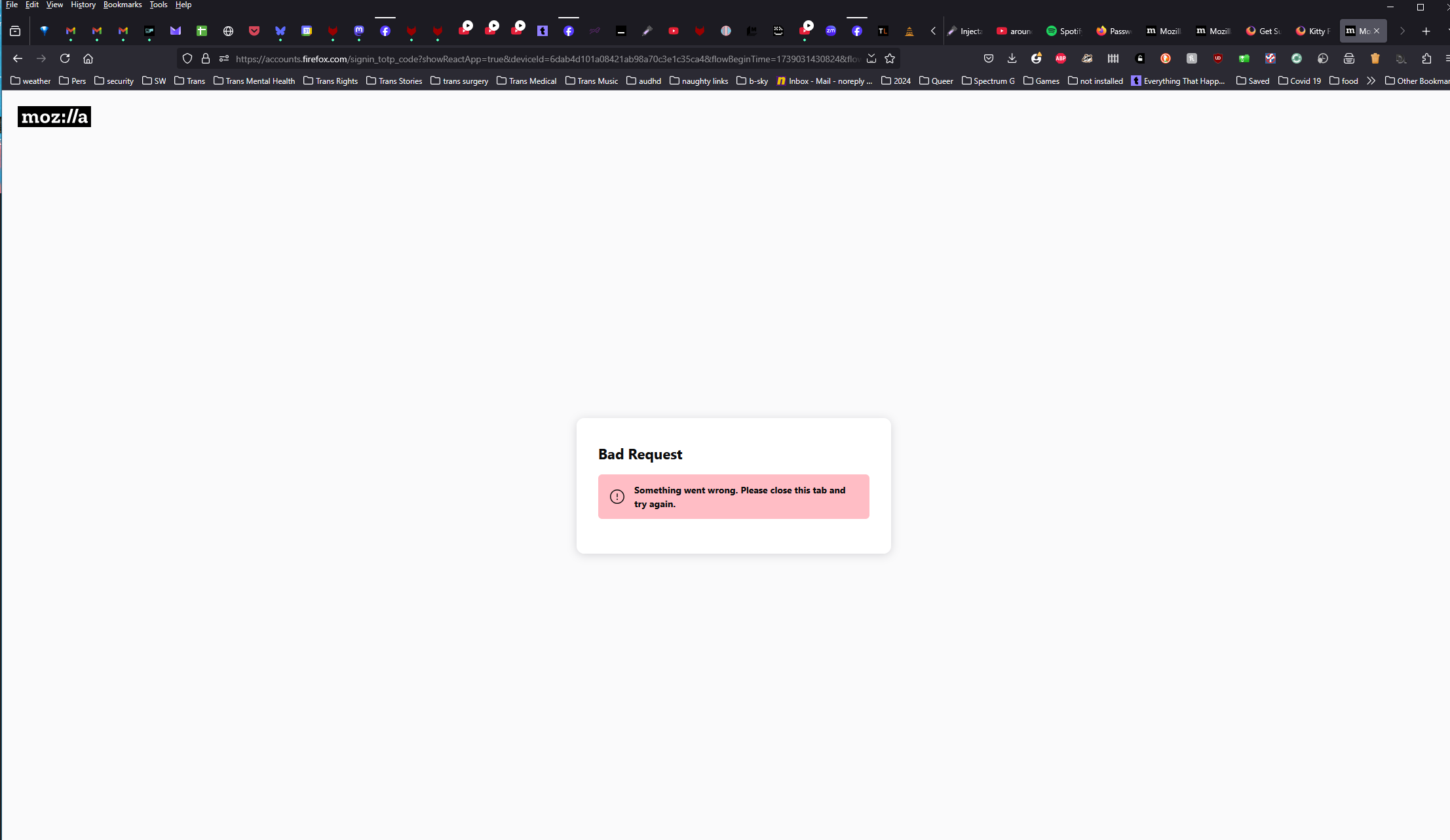
In the password login page in the upper right hand corner the manage account link takes me to "session expired" and my profile pic will not populate and my display name is not displayed. Any ideas why this might be happening? It was fine and was displaying all the info and my old profile pic except I just went through a legal name change for gender affirming reasons (mtf) and when I changed it, it went blank and stopped functioning properly. It shows the new email only and clicking on that takes me to a "session expired" https://accounts.firefox.com/settings?context=oauth_webchannel_v1&entrypoint=password-manager&uid=3d83334e2df54c189af324e342703f91&email=katophile6%40proton.me I have to strip off everything but https://accounts.firefox.com and then sign in. ANd it lets me in. But I see that I'm not signed into the browser and when I try, I used the auth code and it says bad request. So since I changed my account name, I'm now locked out.
Csatolt képernyőmentések

Összes válasz (1)

Solved.

I don't know if it was deleting firefox from my android, or something else I did... but as usual, I've solved it without actually getting my question answered by my AuDHD tweaked brain. Ouch that hurt.