


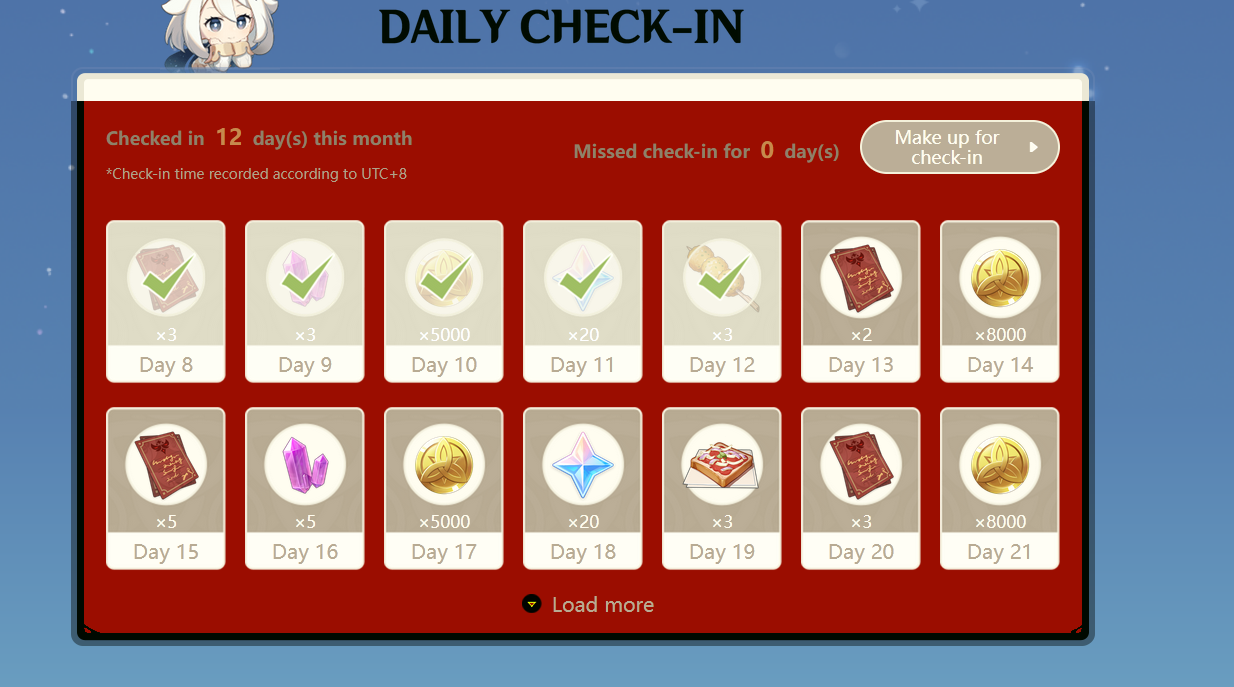
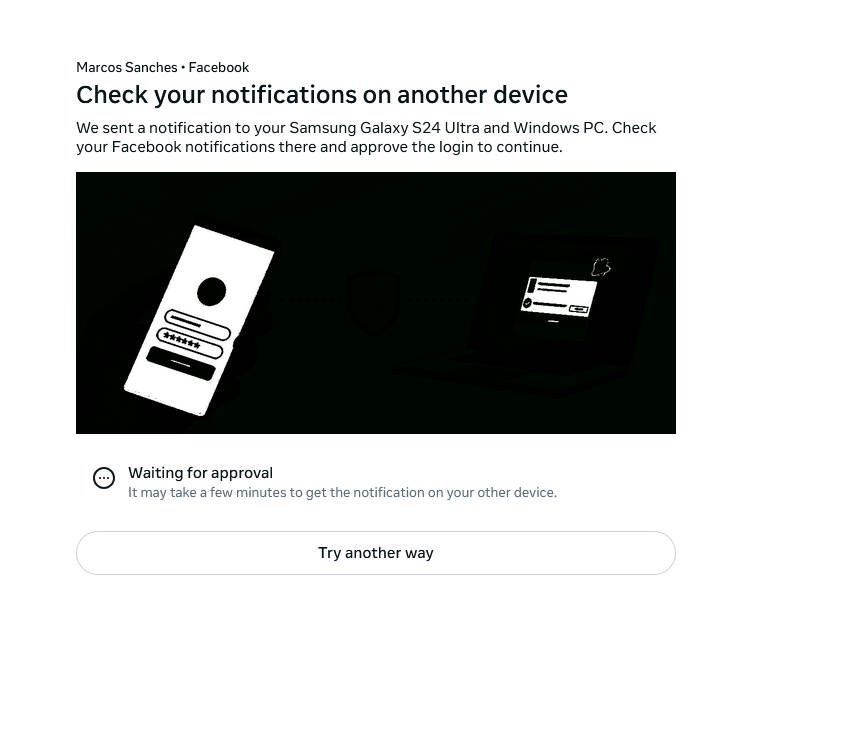
Firefox displays incorrect images and icons

Some icons and images all over some websites are being displayed wrong, I've tried refresh and reinstallation without success. I'm running Windows 11 latest stable update. Ryzen 7 5700X RX 6750XT Monitor: Samsung Odyssey G60SD
I also tried disabling hardware acceleration and clearing cache, nothing worked.

Kiválasztott megoldás
Just fixed the issue myself, I have an HDR capable monitor that I calibrated and the new color profile is messing up Firefox, I had to disable Firefox color profile management under about:config gfx.color_management.mode to 0 instead of 2 and that resolved the issue.
Válasz olvasása eredeti szövegkörnyezetben 👍 0Összes válasz (1)
Kiválasztott megoldás
Just fixed the issue myself, I have an HDR capable monitor that I calibrated and the new color profile is messing up Firefox, I had to disable Firefox color profile management under about:config gfx.color_management.mode to 0 instead of 2 and that resolved the issue.