


How do I set a time to 'send later'?

I clicked 'send later' and my email disappeared!
After 15 minutes of searching I found it in my (hidden) Outbox folder, but I still can't see how to choose a time to send it later... By right-clicking the Outbox I can 'send unsent mail', but that's a bit like simply waiting until I click the 'send' button.
Does anyone know how I can do something NOW in order to send an email.... LATER?
Yours,
Matthew
Kiválasztott megoldás
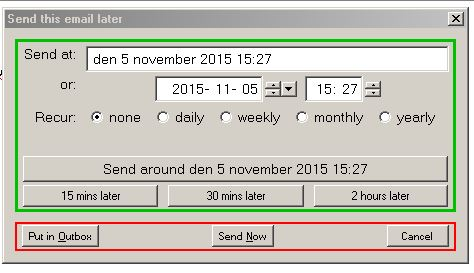
When you select send later a popup with choice when to send (see pic) Do NOT select Put in outbox But use Send around .... Mail will NOT be in Outbox but in Draft until time to send
Összes válasz (5)
Try this add-on Send later
OK, It's installed...
I still can't see how to set a time to send my email.
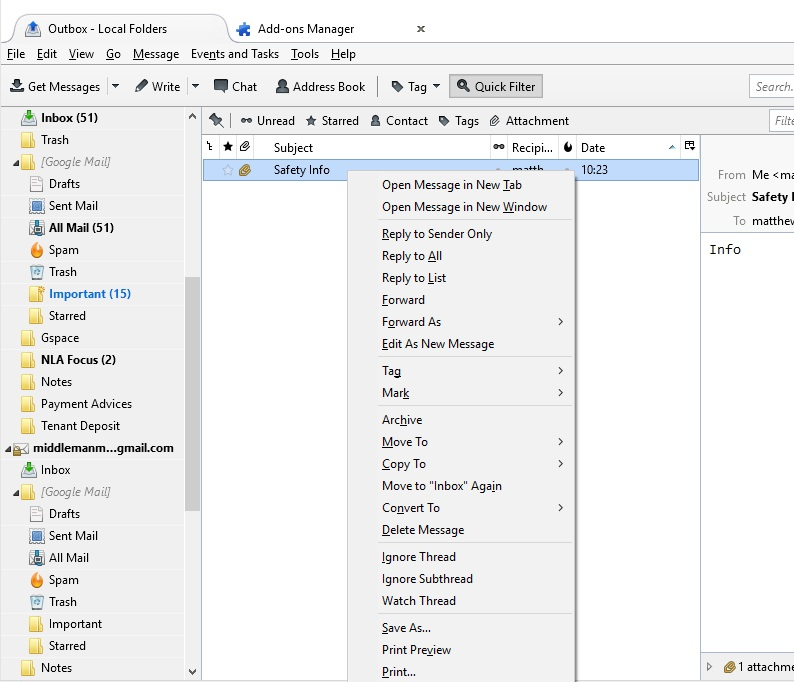
If I right-click on the email in my Outbox, I get the same menu as before.
Any ideas?
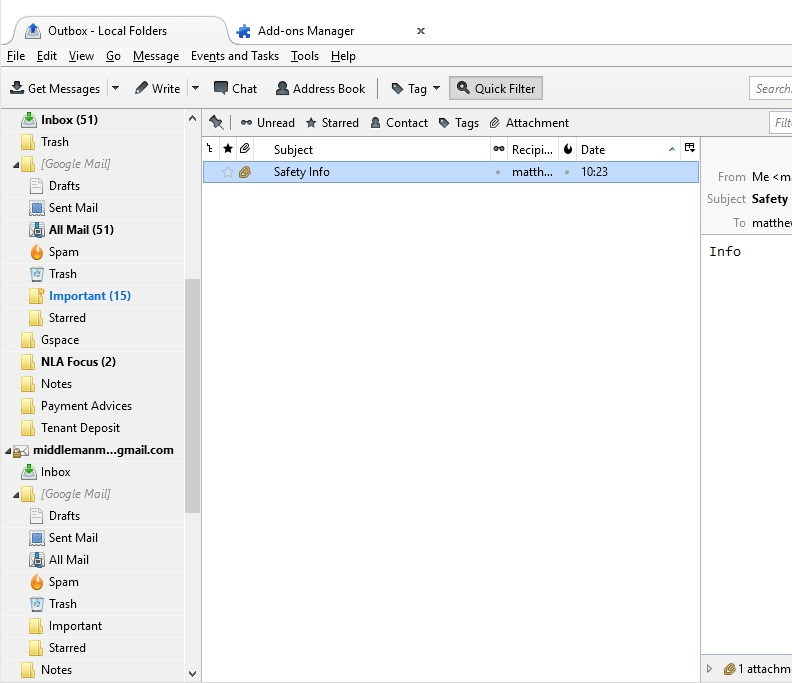
Pic showing right-clcik menu...
Kiválasztott megoldás
When you select send later a popup with choice when to send (see pic) Do NOT select Put in outbox But use Send around .... Mail will NOT be in Outbox but in Draft until time to send
Yes that helped.
I think I sent the email straight away, but I know how to do it correctly in the future.
Thank you!