A témacsoportot lezárták és archiválták.
Tegyen fel új kérdést, ha segítségre van szüksége.

Archivált
Why does an update of Firefox Beta replace bookmarks on the home screen with the Firefox Beta logo and the text "Firefox"?

1. Long press a bookmark in Firefox Beta for Android and then select "Add to Home Screen".
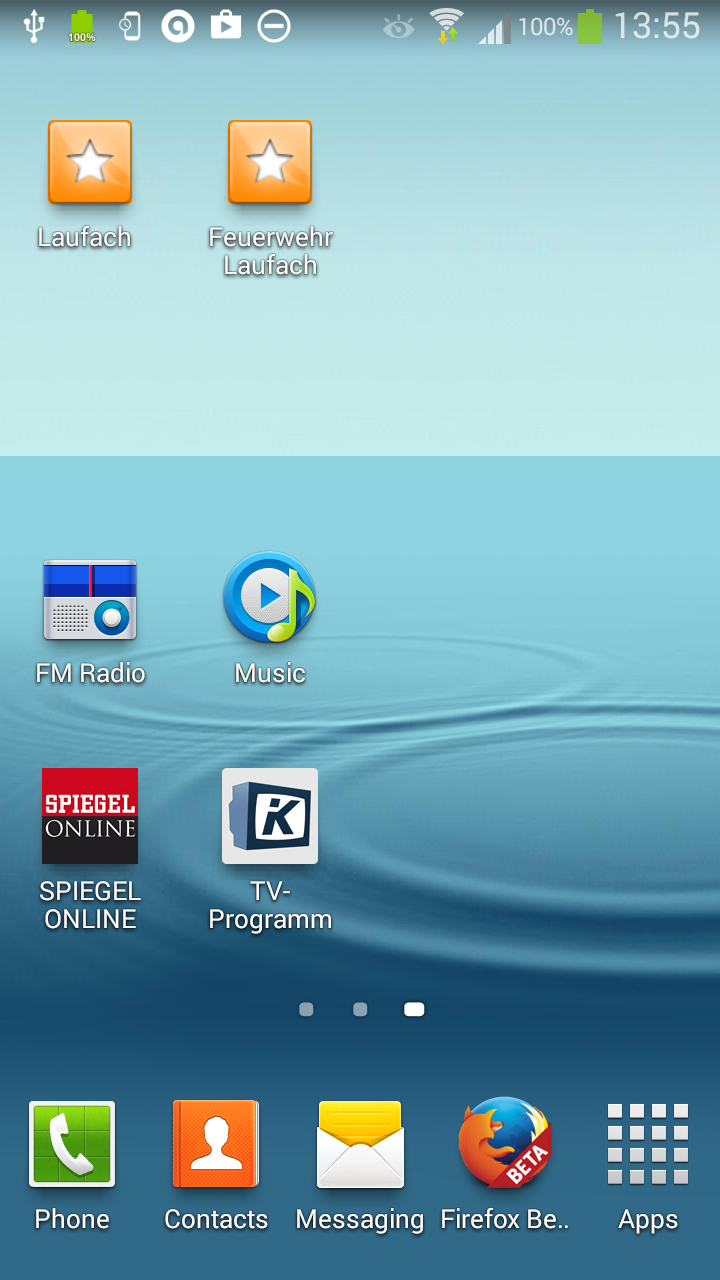
2. Enjoy the entry new on your home screen which features a star plus the name of the bookmark.
3. Update Firefox Beta to the latest version.
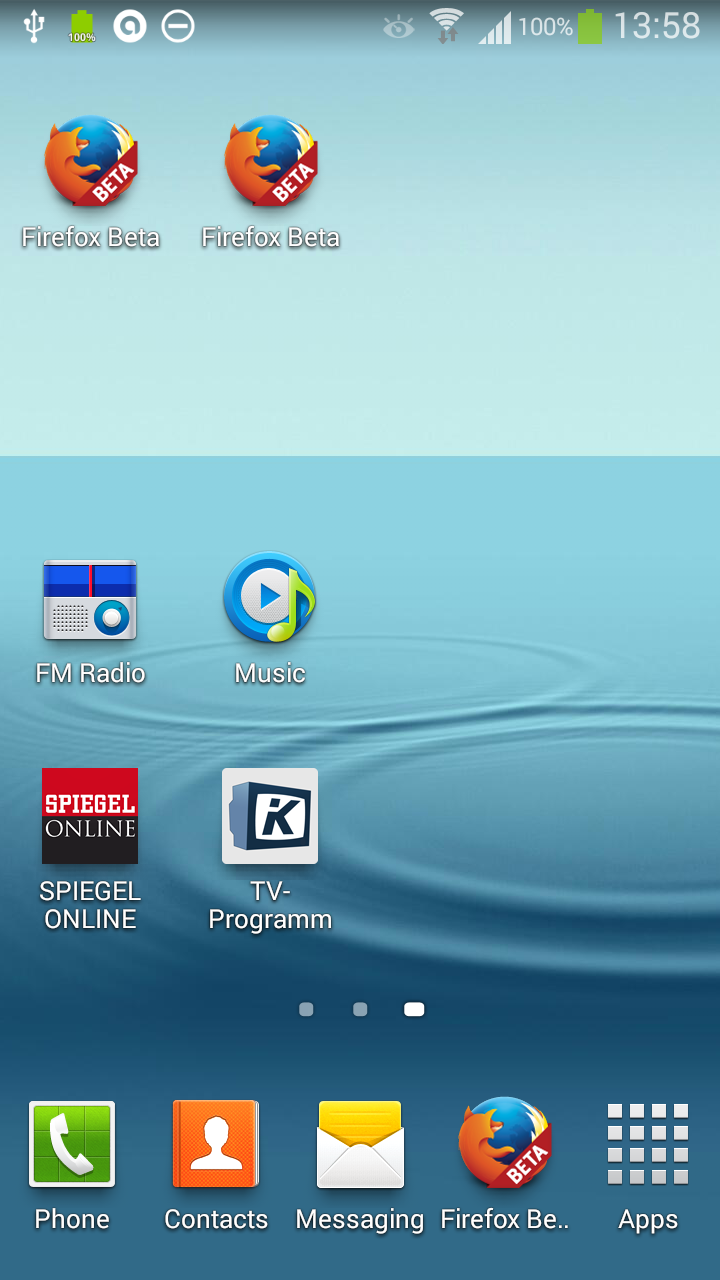
4. Check your bookmarks on the home screen which now all feature the Firefox Beta logo and say "Firefox".
5. Remove these undistinguishable (and thus useless) bookmarks from your home screen and start over at 1.
1. Long press a bookmark in Firefox Beta for Android and then select "Add to Home Screen".
2. Enjoy the entry new on your home screen which features a star plus the name of the bookmark.
3. Update Firefox Beta to the latest version.
4. Check your bookmarks on the home screen which now all feature the Firefox Beta logo and say "Firefox".
5. Remove these undistinguishable (and thus useless) bookmarks from your home screen and start over at 1.
Összes válasz (2)
When I add a bookmark to my homescreen I see ico files. I would be happy to investigate if this is an Android version/device specific issue with compatibility. Do you have a screenshot and the device version?
guigs said
When I add a bookmark to my homescreen I see ico files. I would be happy to investigate if this is an Android version/device specific issue with compatibility. Do you have a screenshot and the device version?
Additional information: Samsung Galaxy S3, Android 4.3.