

A témacsoportot lezárták és archiválták.
Tegyen fel új kérdést, ha segítségre van szüksége.

Archivált
Theme loads with enlarged tabs even after reinstalling it?

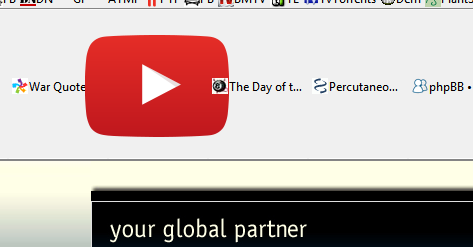
Hi, firefox crashed and when it was restarted it loaded with enlarged tabs, tabs loads fine when switching to stock theme. Uninstall and then reinstall littlefox does not help. The image shows 5 tabs, if i open a second window tabs are still enlarged but much less, maybe +10%.
Is uninstall, restart and then reinstalling a theme enough to get rid off or write over every single file? Regards
Hi, firefox crashed and when it was restarted it loaded with enlarged tabs, tabs loads fine when switching to stock theme.
Uninstall and then reinstall littlefox does not help.
The image shows 5 tabs, if i open a second window tabs are still enlarged but much less, maybe +10%.
Is uninstall, restart and then reinstalling a theme enough to get rid off or write over every single file?
Regards
Összes válasz (2)
Forgot to write, its firefox 37.0.1 im using.
Start Firefox in Safe Mode to check if one of the extensions (Firefox/Tools > Add-ons > Extensions) or if hardware acceleration is causing the problem.
- Switch to the DEFAULT theme: Firefox/Tools > Add-ons > Appearance
- Do NOT click the Reset button on the Safe Mode start window