Put a border around the Firefox window

I have issues discerning where each of my desktop windows are. To help with this I use gtk.css styling to add a border on all of my desktop windows. For some reason, Fire… (read more)

I have issues discerning where each of my desktop windows are. To help with this I use gtk.css styling to add a border on all of my desktop windows. For some reason, Firefox does not draw this border.

Is there any way to apply a border around the Firefox window?

I was able to get a border around the navigation area of the browser by adding a userChrome.css file but I don't see any way to do the same thing for the whole window.

Can this be done in userChrome.css? Using gtk.css styling? Any other setting or file?

I am running Firefox 155.0.1 on Ubuntu Linux 26.04.1 LTS using the Gnome 50 desktop.

נפתרה 4

Mi pregunta es: ¿Cómo puedo navegar correctamente por Internet usando un navegador web?

Necesito ayuda para resolver un problema al navegar por Internet. Por favor, indíquenme los pasos que debo seguir, qué información necesitan de mi navegador y cómo puedo … (read more)

Necesito ayuda para resolver un problema al navegar por Internet. Por favor, indíquenme los pasos que debo seguir, qué información necesitan de mi navegador y cómo puedo obtenerla de forma segura, respetando las normas y directrices de la plataforma.

נפתרה 1

Firefox seems to be set to wrong time zone

My laptop seems to be on the correct time zone, but when I access websites through Firefox they seem to see a different time. For example, it's currently around 6 p.m. wh… (read more)

My laptop seems to be on the correct time zone, but when I access websites through Firefox they seem to see a different time. For example, it's currently around 6 p.m. where I live and that's what my laptop says, but when I open my email in Firefox it thinks it's already after midnight. This discrepancy has shown up with multiple websites, so I'm pretty sure it's something going on with the browser. It only happens on my laptop though, not on the mobile version of Firefox. There is no setting to change time zone in Firefox settings so I can't fix this. Please help!

נפתרה 1

UK not showing up on Free VPN list in Australia

I used to be able to use UK in the free VPN list, over the last 3 days, since I updated my firefox, I am unable to do so. Has anyone else down under had this problem, if … (read more)

I used to be able to use UK in the free VPN list, over the last 3 days, since I updated my firefox, I am unable to do so. Has anyone else down under had this problem, if so is there a solution to the issue.

Thanks in advance

נפתרה 5

search engine keeps telling me their systems have detected unusual traffic from my computer network.

This is my first time to Mozilla Support with a question. Firefox is my default browser using version 155.0.1. I use Strict ETP. [FYI - my skills are basic with IT]. … (read more)

This is my first time to Mozilla Support with a question.

Firefox is my default browser using version 155.0.1. I use Strict ETP. [FYI - my skills are basic with IT]. I also use Firefox Focus on my iPhone.

I previously used Google Chrome but I must have removed it as it's no longer appearing in my desktop Apps.

As of a couple of days ago, I tidied up my Library/cache and deleted it to 'Trash', using Apple support community help instructions for housekeeping. (Because I was getting increased frequency in the spinning ball at start-up). I didn't delete any other folders - just Library/cache in my housekeeping.

Since then, when searching Google / Firefox, Google keeps asking if I'm a robot (asking me to tick a 'reCaptcha' box) as it's detecting unusual traffic on my computer - before it continues with my search via Firefox browser.

This doesn't happen when using other search engines, (eg: Bing or Duck Duck Go).

Using Google searches on Safari browser does not ask me if I'm a robot question ? Searches go through perfectly - no questions asked. Only when I use Google search engine with desktop Firefox. Is it my privacy settings?

I prefer Firefox as my browser because it's independent and open sourced, safe and for its sense of community.

My desktop MacBook Air (2017) is 9 y/o - vintage? So, no longer receiving software updates - but hoping to upgrade with a new Mac desktop soon. (see attached image of current MacBook Air operating system Monterey version 12.7.6).

My question is:

- Why is Google only in the last two days asking me at every search, the above question about 'unusual traffic' / tick the robot box ? And,

- Should I reinstall 'Google Chrome' via the Apple Store?

Or for better security, think of getting a new computer sooner, rather than later ? :(

Many thanks for your support, and time. [No hurry!]

thank you in advance, regards, kindly Rose Roselyn Hansen (Australia)

נפתרה 2

Tab and button design

Hello everyone. Firefox updated today. I don't know—maybe some people like the new design of the tabs, the buttons in the drop-down menus, and the gradient borders around… (read more)

Hello everyone.

Firefox updated today. I don't know—maybe some people like the new design of the tabs, the buttons in the drop-down menus, and the gradient borders around the active tab and the tab bar itself. But I’d like to revert to the old interface. How can I do that?

Thanks!

נפתרה 7 1

Failed to open portal: GDBus.Error:org.freedesktop.DBus.Error.ServiceUnknown: The name org.freedesktop.portal.Desktop was not provided by any .service files

I get this dozens of times in a session. As far as I can tell it doesn't affect performance. I found a solution about using notification-daemon for Ubuntu from 4 years … (read more)

I get this dozens of times in a session. As far as I can tell it doesn't affect performance. I found a solution about using notification-daemon for Ubuntu from 4 years ago that doesn't apply to Slackware. I like to eliminate error reports. I don't even know what this means. Knowing would be great, even if I can't stop it. Just eliminating the error report, if it's harmless, would be nice.

נפתרה 1

Upgrade foxfire version 28.0 cononical 1.0

I have resurrected a PPC ( 32bit) Mac G5 to Ubuntu 14.04, the installed foxfire version is 28.0, canonical 1.0. I can not access the internet, as expected, due to an un… (read more)

I have resurrected a PPC ( 32bit) Mac G5 to Ubuntu 14.04, the installed foxfire version is 28.0, canonical 1.0.

I can not access the internet, as expected, due to an unsure connection.  

Is there a way for me to upgrade foxfire? Can I fix the secure connection issue and use still https? Is there a dependence that is needed? What do you suggest? thxs Mart

נפתרה 1

Why am I getting many " Secure Connection Failed" errors, often for my workplace at SJSU.edu?

I've never had Secure Connection Failed warnings before, but now I am getting them often. I don't want to stop using Firefox, but it seems I can get to these sites via … (read more)

I've never had Secure Connection Failed warnings before, but now I am getting them often. I don't want to stop using Firefox, but it seems I can get to these sites via other browsers.

נפתרה 6

Firefox crashes when paying with Paypal

Recently I cannot use Paypal to process any online payment on Firefox without the browser crashing. OS: Windows 11 25H2 Reproduction steps: a vendor would have a Paypal … (read more)

Recently I cannot use Paypal to process any online payment on Firefox without the browser crashing.

OS: Windows 11 25H2 Reproduction steps: a vendor would have a Paypal button. I would click on it and Firefox would open a pop-up window briefly before crashing.

The pop-up window is normal behaviour for how Paypal processing has worked on Firefox in the past. I have tried turning off potential content blockers: 3rd-party userscripts loading through ViolentMonkey, content blockers via AdNaseaum, and Enhanced Tracking Protection to no effect.

נפתרה 6

Links not functioning repeatedly

Hi. I have noticed over the last few weeks, so maybe related to the 155. If I am on a website with links the browser doesn't respond to many links, in fact no links most … (read more)

Hi. I have noticed over the last few weeks, so maybe related to the 155.

If I am on a website with links the browser doesn't respond to many links, in fact no links most of the time.

This only happens usually after the first link has worked. There is no data in the status bar for the link.

If I close the link I have opened, always in a new tab, then other links will then work.

It is as it the details of the URL path are not being recognised, almost like something is saying : Hey you are already looking at this site don't be greedy and expect me to open multiple page with the same domain.

I did see a similar query a while ago but can't find it.

So not a critical problem.

Oh yes. When this happens I also cannot right-click to open in a new tab as an alternative.

Thanks

Hope everyone is having at least a half decent day. :)

נפתרה 1

see no way send

Bugzilla Report Package Product: Developer Tools Component: General / Debugger Title: [Source Map Loader] Worker crash due to unhandled JSON.parse error on non-JSON/HTML … (read more)

Bugzilla Report Package

Product: Developer Tools

Component: General / Debugger

Title: [Source Map Loader] Worker crash due to unhandled JSON.parse error on non-JSON/HTML responses in fetchSourceMap.js

Description:

When fetching source maps in a worker context, fetchSourceMap.js occasionally encounters an unexpected non-JSON response (such as an HTML error page or 404 response starting with ). This causes an unhandled JSON.parse exception at line 83 (_fetch), crashing the source map consumer.

Stack Trace: Plaintext

Source map error: Error: JSON.parse: unexpected character at line 1 column 1 of the JSON data Stack in the worker: parseSourceMapInput@resource://devtools/client/shared/vendor/source-map/lib/util.js:163:15 _factory@resource://devtools/client/shared/vendor/source-map/lib/source-map-consumer.js:1069:22 SourceMapConsumer@resource://devtools/client/shared/vendor/source-map/lib/source-map-consumer.js:26:12 _fetch@resource://devtools/client/shared/source-map-loader/utils/fetchSourceMap.js:83:19

Proposed Patch (fetchSourceMap.js - Line 83): JavaScript

// Replace direct unhandled parse at line 83 with safe parsing: const sourceMap = (() => {

 try {
   const trimmed = responseText ? responseText.trim() : "";
   if (trimmed.startsWith("<") || trimmed.startsWith("

})();

נעולה 2

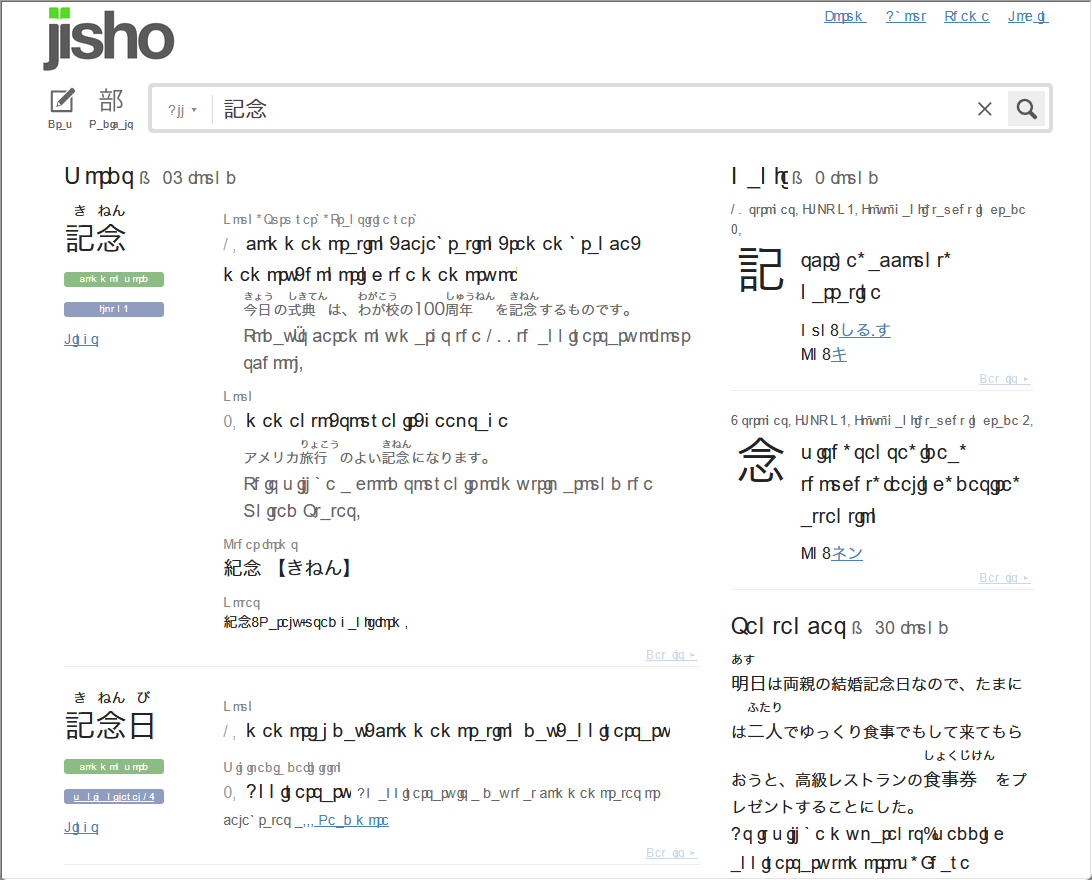
English text is sometimes broken when Japanese text is present

I've been using Firefox for a couple months now, and I just ran into this problem today with English text nearby Japanese text: https://files.catbox.moe/diw4y3.png It's… (read more)

I've been using Firefox for a couple months now, and I just ran into this problem today with English text nearby Japanese text: https://files.catbox.moe/diw4y3.png

  • It's not affecting Japanese text
  • It's not exclusive to Japanese websites (it's present in one email in gmail, but not all of them)
  • I haven't seen it on any Japanese websites
  • It's also present in some add-ons that generate text (Checker Plus for Gmail, Yomichan)
  • Turning off all add-ons doesn't fix it, but opening the page in a private window does fix it

Firefox 155.0.1 (64-bit), Windows 11 Pro

נפתרה 1