


Youtube video playback colors are overstaturated or shifted

Uploaded a video to Youtube. Playback colors are good in Safari and Chrome - they match original source file that was uploaded. Firefox youtube playback shifts skintones towards red and over-saturates colors. 2017 Macbook Pro w AMD 560 Radeon 4GB. Fix?
כל התגובות (6)

Screenshot of the difference?
Screenshots - you can Safari, Chrome and the original exported file are consistent. Firefox - oversaturates and skews towards red skin tones on playback in Youtube.
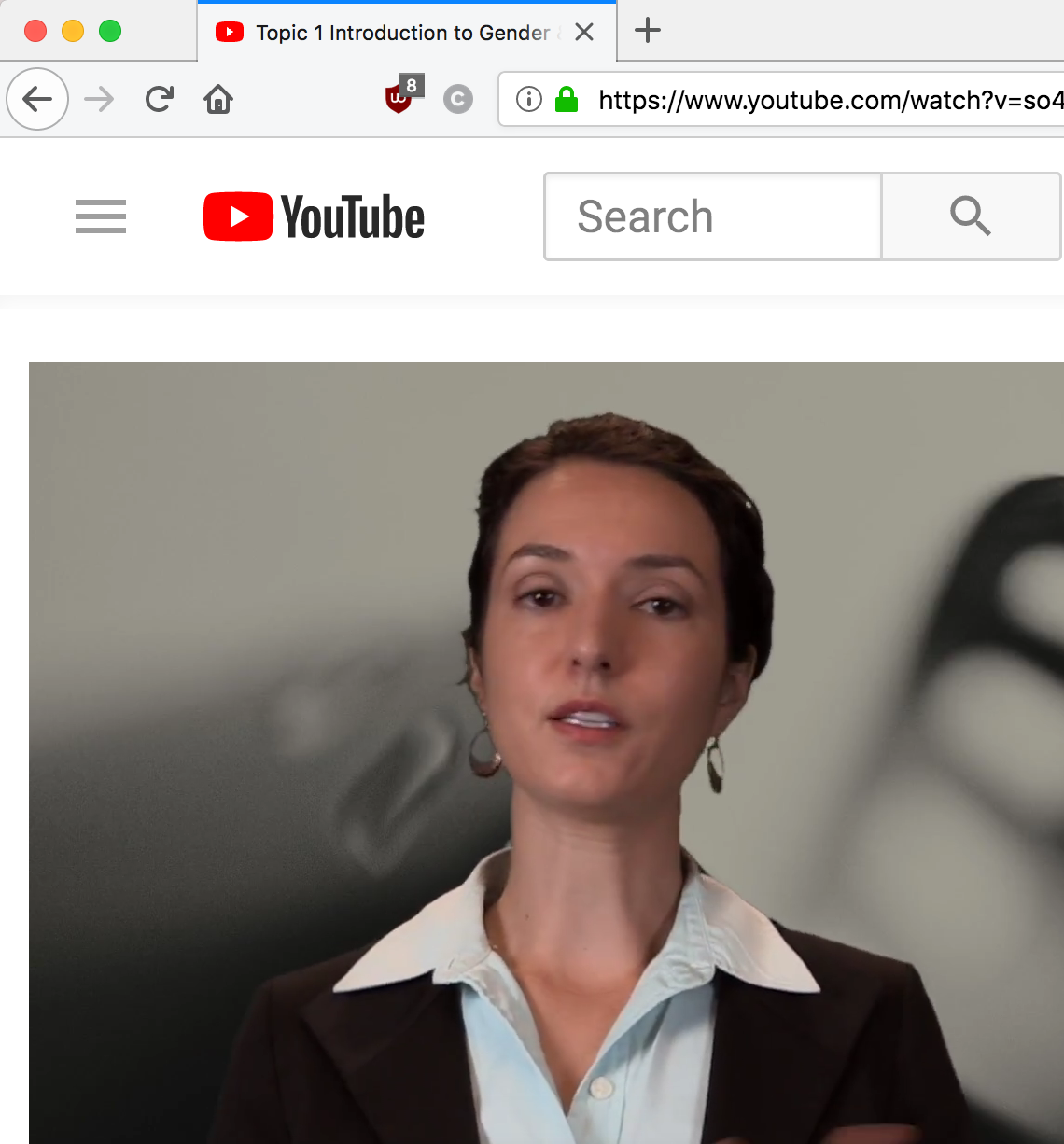
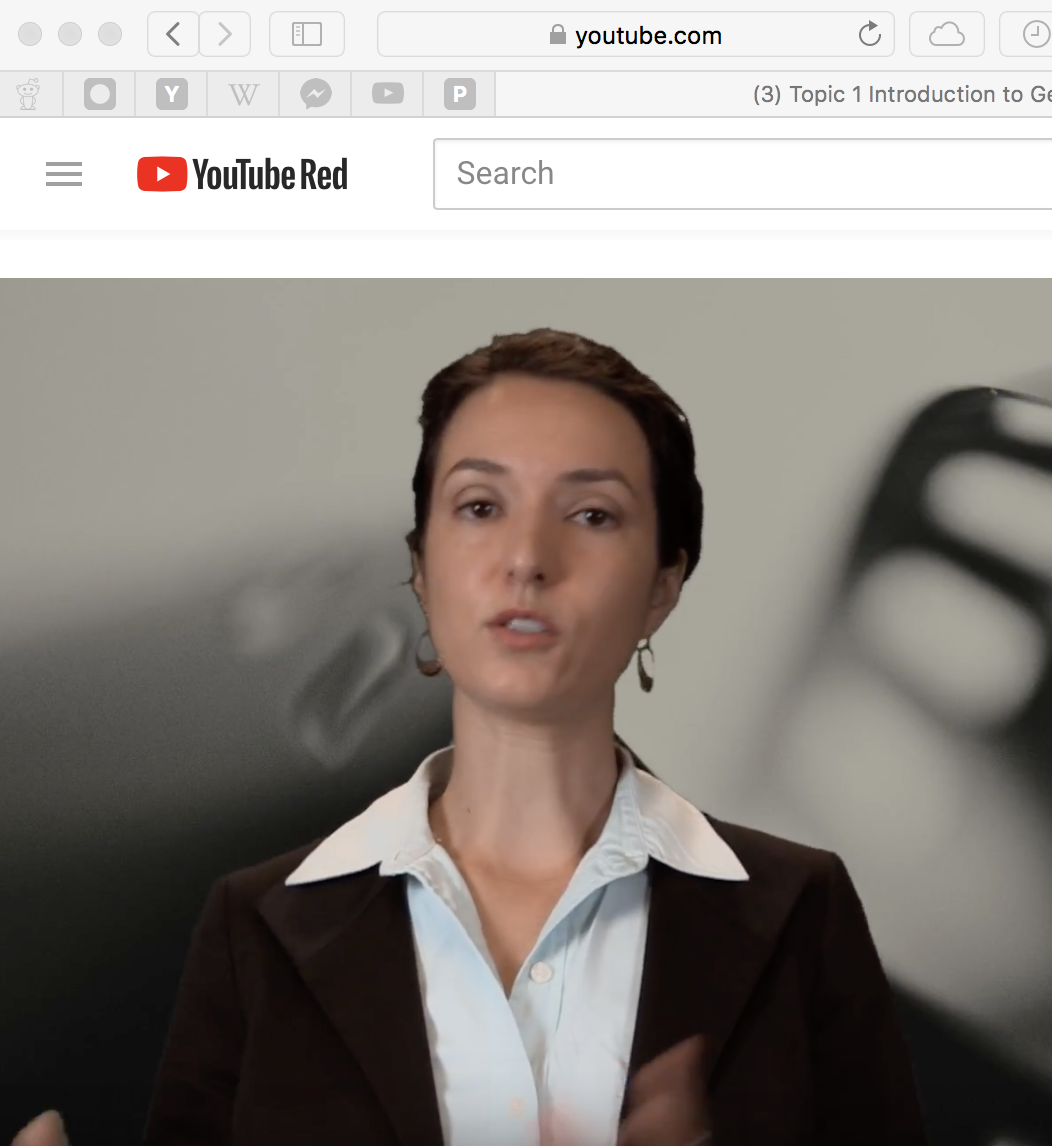


You can try to disable hardware acceleration in Firefox.
- Options/Preferences -> General: Performance
remove checkmark: [ ] "Use recommended performance settings"
remove checkmark: [ ] "Use hardware acceleration when available" - https://support.mozilla.org/en-US/kb/performance-settings
Close and restart Firefox after modifying the setting to make the change effective.
I tried the "hardware acceleration" setting to no avail.
Try to disable color management to test if it is caused by a problem with color management. You can set the gfx.color_management.mode pref to 0 on the about:config page to disable Color Management.
- gfx.color_management.mode = 0
You need to close and restart Firefox to make the change effective.
See also:
Tried that already - unfortunately no change. Also tried a webgl property change I saw somewhere else on the fourm. Some say to download new AMD video drivers, but this is MacOS, so no option there.