


Unable to add new account by POP

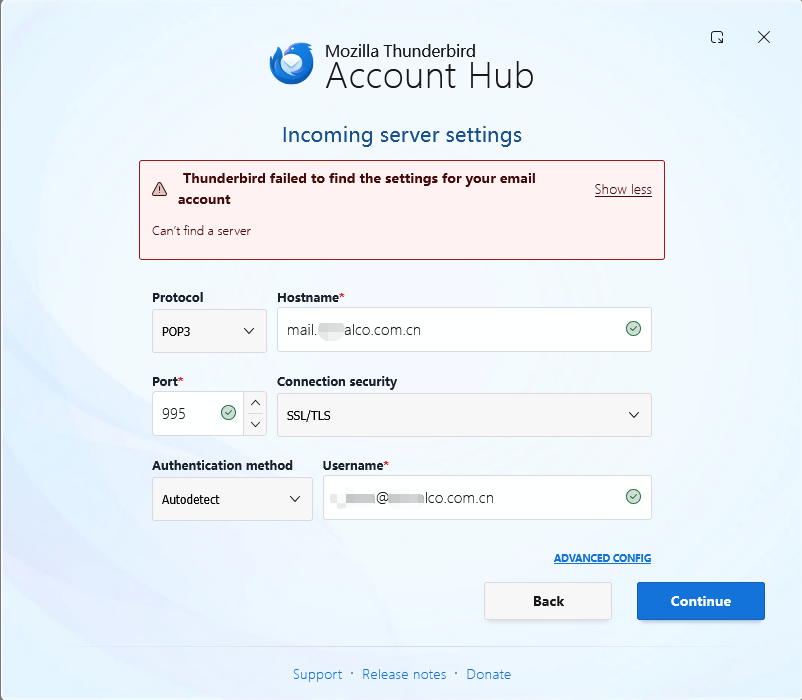
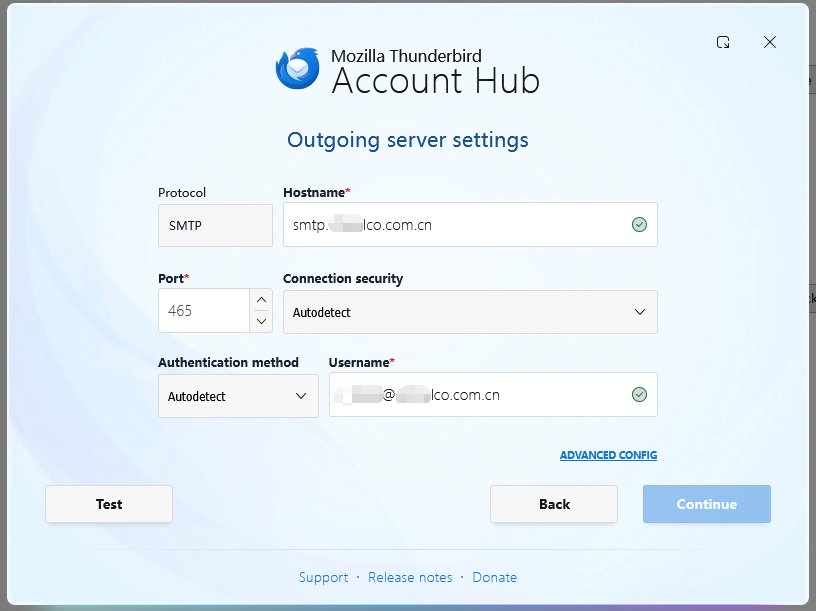
I just download the latest version of Thunderbird, and try to add my pop mail account. But after i enter the info of outgoing server settings, the Continue button is gray and can't be clicked. once I try the test, it says that Thunderbird failed to find the settings for your email account. Can't find a server. Also i find that there is no place enter the password of my mail account.
All Replies (4)

Would you please to post a screenshot for your input? I guess you were missing something there.
wxie said
Would you please to post a screenshot for your input? I guess you were missing something there.
hi,
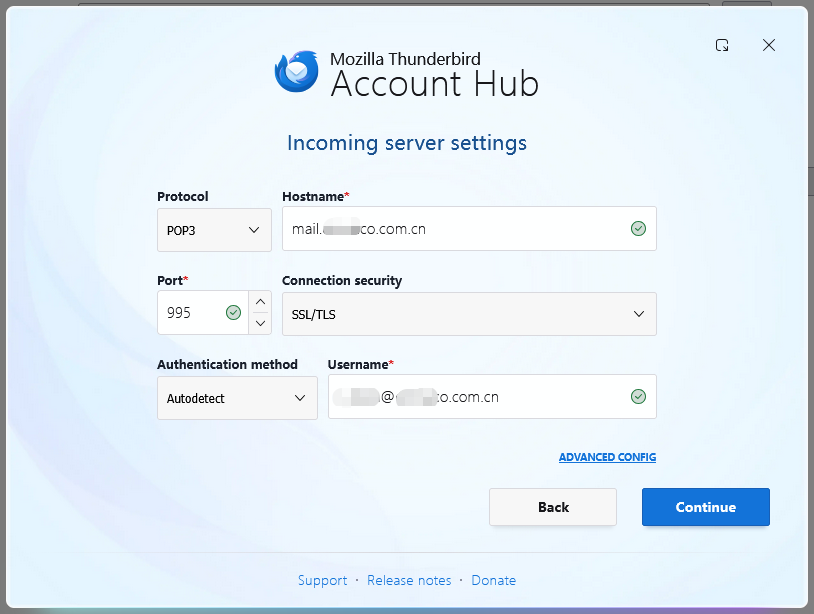
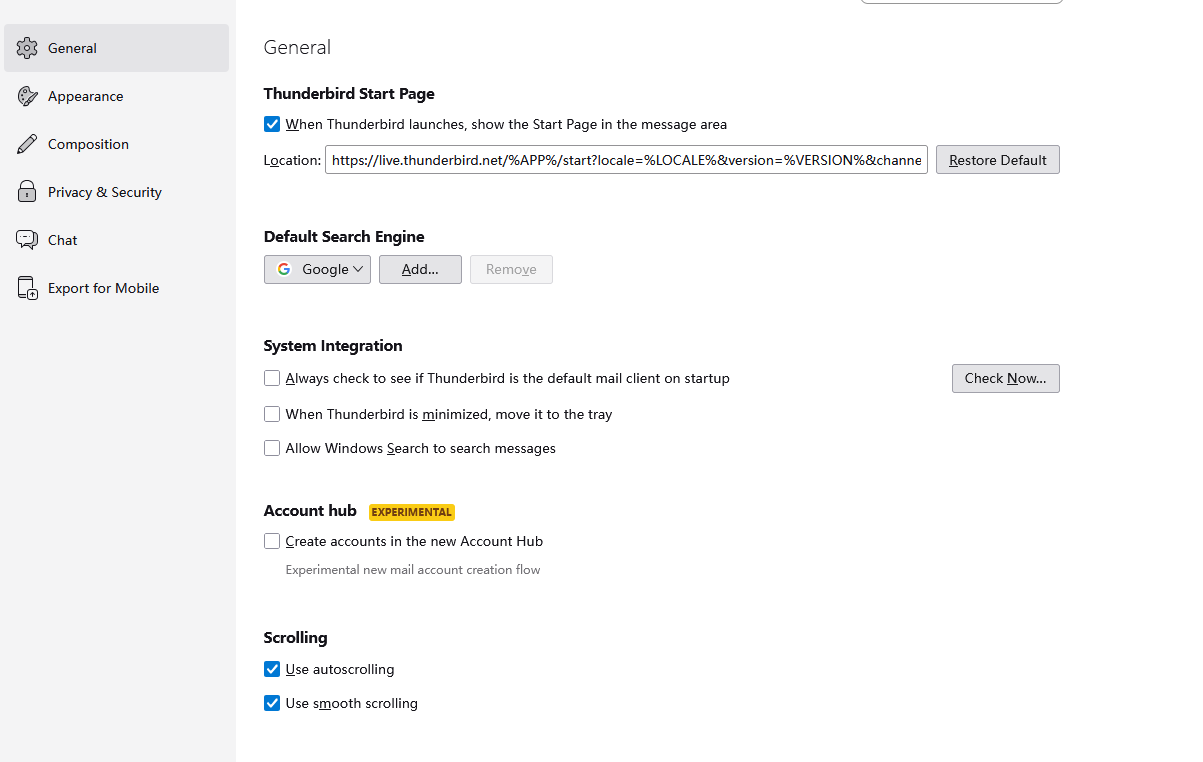
thanks for help. Here are the screenshot of my settings.
Bruce Chen said
wxie said
Would you please to post a screenshot for your input? I guess you were missing something there.hi,
thanks for help. Here are the screenshot of my settings.
Add the final step screenshot which show the gray button of continue
Thanks for posting the images. If you are sure that your server is correct, I suggest that you follow this
1. Automatic Account Configuration https://support.mozilla.org/en-US/kb/automatic-account-configuration
2. If the above is ok, you can do Manual Account Configuration https://support.mozilla.org/en-US/kb/manual-account-configuration
3. Please note that if you have questions, you can search https://support.mozilla.org/en-US/kb/faq-changing-imap-pop