As of today, Firefox gets an "Access Denied" when accessing goddady.com. Chrome works.

Access Denied You don't have permission to access "http://www.godaddy.com/" on this server.
Reference #18.acf7d517.1771548295.4f66cee0
https://errors.edgesuite.net/18.acf7d517.1771548295.4f66cee0 is what I get when going to https:\goddady.com as of today. Running on Windows7 (no, I won't upgrade). Tried a variety of changes. But Chrome works fine. Any suggestions?
Access Denied
You don't have permission to access "http://www.godaddy.com/" on this server.
Reference #18.acf7d517.1771548295.4f66cee0
https://errors.edgesuite.net/18.acf7d517.1771548295.4f66cee0
is what I get when going to https:\goddady.com as of today. Running on Windows7 (no, I won't upgrade). Tried a variety of changes. But Chrome works fine. Any suggestions?
All Replies (1)

I've been looking for answers too and found one on this forum that worked for me. Maybe it will help others.
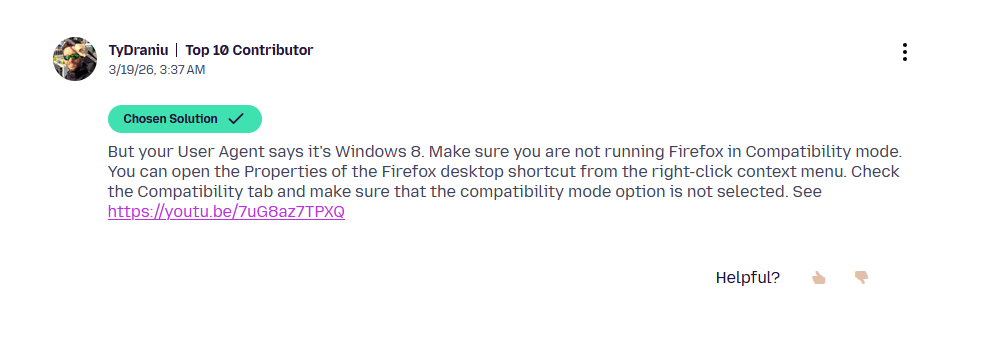
Disable Compatibility Mode in Firefox
https://support.mozilla.org/en-US/questions/1569994#question-reply