


Missing menu bar when right-clicking on a window thumbnail on the taskbar

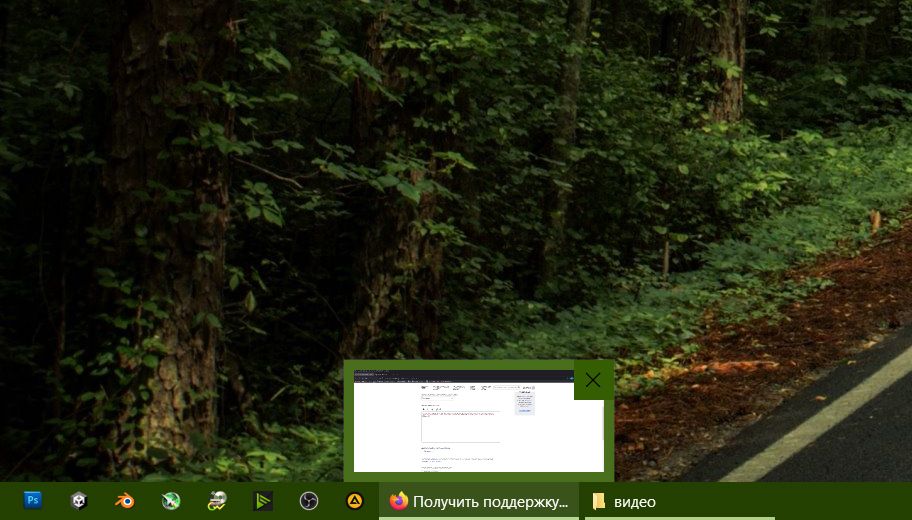
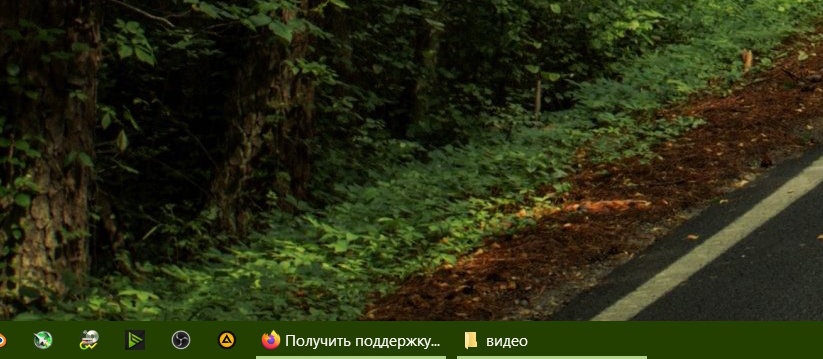
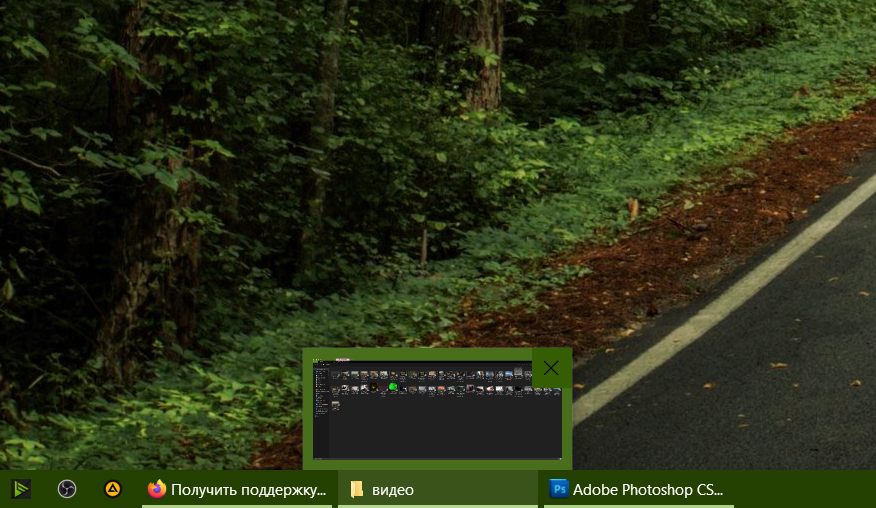
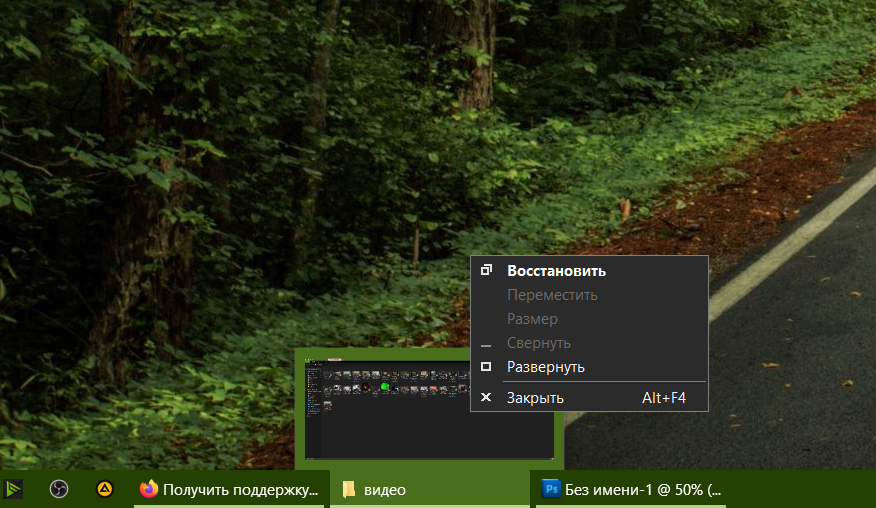
When you right-click on a window thumbnail, a menu should appear, but instead the window thumbnail just disappears. The screenshots show 1) a Firefox mini-window 2) a mini-window that just disappeared when you right-click 3) a mini-window of any other program 4) the menu that appeared is as it should be Otherwise the browser works absolutely fine for a long time. But this problem causes a lot of inconvenience because I have 2 monitors.
When you right-click on a window thumbnail, a menu should appear, but instead the window thumbnail just disappears.
The screenshots show
1) a Firefox mini-window
2) a mini-window that just disappeared when you right-click
3) a mini-window of any other program
4) the menu that appeared is as it should be
Otherwise the browser works absolutely fine for a long time. But this problem causes a lot of inconvenience because I have 2 monitors.
Réiteach roghnaithe
The solution turned out to be - the checkbox should be checked: Show thumbnails of tabs on the Windows taskbar
Read this answer in context 👍 0All Replies (1)
Réiteach Roghnaithe
The solution turned out to be - the checkbox should be checked: Show thumbnails of tabs on the Windows taskbar