


Websites such as youtube and google don't load

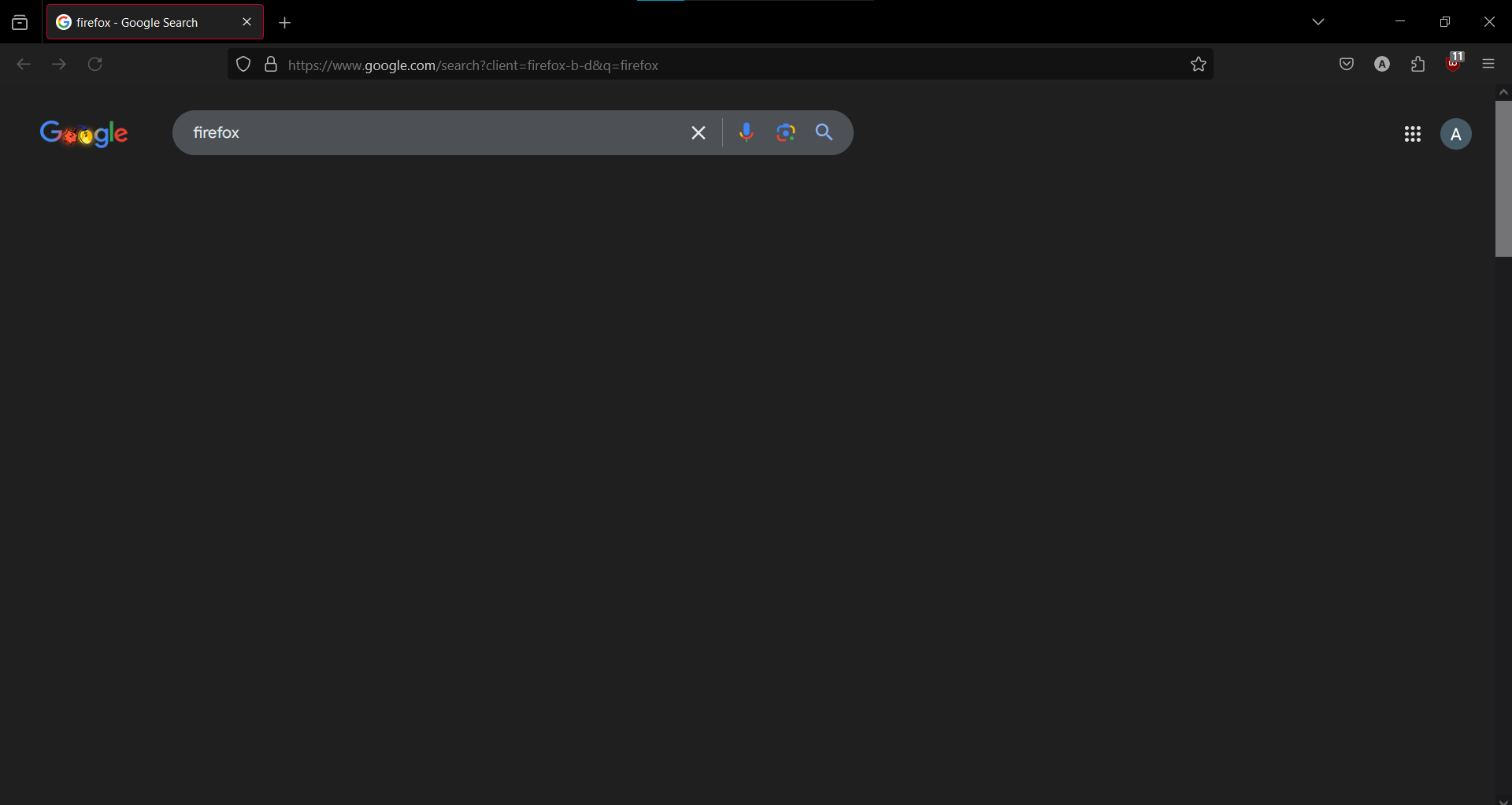
Youtube's side panel on the left does not load at all, the videos on the homepage do but none of them can be played. When I play a video the website doesn't load that either. I only get an hourglass icon on the tab. Image attached.
Google search results don't show up immediately, despite being loaded. Only after about 7 seconds. Image attached.
I don't have this issue on other browsers. It has only started occurring 3 days ago, I'm clueless as to what the cause may be.
Solutions I have tried: 1. Restarting my PC. 2. Turning off all my extensions. 3. Running Firefox in troubleshoot mode. 4. Refreshing Firefox.

Réiteach Roghnaithe
The issue was kmspico.
All Replies (5)

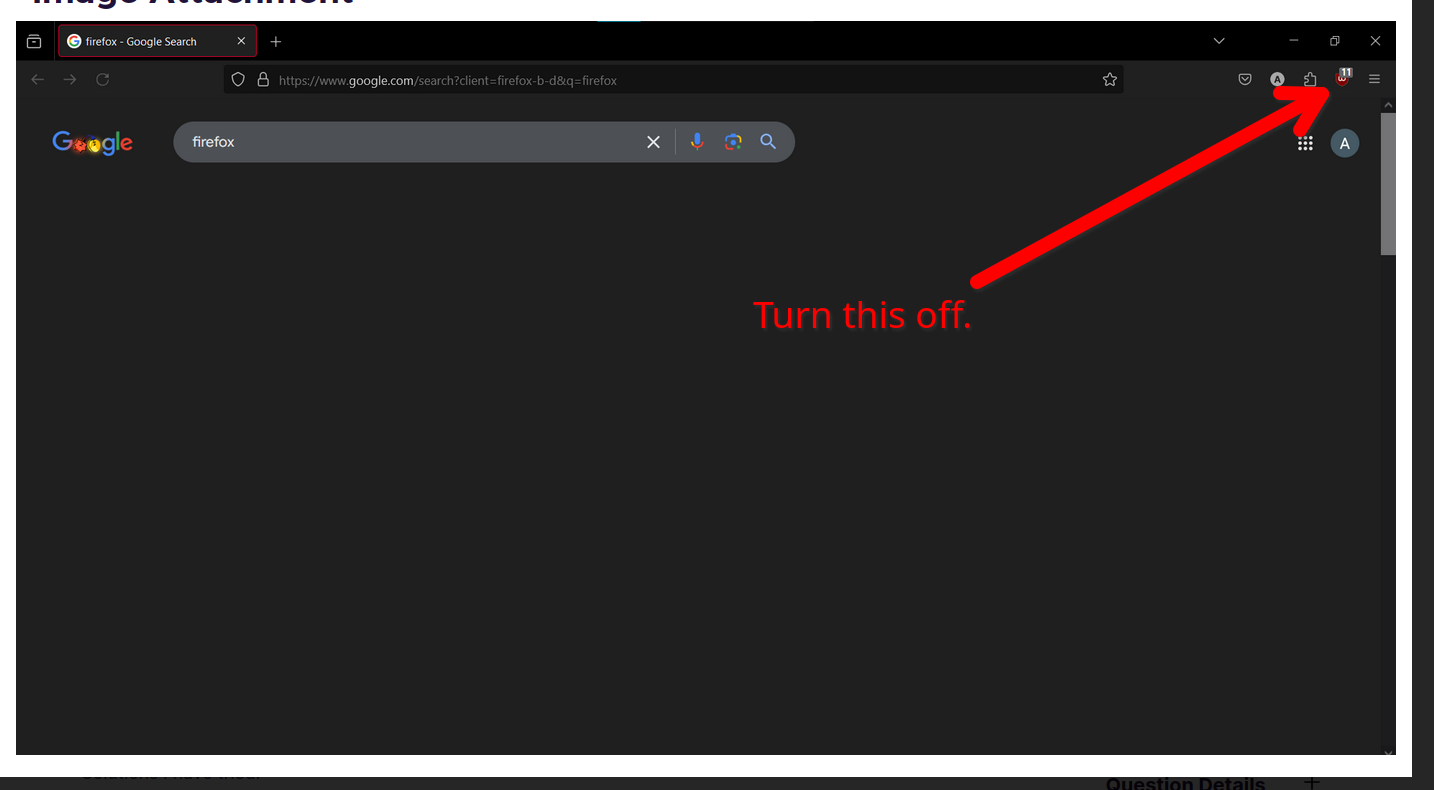
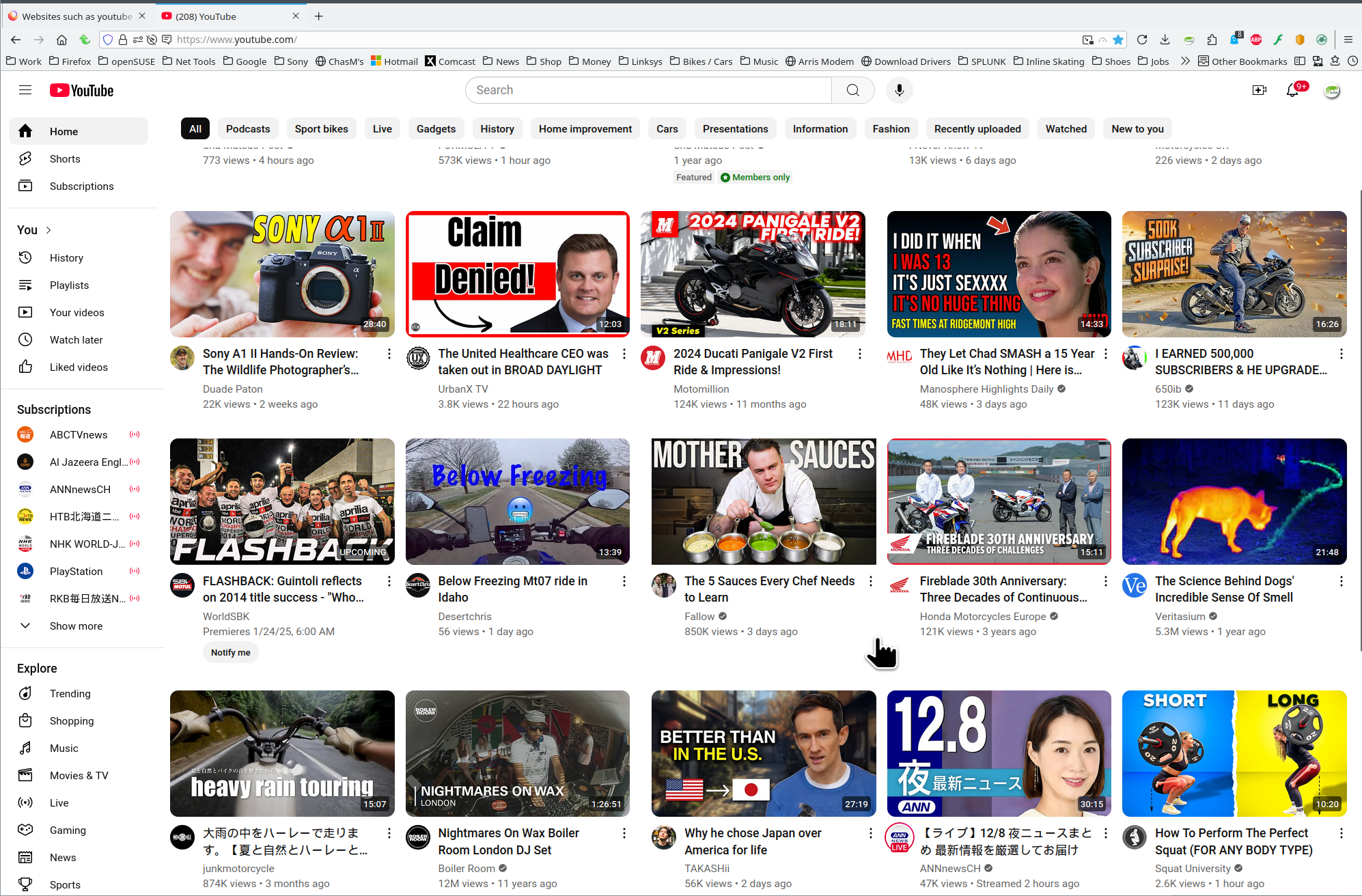
What OS? Your screenshots does not show Firefox in Troubleshoot Mode because I see the Ublock icon on your toolbar. see screenshot
Athraithe ag jonzn4SUSE ar
Windows 10 Pro. And thanks for the suggestion but please refer to the part of my original post that says "Solutions I have tried"
What security software are you running? Glad to see you're running the pro version of windows. You should have sandbox enabled for testing. https://www.howtogeek.com/399290/how-to-use-windows-10s-new-sandbox-to-safely-test-apps/
Athraithe ag jonzn4SUSE ar
None, as of right now. My motherboard came with a free trial of Norton which ran out a while back.
This Windows Sandbox feature is very interesting and you might have expected this but yes, Firefox works perfectly fine there.
Réiteach Roghnaithe
The issue was kmspico.