


Open .pdf in Firefox
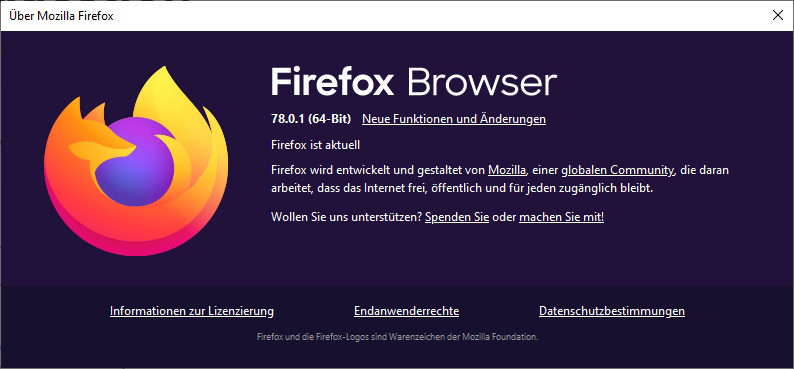
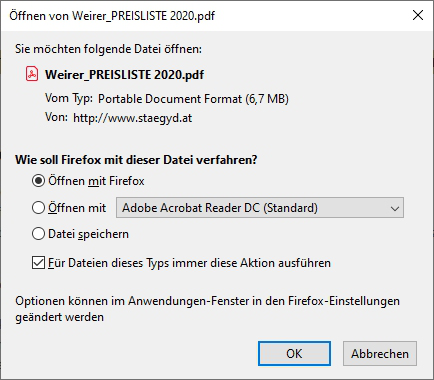
Hallo! The recent version of Firefox allows to open .pdf in Firefox. However, there is still allways the question how to proceed, even if I mark the box to make this unneccessary in the future. When I next time try to open a downloaded .pdf, the question is there again. (I hope you can understand the problem, I am not a native english speaker). See the attachments.
Best regards Fritz
Hallo!
The recent version of Firefox allows to open .pdf in Firefox.
However, there is still allways the question how to proceed, even if I mark the box to make this unneccessary in the future. When I next time try to open a downloaded .pdf, the question is there again. (I hope you can understand the problem, I am not a native english speaker). See the attachments.
Best regards Fritz
All Replies (1)
You could try these steps:
   *Open the Firefox Options window.
   *Select the Applications tab.
   *Locate Portable Document Format (PDF) on the list of file types.
   *Change the Action to Preview In Firefox.
   *Click Ok.
If the problem continues, you can refresh firefox.