How to print "selection" (rather than the whole page)

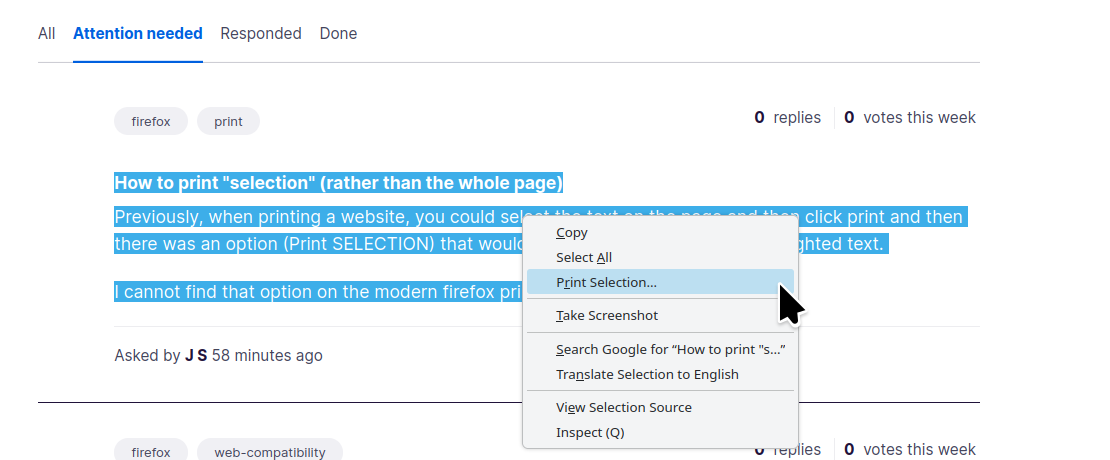
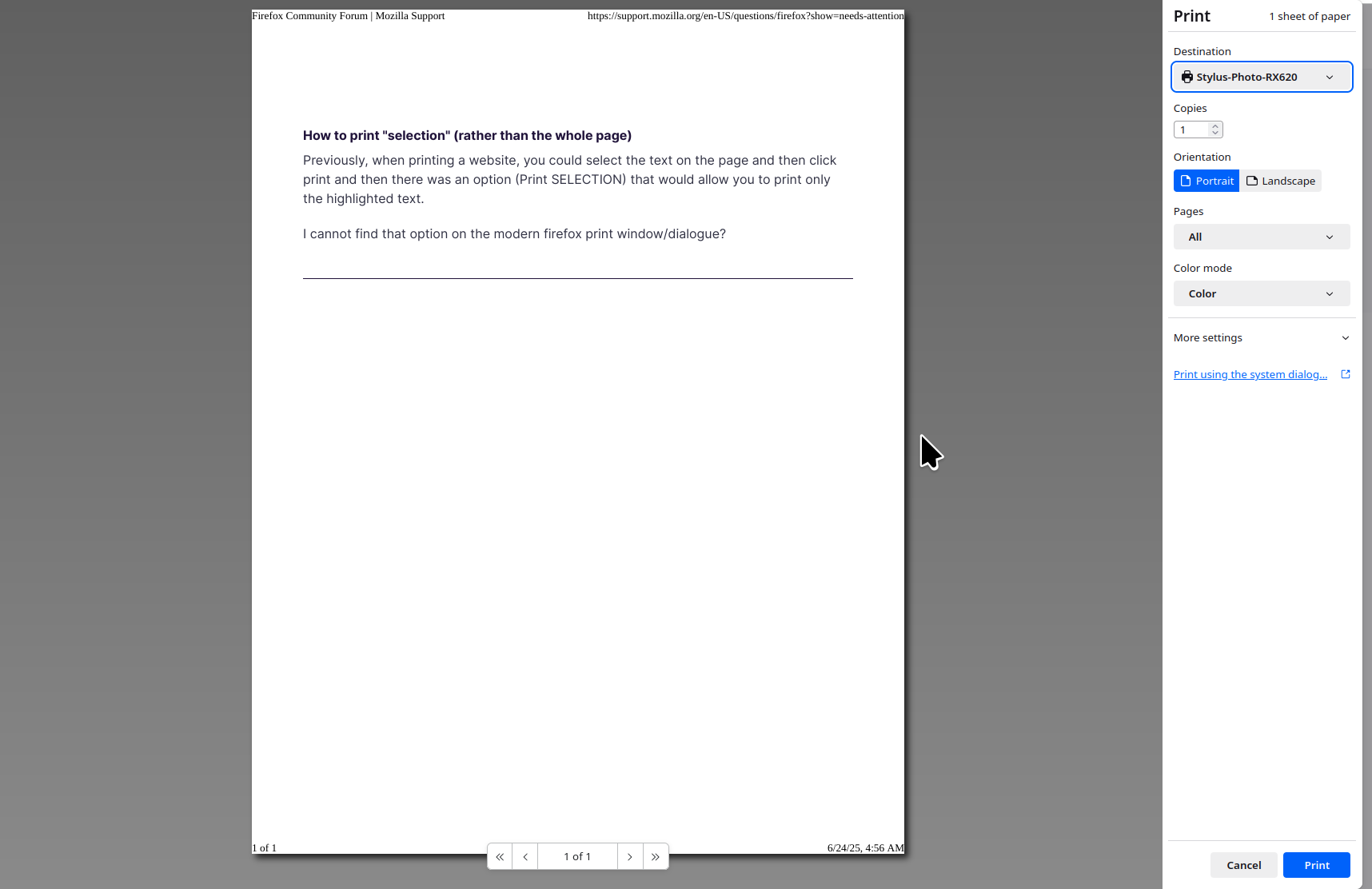
Previously, when printing a website, you could select the text on the page and then click print and then there was an option (Print SELECTION) that would allow you to print only the highlighted text.
I cannot find that option on the modern firefox print window/dialogue?
Previously, when printing a website, you could select the text on the page and then click print and then there was an option (Print SELECTION) that would allow you to print only the highlighted text.
I cannot find that option on the modern firefox print window/dialogue?
Kaikki vastaukset (1)

Post a pic of what you see. It's there for me. see screenshots What OS? If windows, home or pro? If windows, are you running any security software besides MS Defender? What version of Firefox?