


unread messages are not shown, but no filter is active

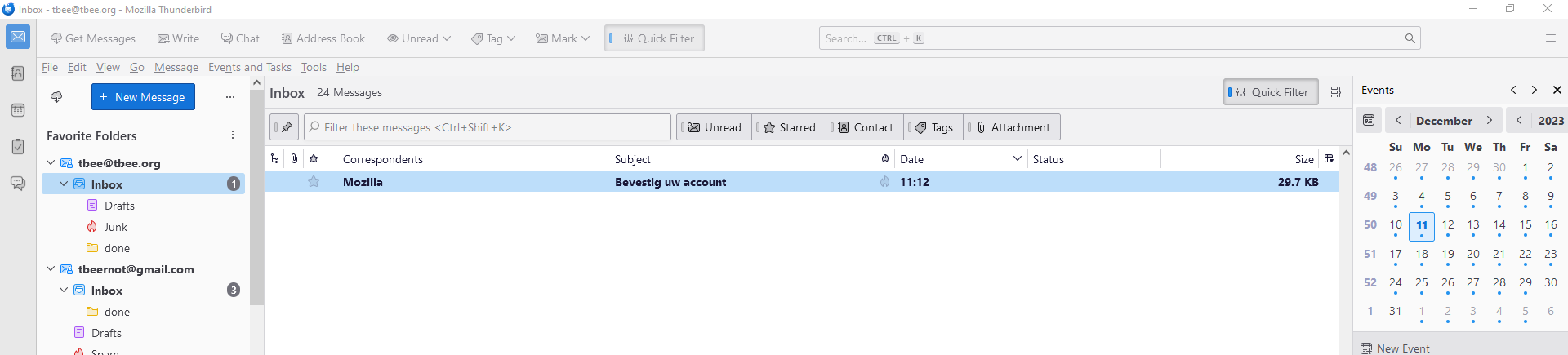
I have an inbox with 24 messages; 1 unread, 23 read. Only the unread one is shown, but the unread filter indicator in the quick filter is off. This happens on all 9 inboxes, so it seems to be a global problem/setting.
One of the inboxes only contains unread messages. If I click on that, I briefly see the unread messages listed, then they disappear.
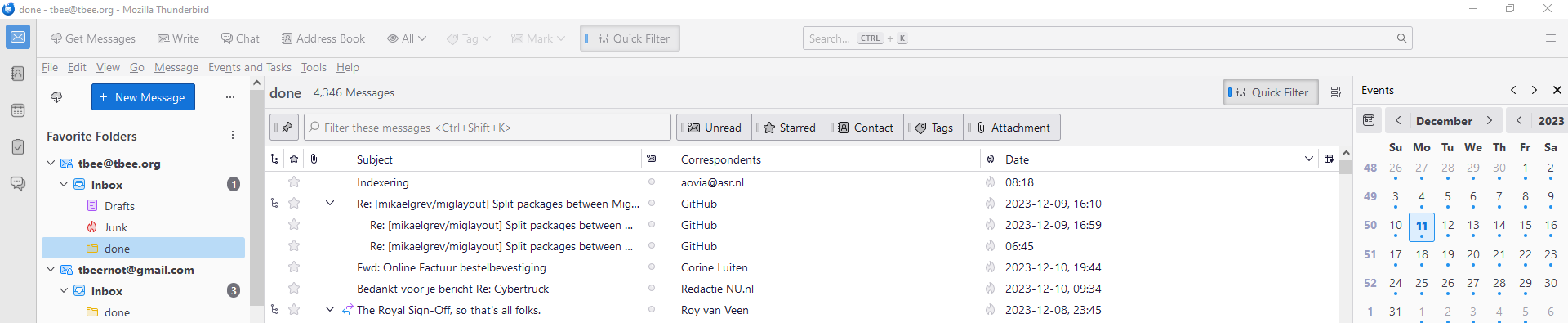
Other folders (like sent) do show unread messages. Only the inboxes are affected.
Valittu ratkaisu
Posting this question showed a similar one on the right. After reading that: for some reason on all inboxes menu->view->messages->unread has become active. I did not do that. Switching that back to "all" fixed the issue.
Lue tämä vastaus kontekstissaan 👍 0Kaikki vastaukset (1)
Valittu ratkaisu
Posting this question showed a similar one on the right. After reading that: for some reason on all inboxes menu->view->messages->unread has become active. I did not do that. Switching that back to "all" fixed the issue.