


Page zooming
Hi!
Since today, when I was doing the "pinch to zoom" gesture on my touchpad, the browser behaved the same as if i did Ctrl + "+". Now it just zooms on the area around the cursor. Any help?
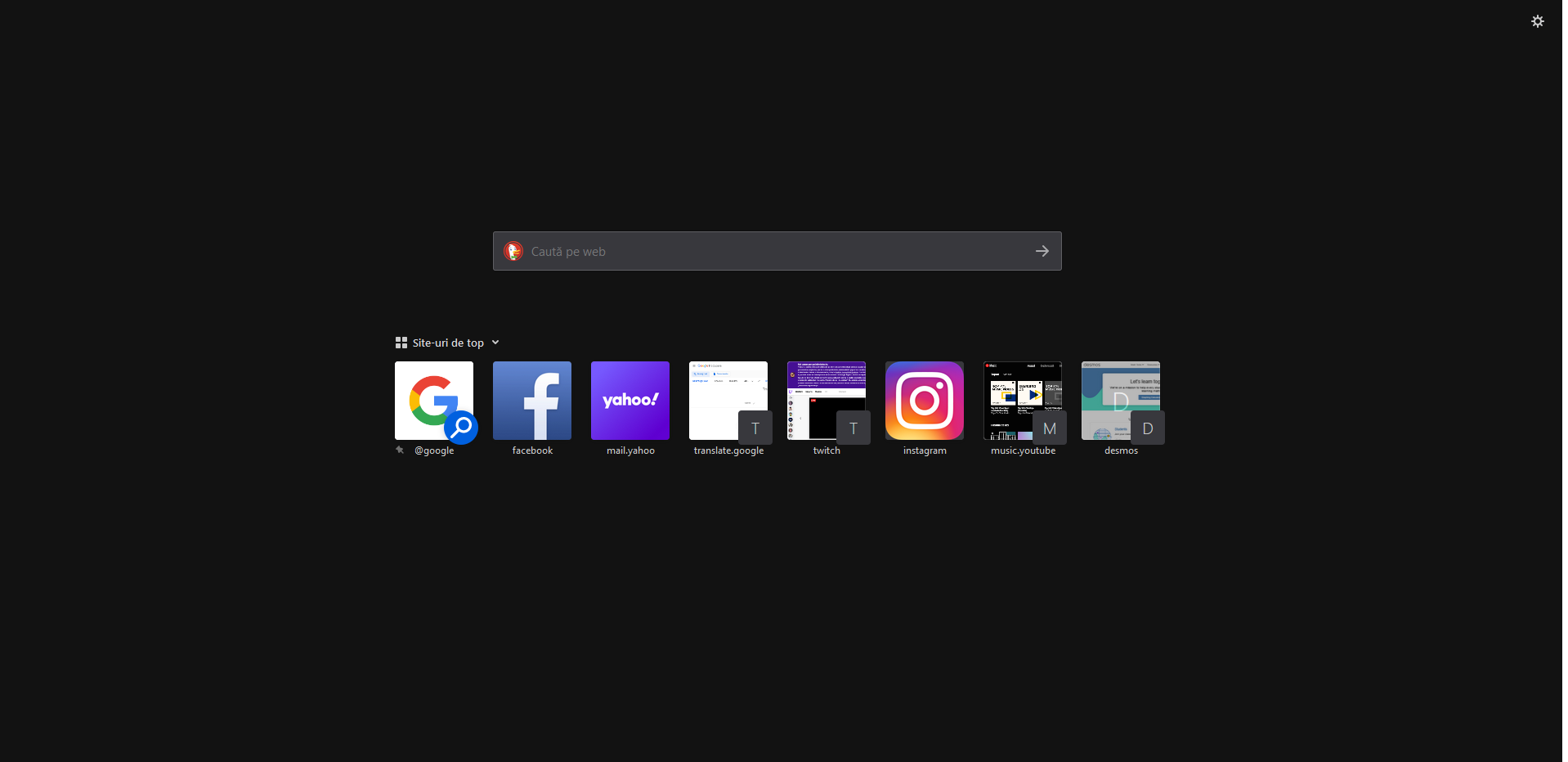
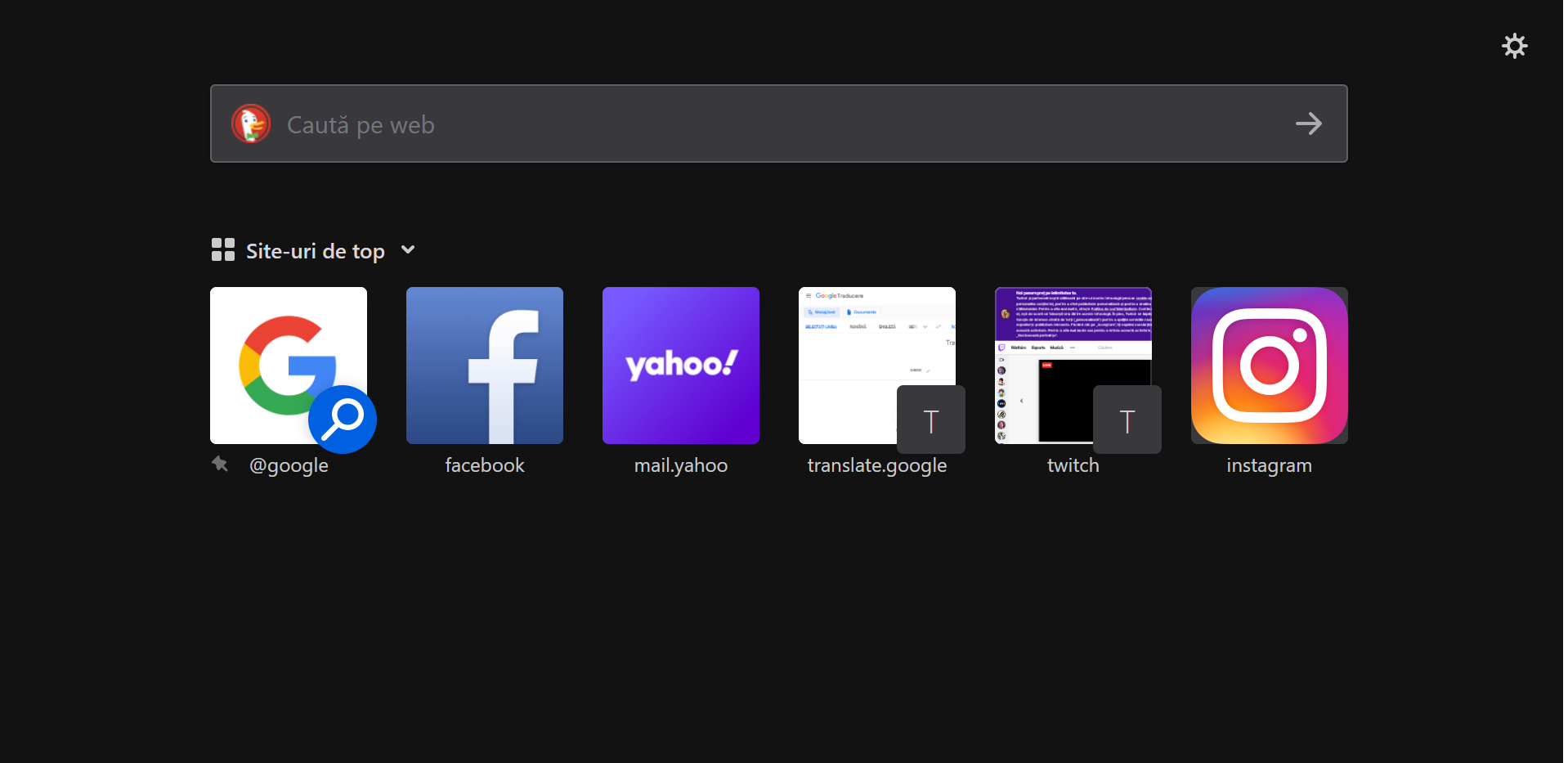
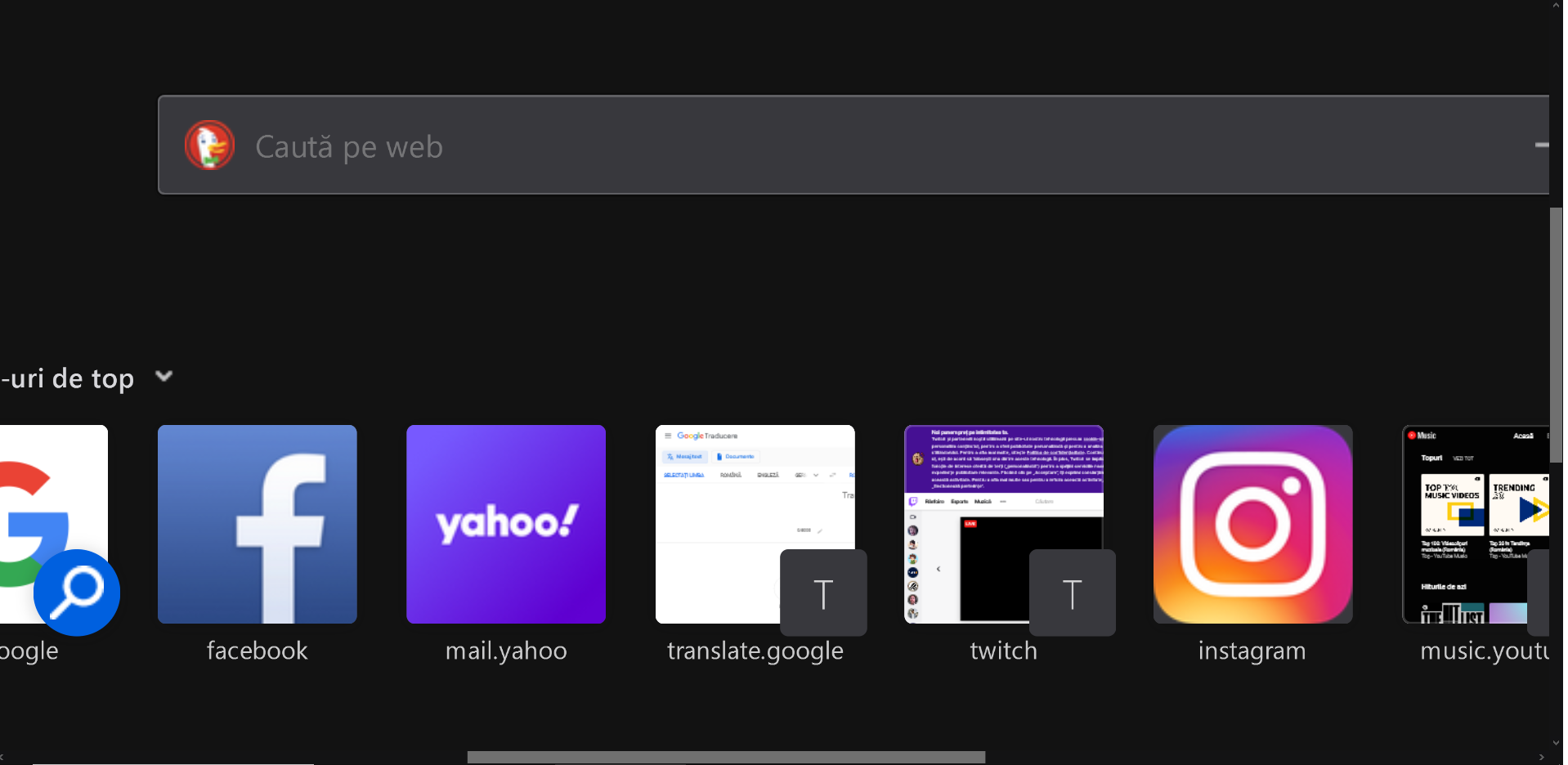
Please see the referenced pictures Thanks.
Hi!
Since today, when I was doing the "pinch to zoom" gesture on my touchpad, the browser behaved the same as if i did Ctrl + "+". Now it just zooms on the area around the cursor. Any help?
Please see the referenced pictures
Thanks.
Kaikki vastaukset (1)

This new zooming behavior was released in Firefox 83. If you prefer the old behavior, you can use ctrl+pinch instead.
If that doesn't work well for you, you have to option to turn the new feature off by setting apz.allow_zooming to false in about:config. However, please note that I can't promise that this pref will stay there forever, so I filed a bug to improve the ctrl+pinch experience.