


turn of "you may like" suggestions from being displayed on window shade
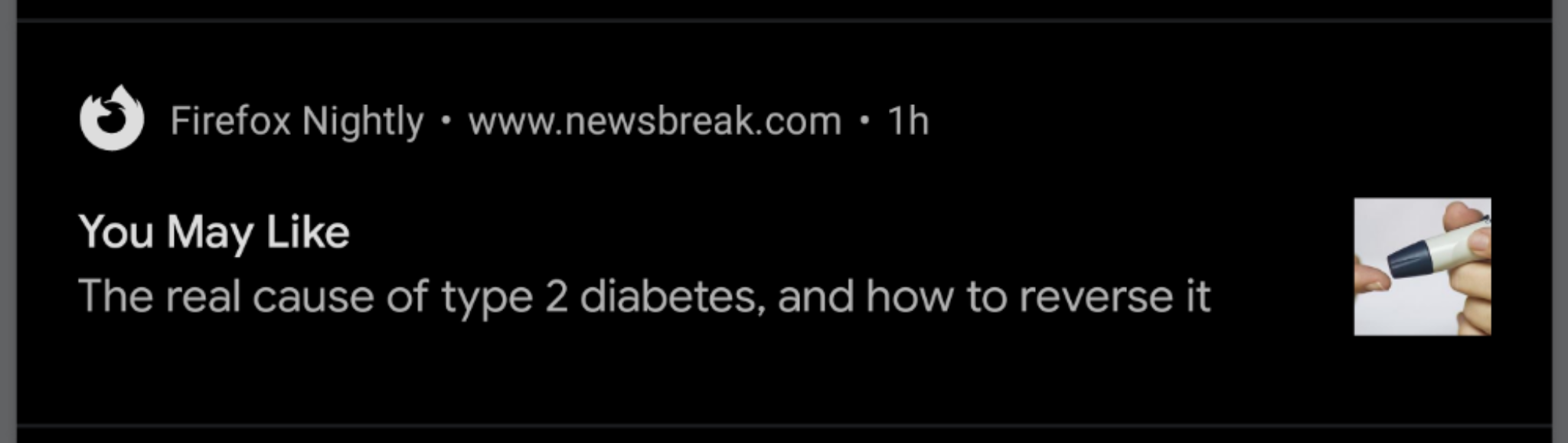
From time to time Firefox Nightly will suggest poor quality website it thinks I should visit. Aside from the fact that this feature is broken it's annoying to have my window shade filled with poor quality content. How do you disable these suggestions?
Valittu ratkaisu
This is a notification from the website newsbreak .com. There was a bug in Firefox for Android nightly that allowed any site to register notifications without user approval. The bug has been fixed so that new sites will require permissions to provide notifications. However Firefox cannot determine if the notifications were granted by the user or by this accidental bug so existing notifications will show up when the website asks for them.
The fix for this is to use the website's notification settings to disable their asking for notifications.
Lue tämä vastaus kontekstissaan 👍 0Kaikki vastaukset (1)

Valittu ratkaisu
This is a notification from the website newsbreak .com. There was a bug in Firefox for Android nightly that allowed any site to register notifications without user approval. The bug has been fixed so that new sites will require permissions to provide notifications. However Firefox cannot determine if the notifications were granted by the user or by this accidental bug so existing notifications will show up when the website asks for them.
The fix for this is to use the website's notification settings to disable their asking for notifications.