


Popups for Smithsonian magazine

Popups for Smithsonian magazine keep appearing, sometimes 2 at a time, despite having popups blocked. I need them to stop. They are annoying and cover up content of web pages.
Επιλεγμένη λύση
Check in your settings. see screenshot
Ανάγνωση απάντησης σε πλαίσιο 👍 0Όλες οι απαντήσεις (16)
I clicked around the site and I see a lot of action with Ghostery and Adblock Plus, but no pop-up. see screenshot Let see what happens with those add-ons turned off.
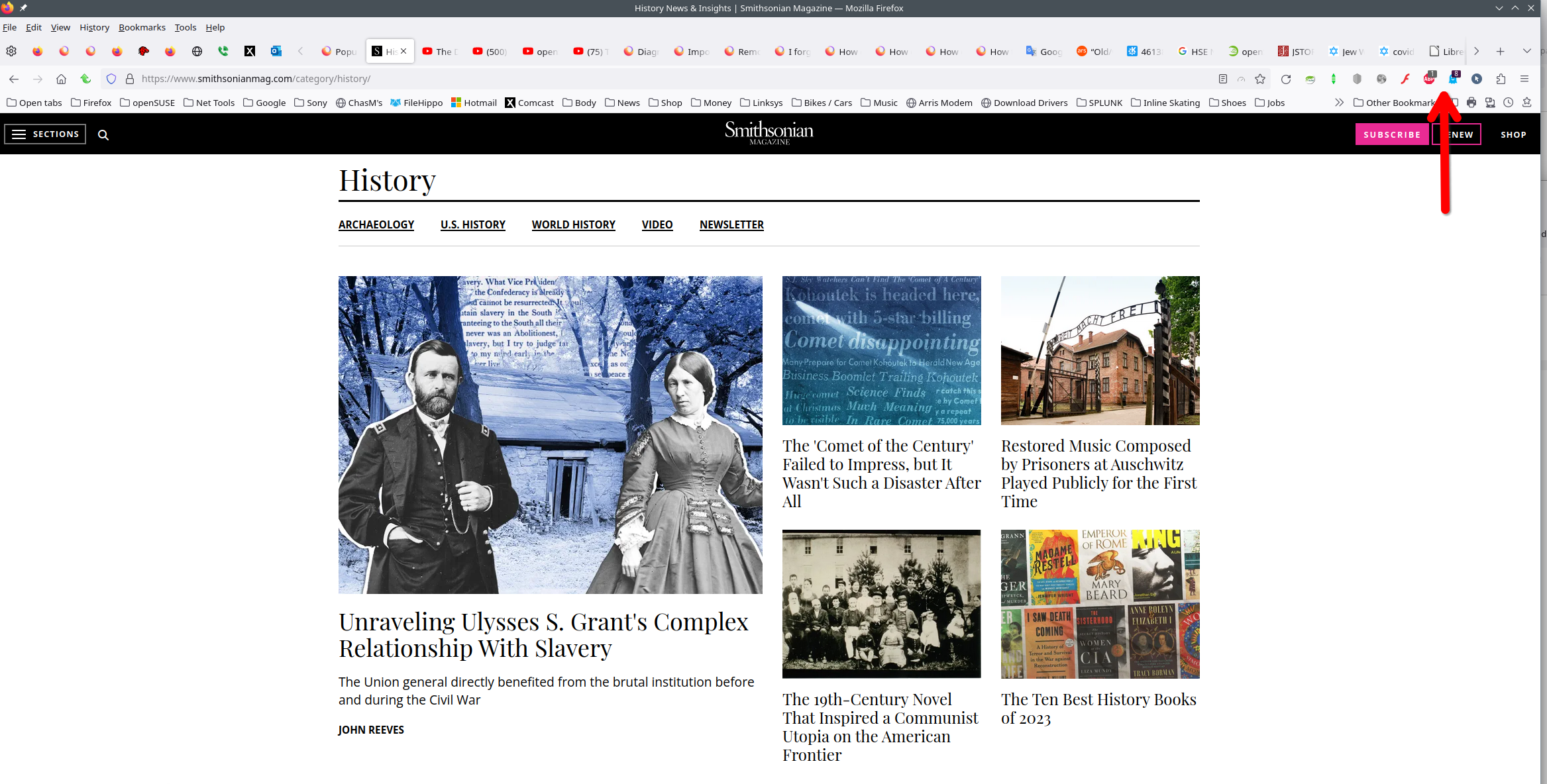
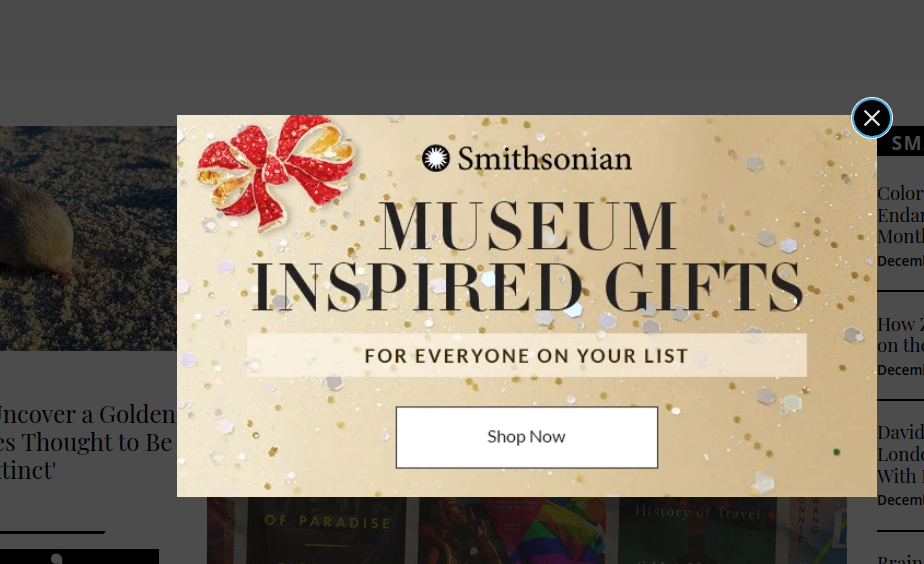
Image of the popup I get is attached. I had to shoot it with my iPhone because I could not get screenshot to work on that screen. I don't subscribe to Smithsonian magazine, so that shouldn't be the reason for the popup.
It appears randomly but often when I'm on various sites.
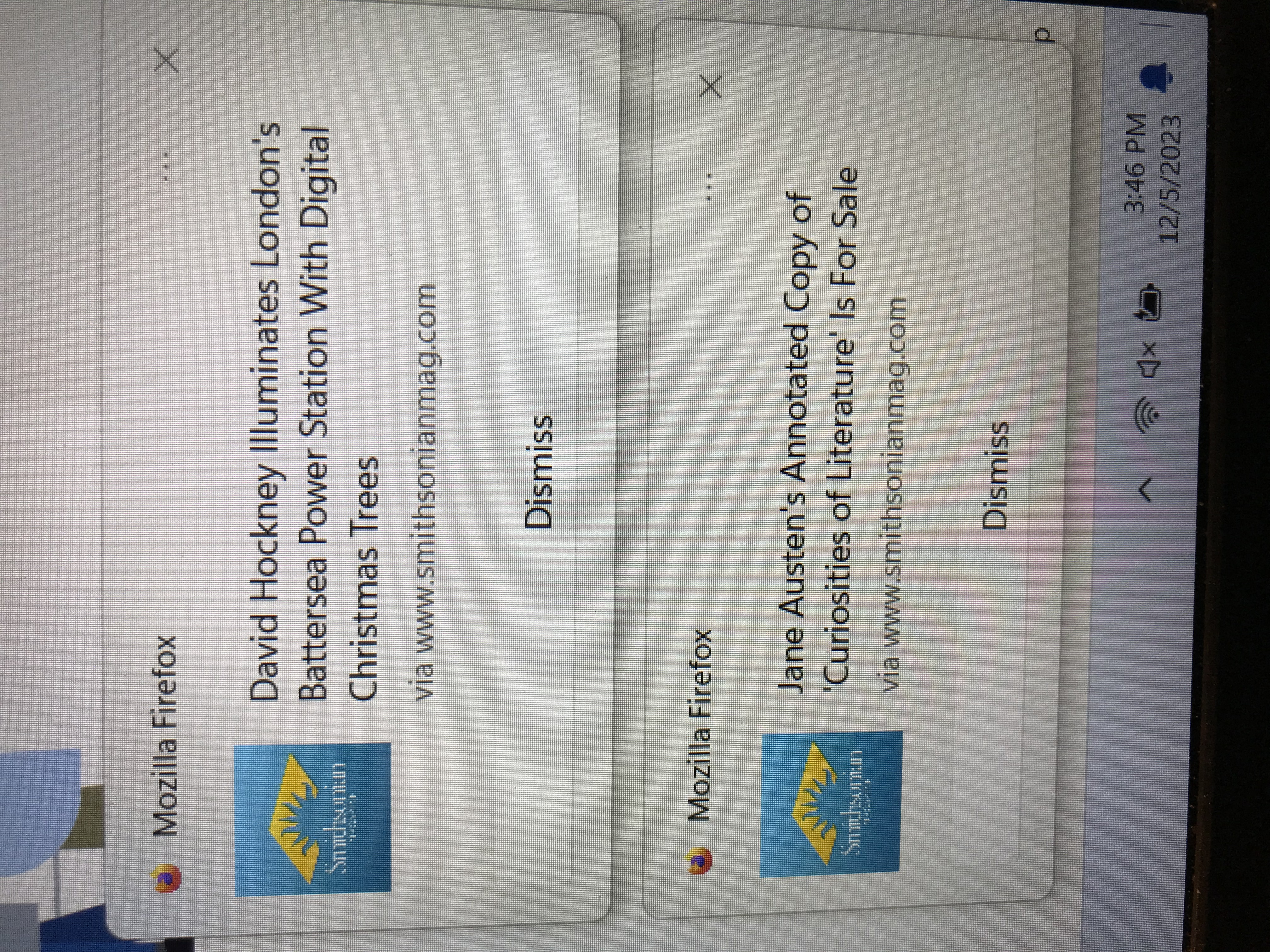
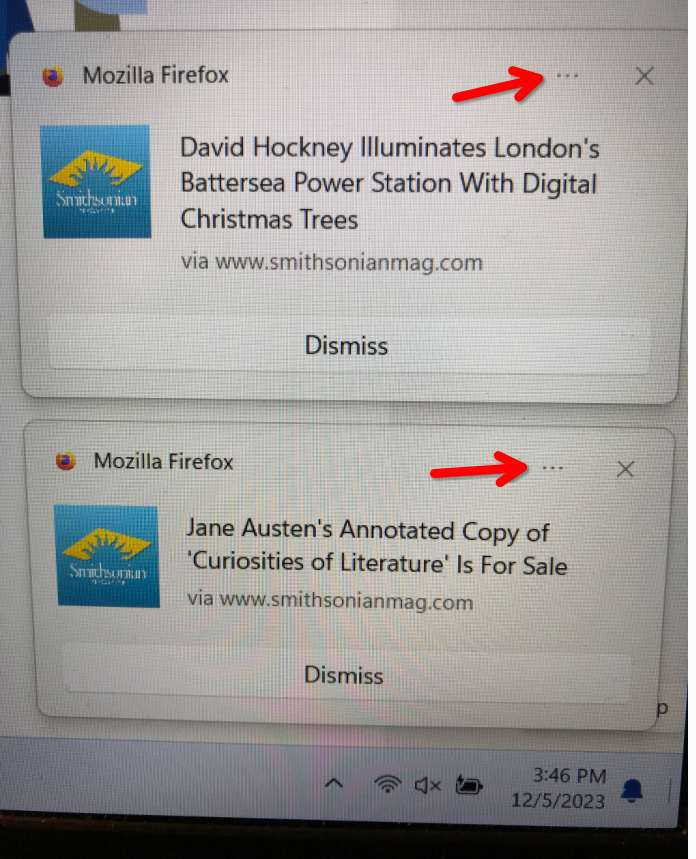
I rotated your screenshot. Can you click on the 3 dots near the X in the top right and take a screenshot using the snipping tool in Windows for a better result. see screenshot
Τροποποιήθηκε στις από το χρήστη jonzn4SUSE
This is more of a Windows notification and not a pop-up. That's why it's above the system tray. Let boot Win 11 and visit the site.
Τροποποιήθηκε στις από το χρήστη jonzn4SUSE
Thanks - not sure what you mean by "Let boot Win 11." I have visited the Smithsonian site and can't find any way to suppress these notifications/popups/whatever. I got in touch with Firefox support because the notifications carried the Firefox logo and name.
I'll try contacting Smithsonian again. It's just a nuisance, especially when two of them appear at once.
No need to contact them. Just click on the 3 dots and post a screenshot of it. I'm going to boot my Win 11 laptop and see if I can replicate the issue.
You can open the about:serviceworkers page via the address bar and check if you have a service worker registered for that website.
Remove the "Send notifications" permission from the address bar while on the site (screenshot 1).
In the future, do not click "Allow" when the site asks to send you notifications (screenshots 2 & 3).
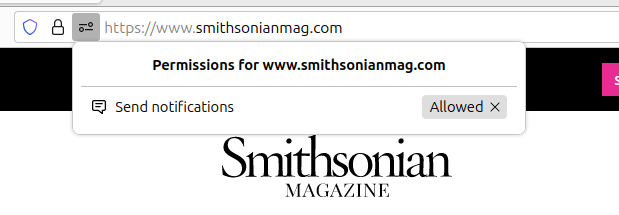
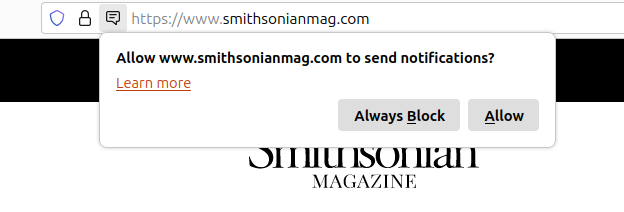
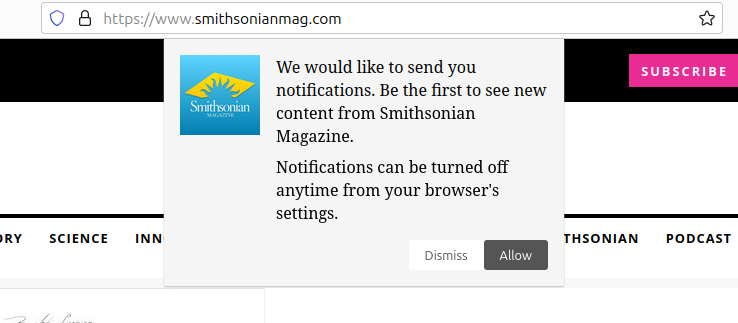
Interesting... I don't see that Send Notifications option when on the site.
Τροποποιήθηκε στις από το χρήστη jonzn4SUSE
I don't see that option either. I did make sure I was not subscribed to email notifications. Last time I got a push notification, I clicked on the 3 dots at the upper right, but the notification then disappeared before I could select an option. Thanks for all the information and I'll keep trying.
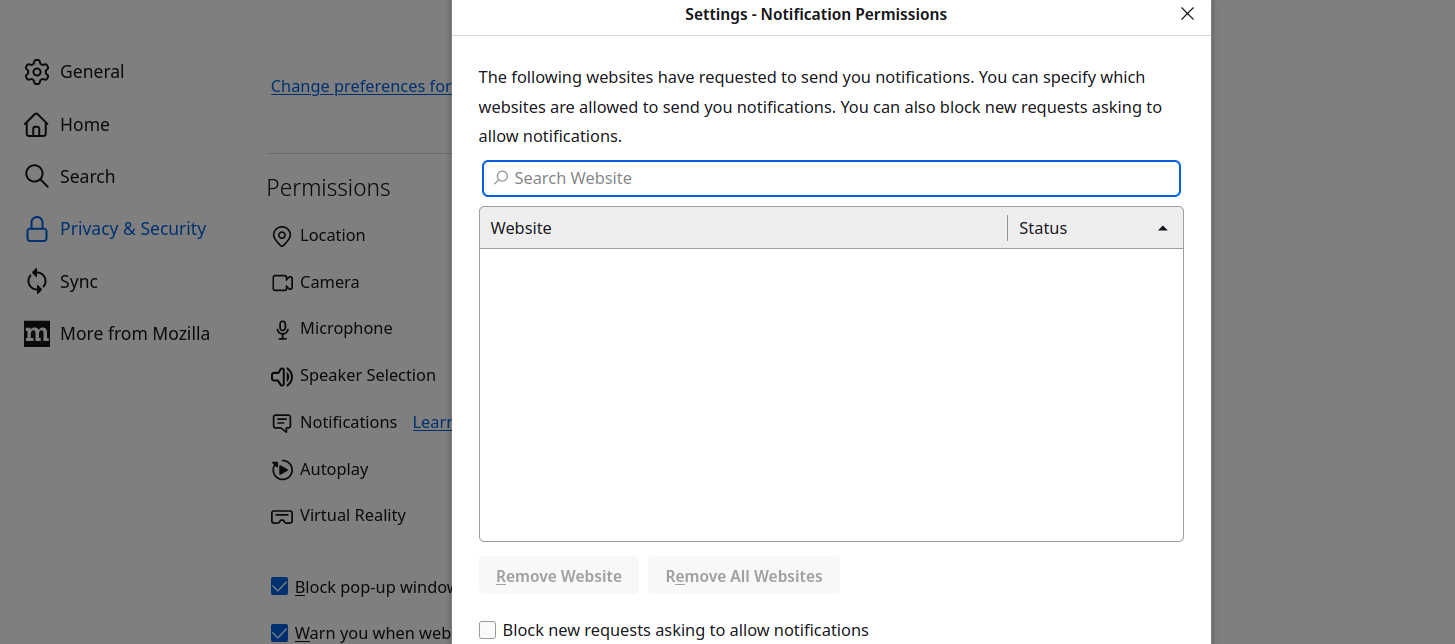
Problem solved! Thanks so much!
I never choose to allow notifications except for two or three news sites. I have no idea how Smithsonian Magazine got checked to allow notifications except for, probably, my own carelessness.

Cor-el had the solution with his about:serviceworkers answer. It might be a good thing for everyone to check this as there will probably be a lot of entries that you were not aware of or old entries that you can unregister. I had multiples of the same one and did a spring cleaning.