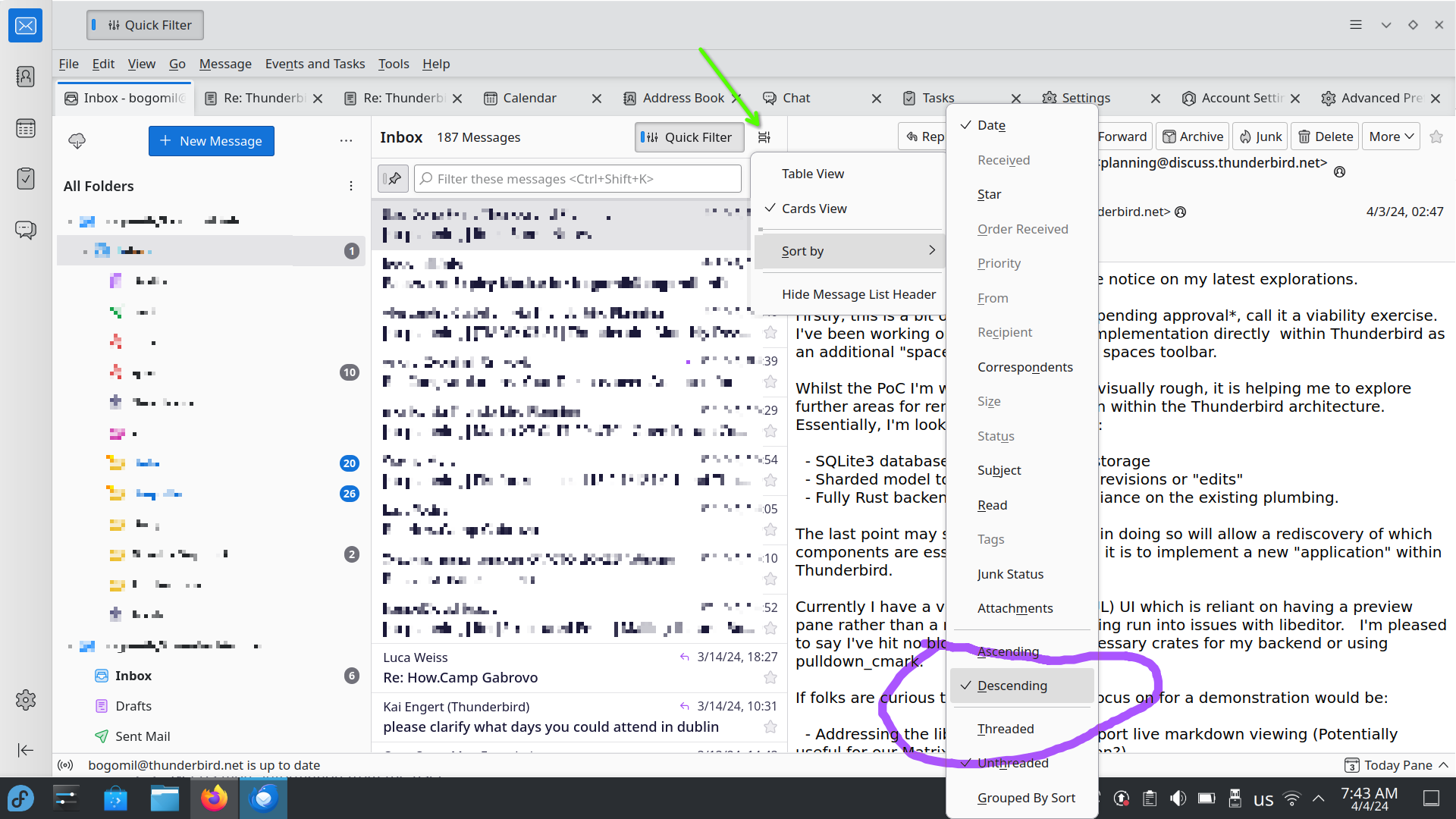
In the Supernova version of Thunderbird, no Date header appears, how do I oder my messages by date?

bold textHow do I order my emails in descending date order in Supernova version?
'''bold text'''How do I order my emails in descending date order in Supernova version?
All Replies (1)
Hi, Do this: - click on the "Message list display options" next to the "Quick filter" (see the screenshot) - Then select "Sort By" - Then "Date" - Then "Descending" ( a bit down in the same menu)
Let me know if this helps!