


Can't sign in to new sync

I have created a new Sync account on my desktop, and can sync, and can log in to https://account.services.mozilla.com/ using that account.
I can also log in to https://account.services.mozilla.com/ on my Android tablet using Firefox Beta for Android.
However, when I get to the Settings/Sync screen and click "Already have an account? Sign In", and enter the same email/pass (many times), I get "Invalid email or password"
所有回复 (4)
It sounds like you're trying to sign in to a Firefox Account using an "old" Sync account. The two are different, and I apologize that it's not easy to tell them apart!
You might want to read this:
https://support.mozilla.org/kb/how-to-update-to-the-new-firefox-sync
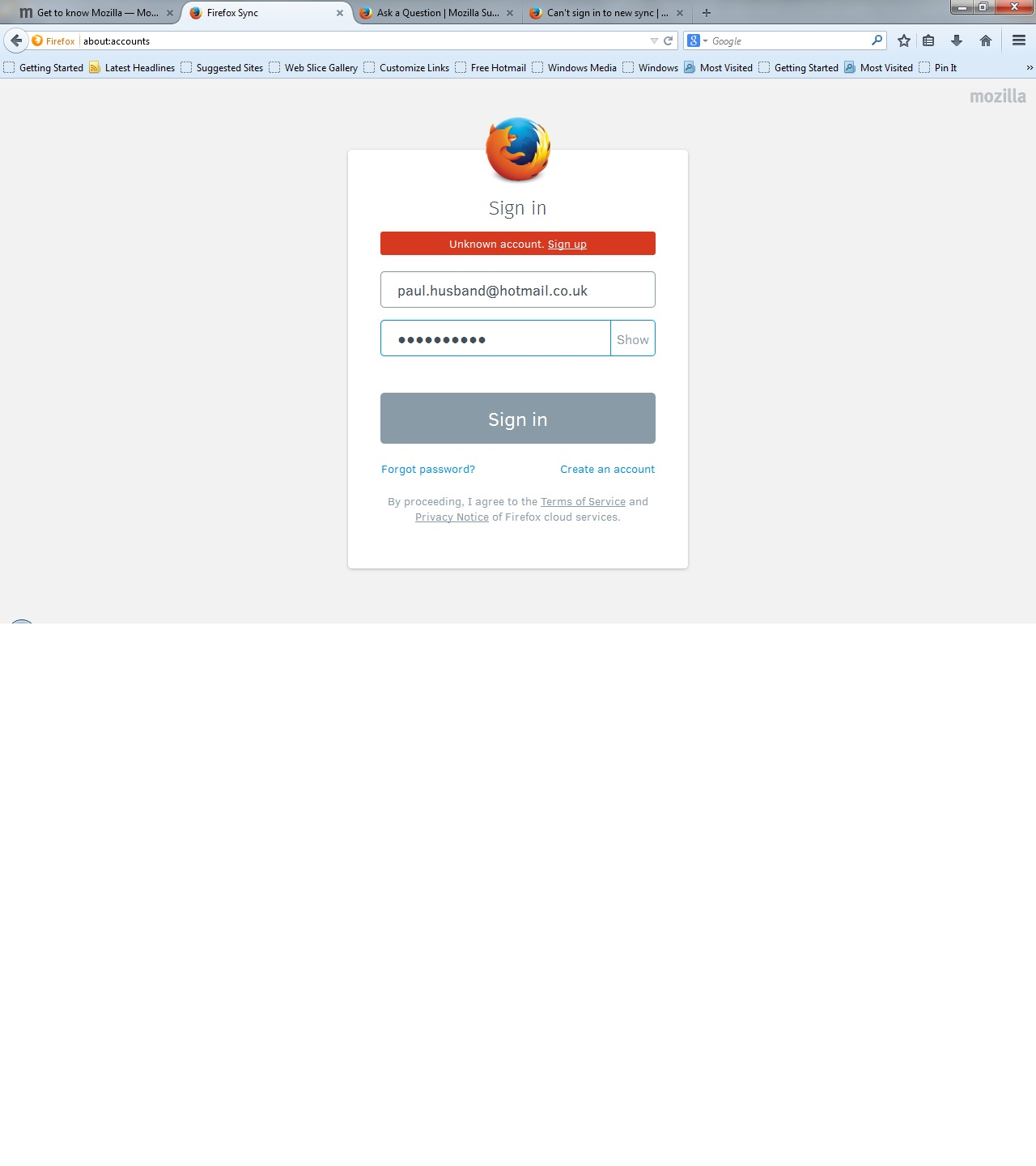
I have this problem to. I set up Firefox account on my phone, but Laptop (Windows-Vista, Firefox V29) and Phone (Android 4.4.2, Fireox 29 Apr 2014) tell me account is not recoginsed (see attached screen shot from laptop). I have confirmed my e-mail address. I have reinstalled and resetting Firefox.

I am forced by my place of work to use Firefox 24.0. Does this mean that I cannot sync with my Android installation?
seanspotatobusiness: you'll have to set up an old Firefox Sync account on your phone. Android Settings > Accounts & sync > + > Firefox Sync (deprecated), and pair with your desktop. This option will go away at some point, along with the old Sync service itself, but it's there for now.
You should strongly encourage your place of work to use the latest ESR release of Firefox; it's intended for change-averse business users. Firefox 24 isn't receiving critical security and stability updates.