话题已存档。
如果需要帮助请提出新问题。

已存档
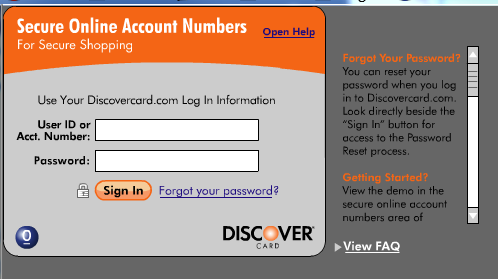
I get a "no open browser" message when using Discover desktop with Firefox 4 only. How do I get it to work?

I was able to use Discover Secure Desktop with the previous version of Firefox, but get a "no browser open" message with Firefox 4. I can open Explorer and us the desktop with no problem. If this continues, I will have to reluctantly make Explorer my default browser.
I was able to use Discover Secure Desktop with the previous version of Firefox, but get a "no browser open" message with Firefox 4. I can open Explorer and us the desktop with no problem.
If this continues, I will have to reluctantly make Explorer my default browser.
所有回复 (1)
Are you using the 'web address', or the separately installed binary?
If you are using the binary, you might try the web-based version @ (all 1 line): https://deskshop.discovercard.com/thincard/main_thinclient.html
If that is what you are using, I'd call Discover's web support number (just call 1-800-DISCOVER and let them route you to the correct location)...
Hope it works, since, as you might guess, I use it too! ;-)