


Solved
Compose button is missing (thunderbird 153.1)
Hello. There is no longer a Compose button by my folders on the main email screen. I can go up top to the Menu bar and click on Message, but there used to be a compose button right there on the page...how do I get this back?
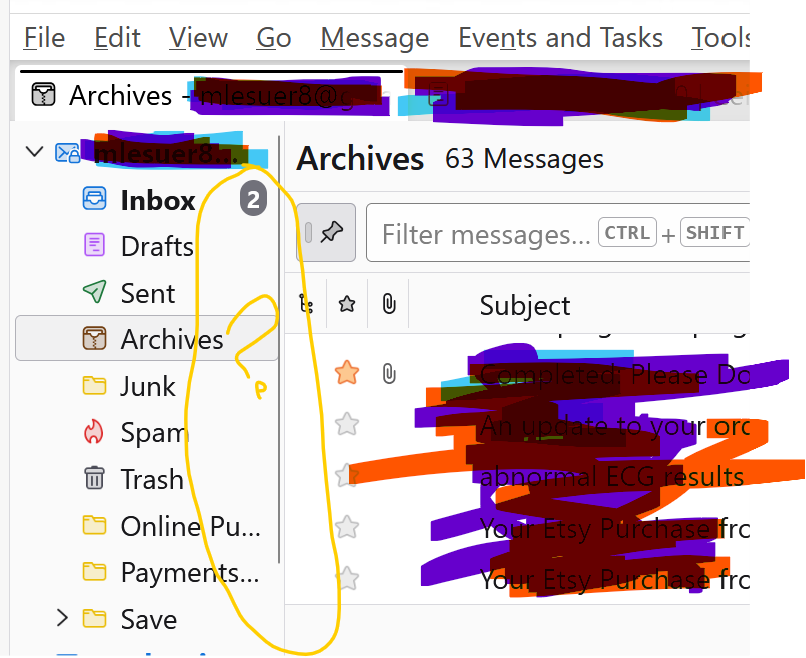
I circled in yellow the area I thought there used to be a compose button,
Hello. There is no longer a Compose button by my folders on the main email screen. I can go up top to the Menu bar and click on Message, but there used to be a compose button right there on the page...how do I get this back?
I circled in yellow the area I thought there used to be a compose button,
由VegRunner66于修改
所有回复 (3)
选择的解决方案
click view>folders and tick 'folder pane header'
Thank you, this worked perfectly. How that became unchecked, I am unsure. There was an update on 8/20, though, so maybe that was the culprit.
It's a common annoyance. I have no idea what causes it. :)