


Firefox disappeared

PLEASE HELP! One day last week, Firefox for my PC disappeared and it seems that Duckduckgo has taken over. I have used Firefox on my PC for a few years and occasionally use duckduckgo as my browser. Now I cannot find Firefox. It is up-to-date, as of last week.
Please Help RhonCa
所有回复 (4)
The browser selected is an option in Windows
How did you get DuckduckGo as a browser, did you download it as it is not available by default.
So how do you open the browser, via a desktop icon, and are you saying you had a FX icon that has been deleted?
On Win 10 have you checked the programs to see if Fx is still installed and if so drag it to the desktop/
That's a Beachboys thing > Help me Rhonda :)
The fastest is to just go to firefox.com and get the installer, run it on your system, and it will put things back as they were originally.
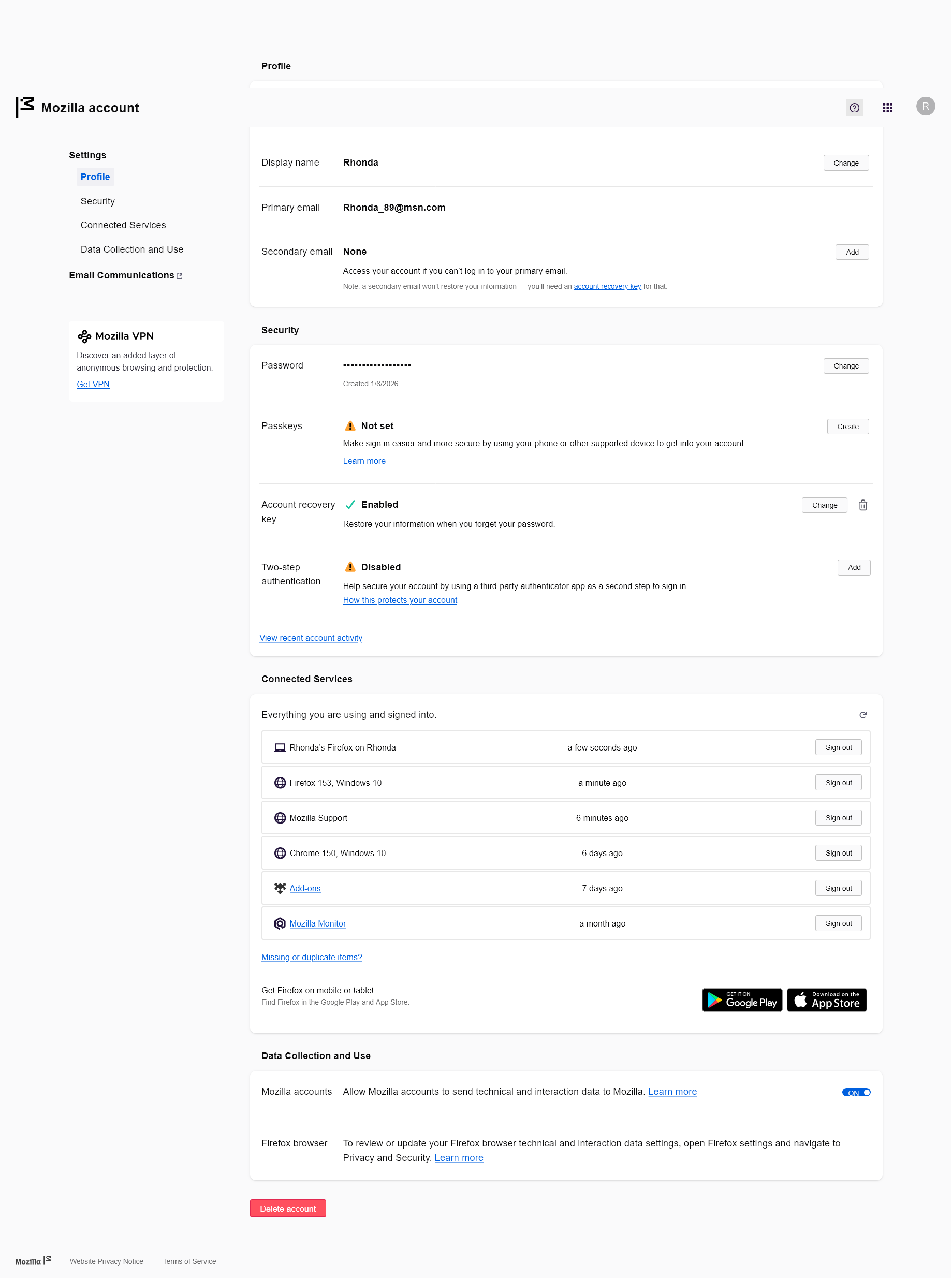
Hello jbr and amoun, Thanks for your observations. I have spent the last 2 hours trying to make this work, but it still doesn't. Oh, how I wish it was just as easy as going to Firefox.com, get the installer, and all will be well. I have the installer, doesn't help. I have attached a page, I think, but it probably won't help because as I was going from one page to the next page, and the next, I ended up deleting the message I started. I have used Firefox for years, but don't know how I got it. I did not go through Windows Store. I tried your suggestions amoun, but no luck. I am using an old version of Windows 10, and it has been working just fine until a couple of weeks ago. I think Microsoft wants me to get a new computer. Some day I will.
BTW, amoun, I have had hundreds of people sing "Help Me Rhonda" to me since the first day the song came out. I still love it though. Thanks, Rhonda
amoun
I've had the Firefox browser for so long, I can't tell you exactly how I got it. I know, at the time, it had nothing to do with Windows. I remember after downloading it, I had to add it to Windows so it would be recognized. Yes, I used to open it by using an icon in my icon tray, but that disappeared. Now Mozilla opens to this page: (see attached) At the top of this page I click on the Firefox Browser for Desktop which opens to "Find your way back to a better internet". At the top right-hand corner of that page, it says "Get Firefox". When I click that link it starts to download Firefox installer, (When I click that link after it installs, it brings up the same page). It wants me to install again. I've searched many pages and it looks like my PC wants me to download from the Windows store.
LOOK, I found it! Doesn't matter though