


Thunderbird keeps asking for password for 3 email accounts several times

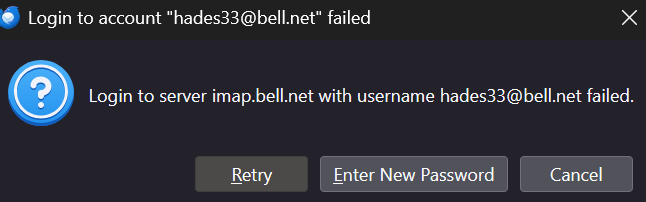
I have 3 email accounts which i unified. when log in I get prompted to enter password for all three accounts which I do, then I get prompted again to enter the password to all Password Manager to save my passwords which I do not want and therefore I uncheck it for all three; I then get prompted again for all three which I enter password, then I get imap login error on my main account which I click cancel a few times before it goes away,
I use Thunderbird portable. How do I fix this issue. it should be that one enters the password for each account once not three to four times. I do not want to use Password Manager to Save my accounts.
Also if ever I have to change password how do I do that? thank for your help.
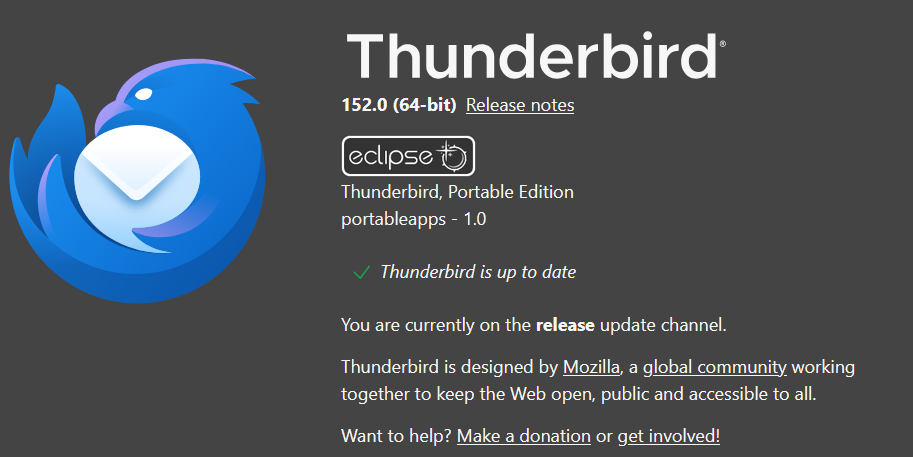
I have the portable version, download from portable apps website.
所有回复 (4)

The error message saying that the login to bell server failed.
Did you verify all your mail server configuration according to https://support.bell.ca/internet/email/how-to-use-bell-mail?step=5
yes I have check the accounts and they are set with the following: imap.bell.net port 993 connection security ssl/tls authentication method normal password
outgoing server server name: smtphm.sympatico.ca port 587 connection security: starttls authentication method normal password
please note I have Asus Router with total protection pro with vpn. Windows 11 Pro. I have not setup two way authentication for any of the accounts. I have to enter several times the password (it is like in a loop) and uncheck Password Manager Saving (because I do not want it) and then start clicking on the cancel button several to finally login. How can I fix this. It should be to enter a password for email account once not several times. please help. thank you for your response.
also it no longer says it has failed, but the above issue still exists.
I would start by disabling the VPN. Bell probably only accepts mail connections if you connect via their internet and the VPN hides that.