


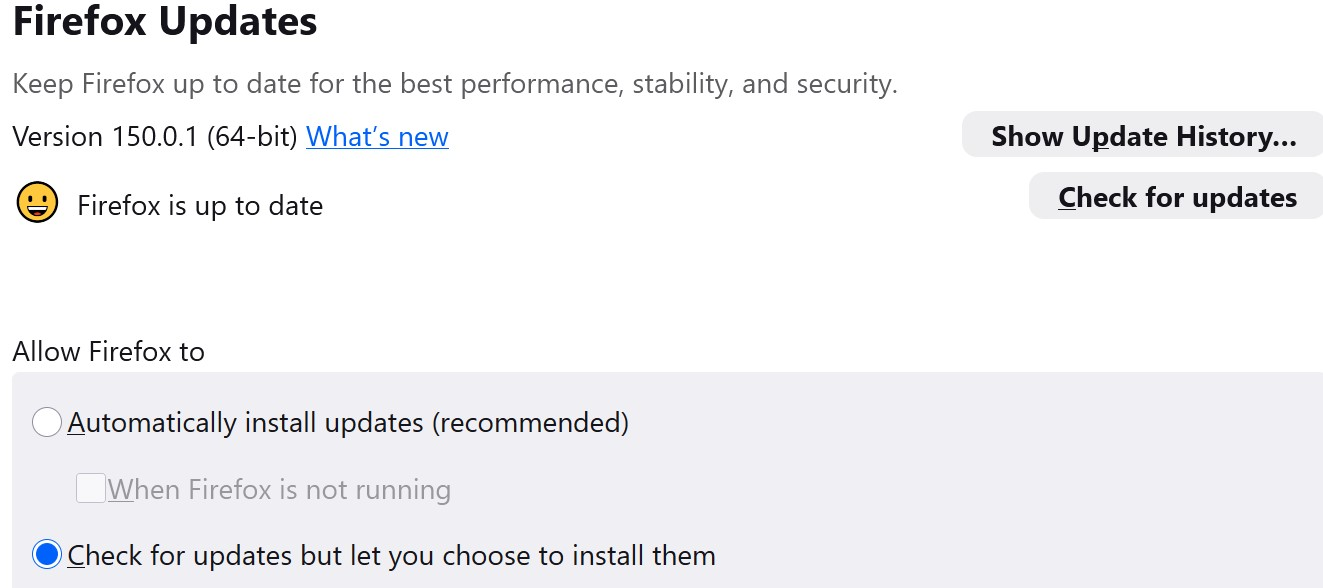
No update notification?

Win 10
As of today, this was the situation (image 1). I had to do a manual update.
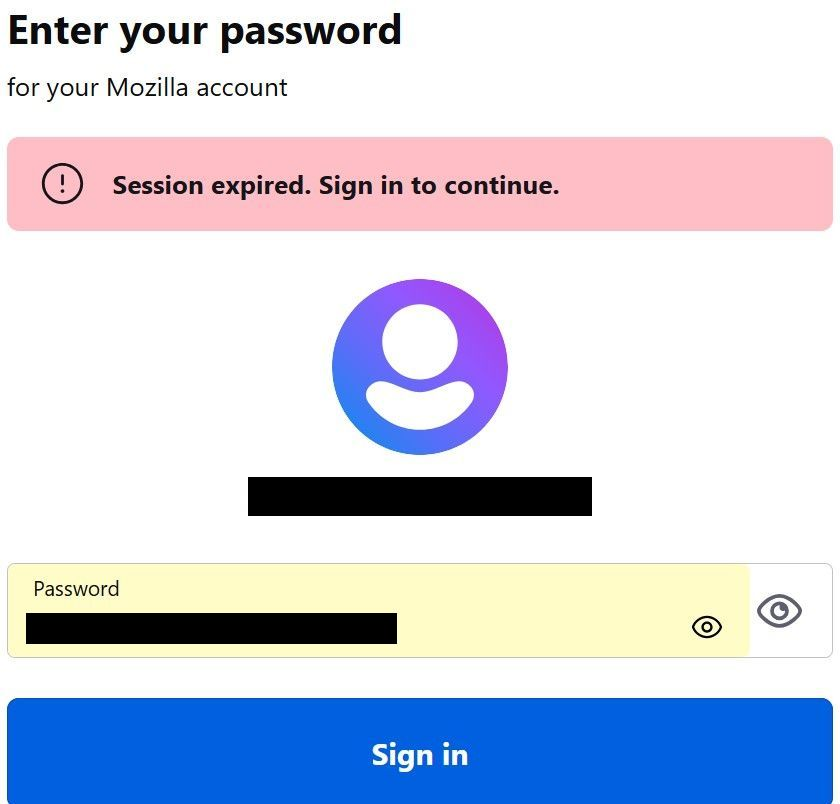
Also, when I first visited here today, I was not logged in. I 'd like to stay logged in. Then, I couldn't have been here for more than 15 seconds, and this appeared. How can a session be expired when there was no session? Is this part of the reason I don't stay logged in?
由noel_envode于修改
所有回复 (3)
Hallo Max, ich war bereits gezwungen, einige deiner Kommentare aus einem anderen Beitrag zu löschen, da sie beleidigend waren. Bitte halte dich an die Richtlinien des Forums und zeige Respekt gegenüber
Hi noel_envode,
From what you describe, it looks more like a cookie/session handling issue in the browser rather than an actual active login session problem.
- If you appear logged out immediately, it often means cookies are being blocked or cleared
- A privacy or ad-blocking extension may be interfering with session storage
- Firefox (or your browser) may be set to delete cookies/data on exit or on a timer
- The “session expired” message can still appear even if a proper session was never fully established
To stay logged in:
- Make sure cookies are allowed for the site
- Temporarily disable privacy/ad-block extensions to test
- Check browser settings to ensure it is not clearing cookies automatically
If you want, I can help you narrow down the exact cause step by step.
Nathan Giovannini said
Hi noel_envode, From what you describe, it looks more like a cookie/session handling issue in the browser rather than an actual active login session problem.
Hi Nathan
Can we also discuss why I'm not receiving browser update notifications?
'Nathan Giovannini said
If you appear logged out immediately, it often means cookies are being blocked or cleared
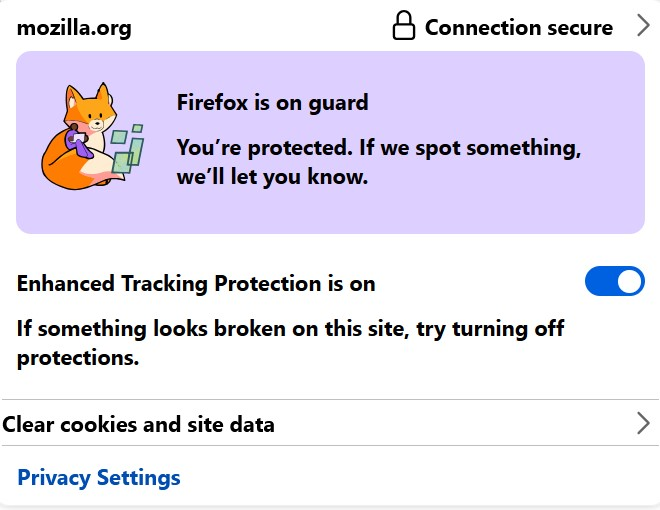
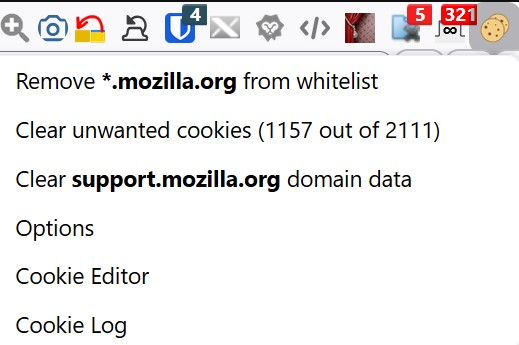
I have two addons set to only clear cookies/cache for the past hour and only for the active tab, but i topped using them. I now use the Firefox option below but I still end up having to log in here. Can you suggest an addon?
Nathan Giovannini said
* A privacy or ad-blocking extension may be interfering with session storagePlease explain. I use Ublock Origin, but it was my understanding was that addons will not run on this site?
- Firefox (or your browser) may be set to delete cookies/data on exit or on a timer
- The “session expired” message can still appear even if a proper session was never fully established
Cookies are allowed. Browser is not set to delete cookies. I just don't understand how I can get an "expired" message when not logged in.

由noel_envode于修改