打开
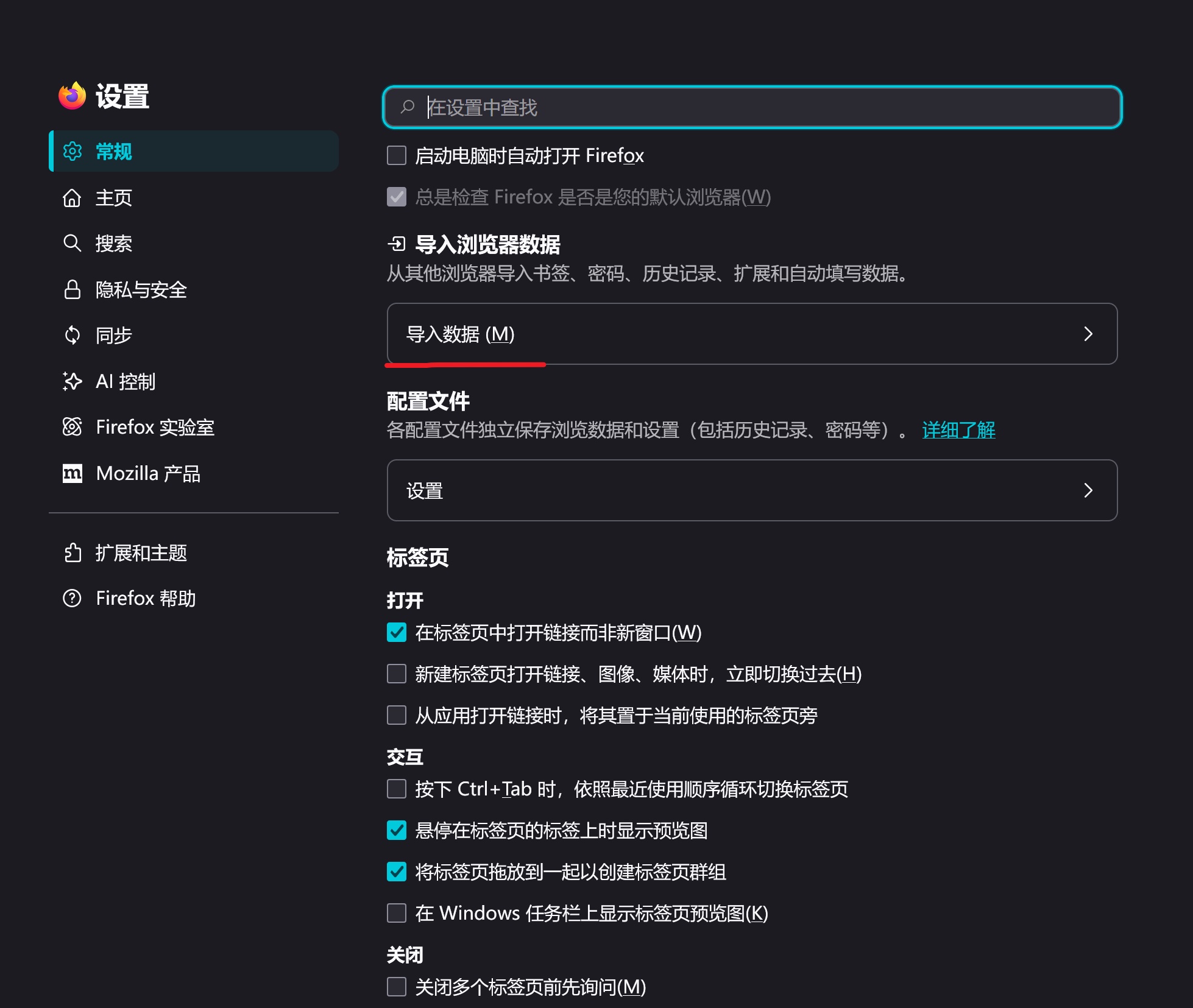
Import bookmarks and other settings

import from google broswer
import from google broswer
所有回复 (1)
Hello! Do you want to import your Google Chrome bookmarks into your Firefox? If so, you can find "Import Browser Data" in "Settings - General", then select "Google Chrome" and click "Import". You can also select the data you want to import in the 'Import all available data' section.