


Lost 2FA app and backup codes, but have access to registered email

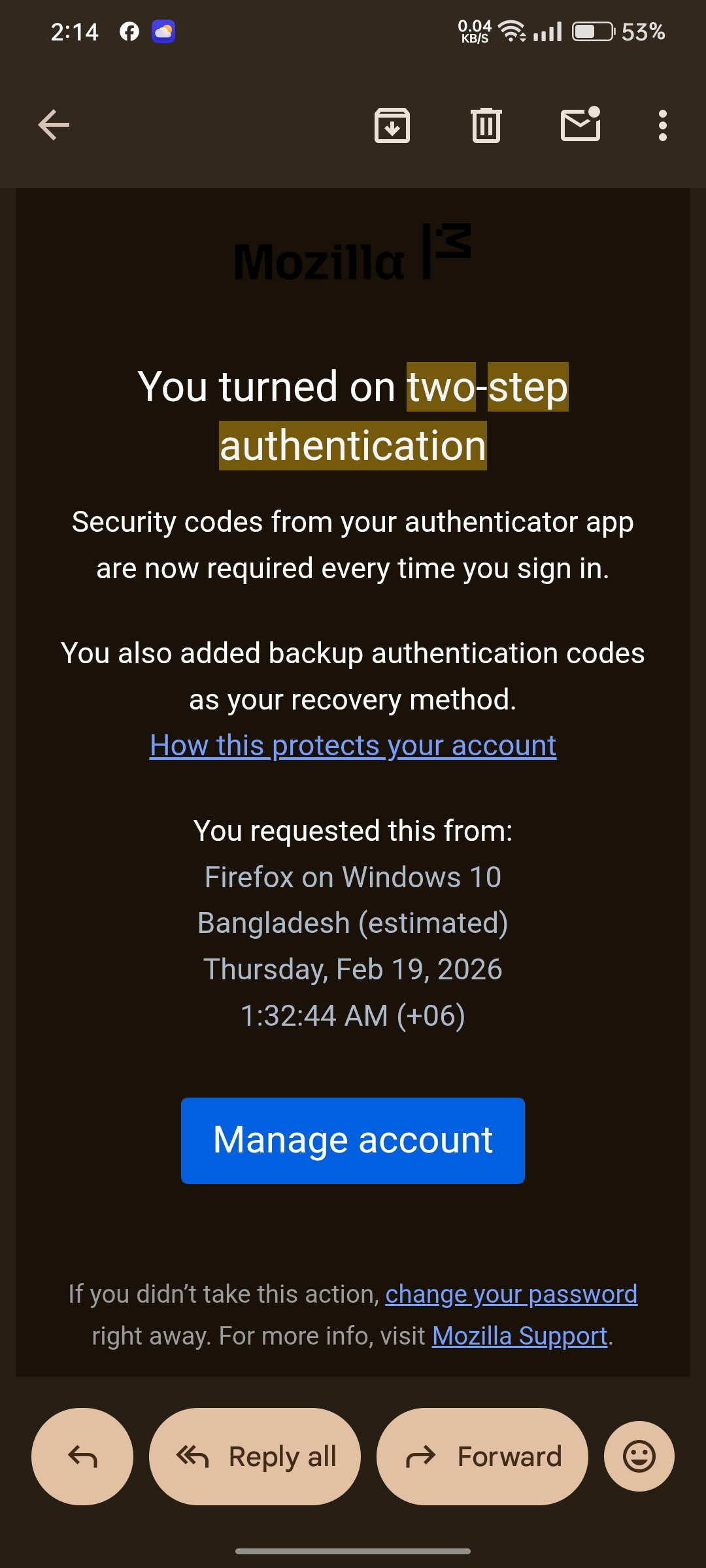
Dear Mozilla Support Team, I am writing to request your assistance in recovering my Firefox/Mozilla account. I have unfortunately lost access to the authenticator app used for my Two-Factor Authentication (2FA). Furthermore, I do not have my backup recovery codes saved. However, I am the rightful owner of the account and I currently have full access to the registered email address associated with it: riadchowdhury908@gmail.com I understand Mozilla's strict security and privacy policies. Is there any way to verify my identity through my registered email address or perform a manual review to disable the 2FA on my account? I only need the 2FA disabled so I can log back in and set up a new authenticator. I am ready to provide any additional information needed from my email to prove my ownership. Thank you for your time and support. I look forward to your response. Sincerely, Riad Chowdhury
所有回复 (1)
Hi Riad — If any device is still signed into your Firefox account you can disable Two-step authentication from Settings > Security; otherwise you’ll need a saved backup code or a recovery phone to get a one-time code. If you have none of those (no signed-in device, no backup codes, no recovery phone), Mozilla cannot disable 2FA using only your email and you’ll need to create a new account.i recommend use alternatives Privacy email with strong 2FA like tutanuta email or proton and use a strong password manager like bitwarden or keypass, for 2FA Aiges or Authy for simple and strong 2FA and also back some 2FA files on laptop or spare USB.
由Mr. Jet于修改