


Autoplay Block audio and video not working

Firefox for Android 150.0 Build 2016155439 OS Android 16 Autoplay set to "Block audio and video" but audio and video still autoplay from NPR.org website started happening a few weeks ago Is there a way to fix this please?
thank you
所有回复 (10)
Hey lpucik,
The only thing I can think about is a possibilty that you may have your setting set to Block audio and video on cellular data only and the NPR autoplay may happen when you're on Wi-Fi. Can you double check what you have on your setting?
Thanks here is screenshot of setting
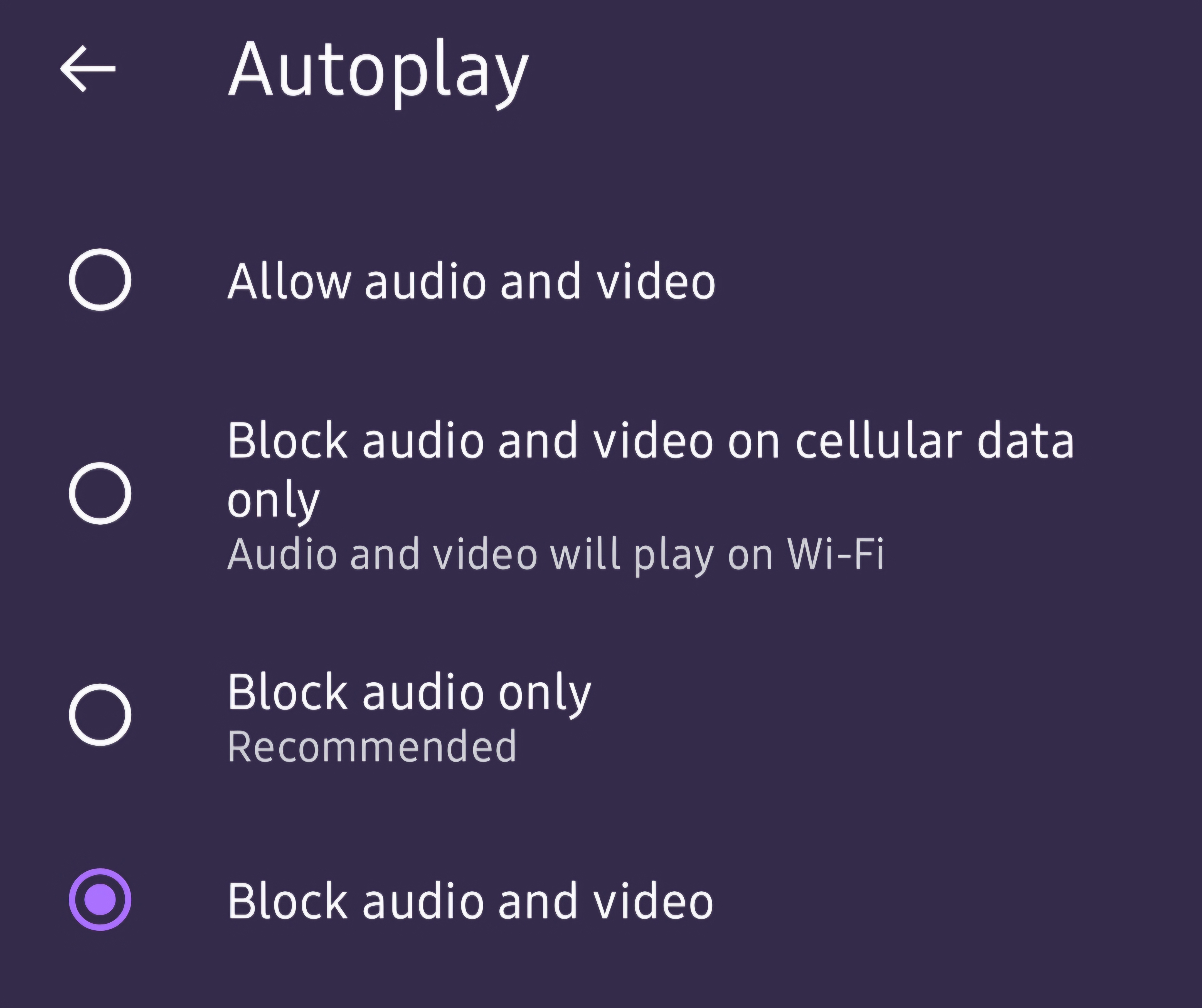
That's definitely odd! I tried to replicate it on my end but the autoplay block is working as expected.
Can you try to re-install? You may want to consider using the Firefox Sync functionality, though, so your browsing data won't be completely removed when you reinstall.
Just uninstalled,rebooted,re-installed, and set autoplay to Block audio and video.
Problem persists. Videos autoplay with sound despite block setting, triggering this notification (screenshot attached).
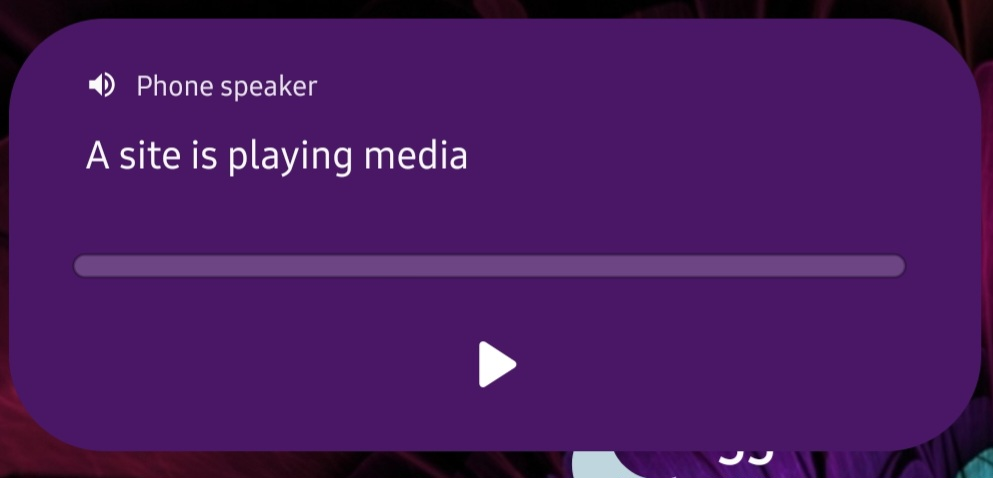
Can you check in other browser and see if the problem persists?
由Kiki于修改
Firefox on Windows 11 machine does not have this problem. It blocks autoplay on the npr.org site.
Can you try to see if the problem persist in Firefox for Android while you're in Private Browsing Mode?
This just happened to me today. Also NPR website homepage. (Specifically, the "tiny desk concert" video feed pretty far down the page.) I was looking at a completely different tab, and suddenly there was music out of nowhere. And, it's happened twice, so I had to close that tab. It doesn't happen immediately when opening the page. It happens completely randomly several minutes later.
I'm using Firefox for Mac (MacBook Pro, early M1 chip, running Sequoia 15.7.3) 150.0.1 (aarch64)
Problem happens in both Private and Regular Mode on Firefox for Android.
My experience is similar to Erin's in that it is the Tiny Desk Concert that starts playing without interacting with it. While it does not happen immediately up on opening the NPR.org site, after some time it autoplays with sound.
I had my spouse test in on his Windows machine (I don't know which version). He had something similar happen and was stunned and determined it would be quite frustrating. I ran my own test of it in Private Browsing, and it took >30 minutes, but it did start playing completely at random. (While I was in a meeting.)