


I'm having problems with the menu UI.

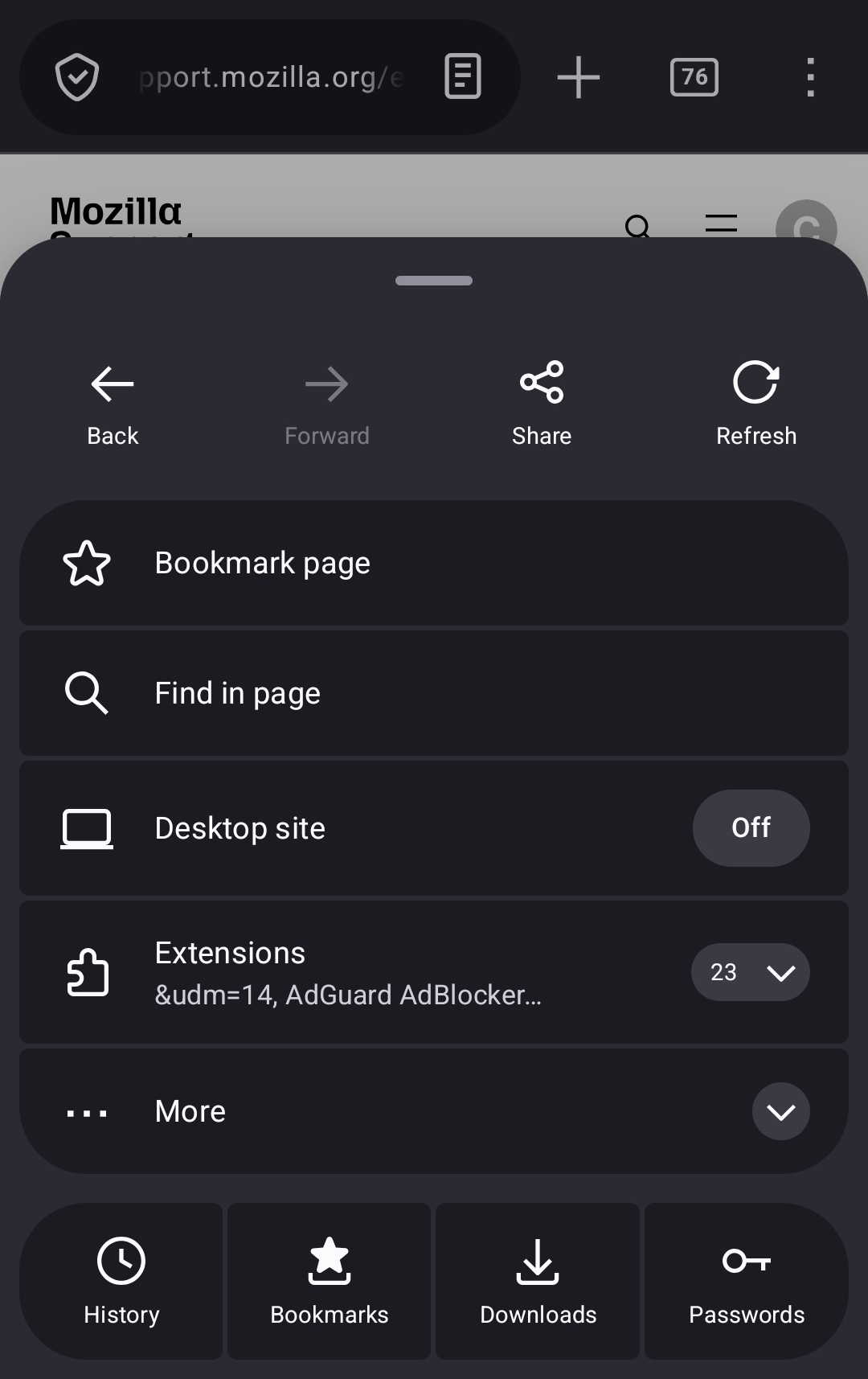
I'm having a problem where I can't get the old menu UI back. I've done everything I could and turned off what I was supposed to to use the old menu for android but I woke up this morning and everything it back to the new UI. Everything is still turned off to make sure I was using the old menu where everything was to the right of the screen but it still won't come back up the way it's supposed to and now I don't really have a clue what to do?
所有回复 (1)

This change is especially frustrating because it means that tapping the three dots in the top right corner now has the Bookmarks button be at the bottom of the screen instead of right next to those dots, which requires far more finger movement and makes it very annoying to use one-handed.
My typical browsing method is to have a blank new tap page and immediately open the full list of bookmarks. This works very poorly with the new UI.
由justinkalisher于修改