


Installation of email account

How do I install an email address that has been deleted and also can't remember the password for that email address. My other email address is rdherman@comcast.net for you to answer please.
由Ronald Herman于修改
被采纳的解决方案
If you cannot remember the password, you need to contact the email provider.
定位到答案原位置 👍 1所有回复 (6)
选择的解决方案
If you cannot remember the password, you need to contact the email provider.
One more question - I am trying to add back an old email account to my current Thunderbird account. I use Comcast as my provider. All of the directions I get on line and on YouTube don't match my Thunderbird account. They say:
Click the hamburger menu (three horizontal lines) in the top-right corner and select Account Settings, or find the settings icon in the bottom-left and click Account Settings.
Alternatively, right-click an existing account and select Settings. Initiate the new account setup:
In the Account Settings window, find Account Actions at the bottom of the left-hand pane and click it.
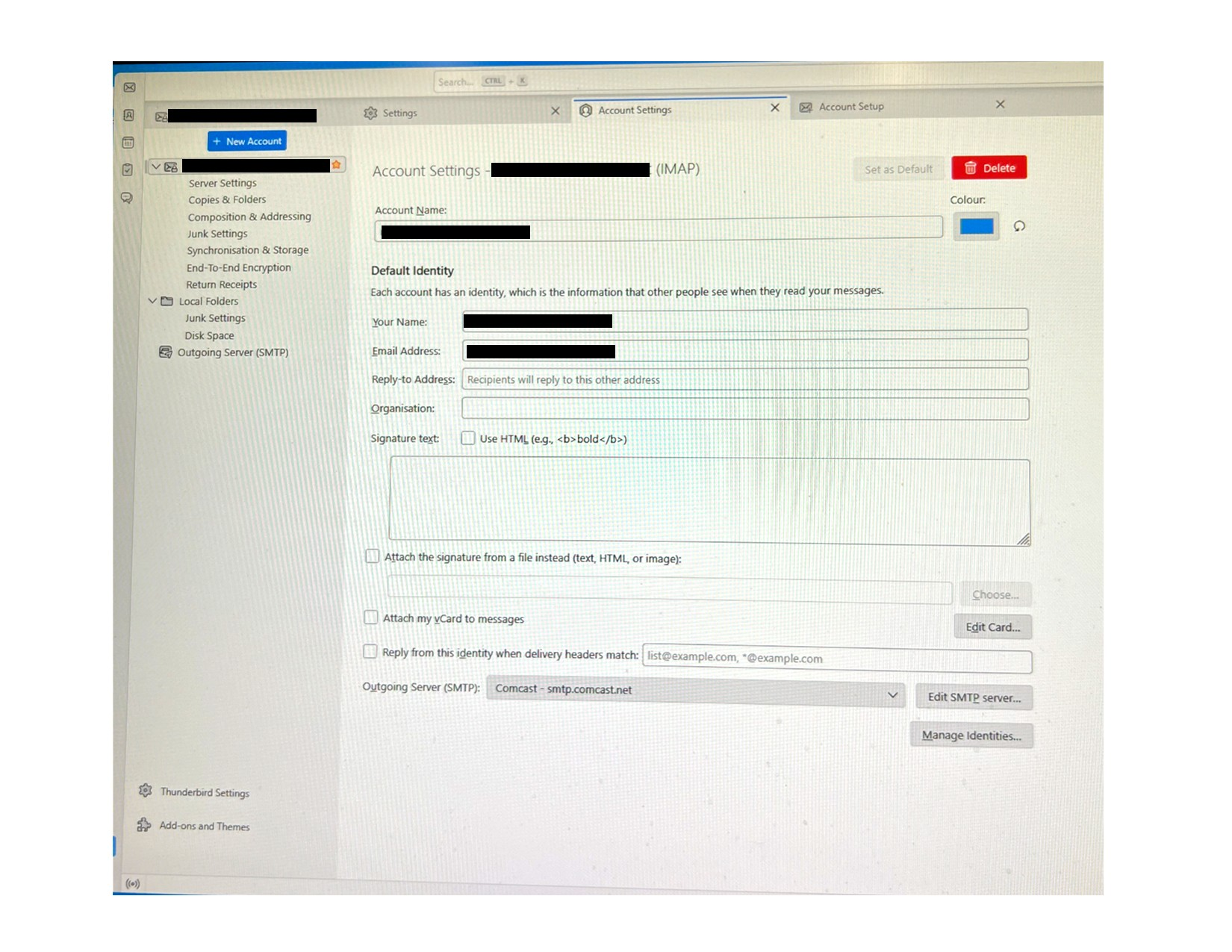
And then it says ---"Select Add Mail Account from the dropdown menu." I have no Add Mail Account to select. What I get is (see iMAGE 1 attached) ....there is a blue box upper left that says "+ New Account" ...is this what I shoud click if no "Add Mail Account" button? If I do click it I get iMAGE 2 attached. My concern is on iMAGE 2 it says "Set Up Your Existing Email Address" ....I don't want to mess up my main email account ....I am confused --- will this if filled out set up my old second account and not mess up my main current account? Hope this is understandable !! Thanks

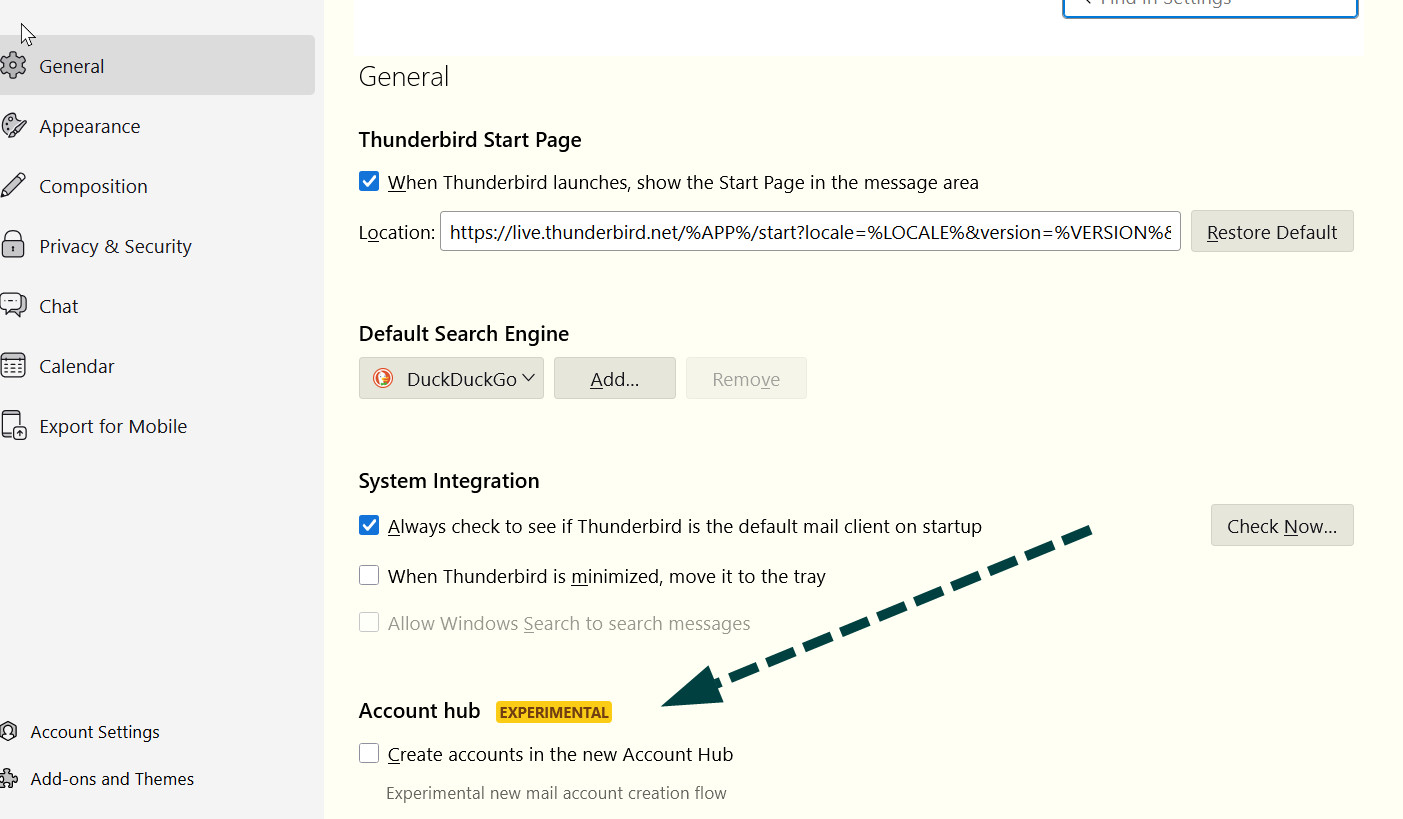
First, click to settings>general and verify that the box for account hub is UNTICKED. see attached. Then, click the hamburger menu, new account, email, and set it up. The menu that you couldn't find is no longer there. Some documentation is out of date.
Ok - following your instructions .... not ticked, then I clicked the hamburger menu, new account, email and it gives me the iMAGE 2 attached which says "Set up your existing email address" .....this does not mean messing with my current existing main email but resetting up my second old email address that was deleted....correct?
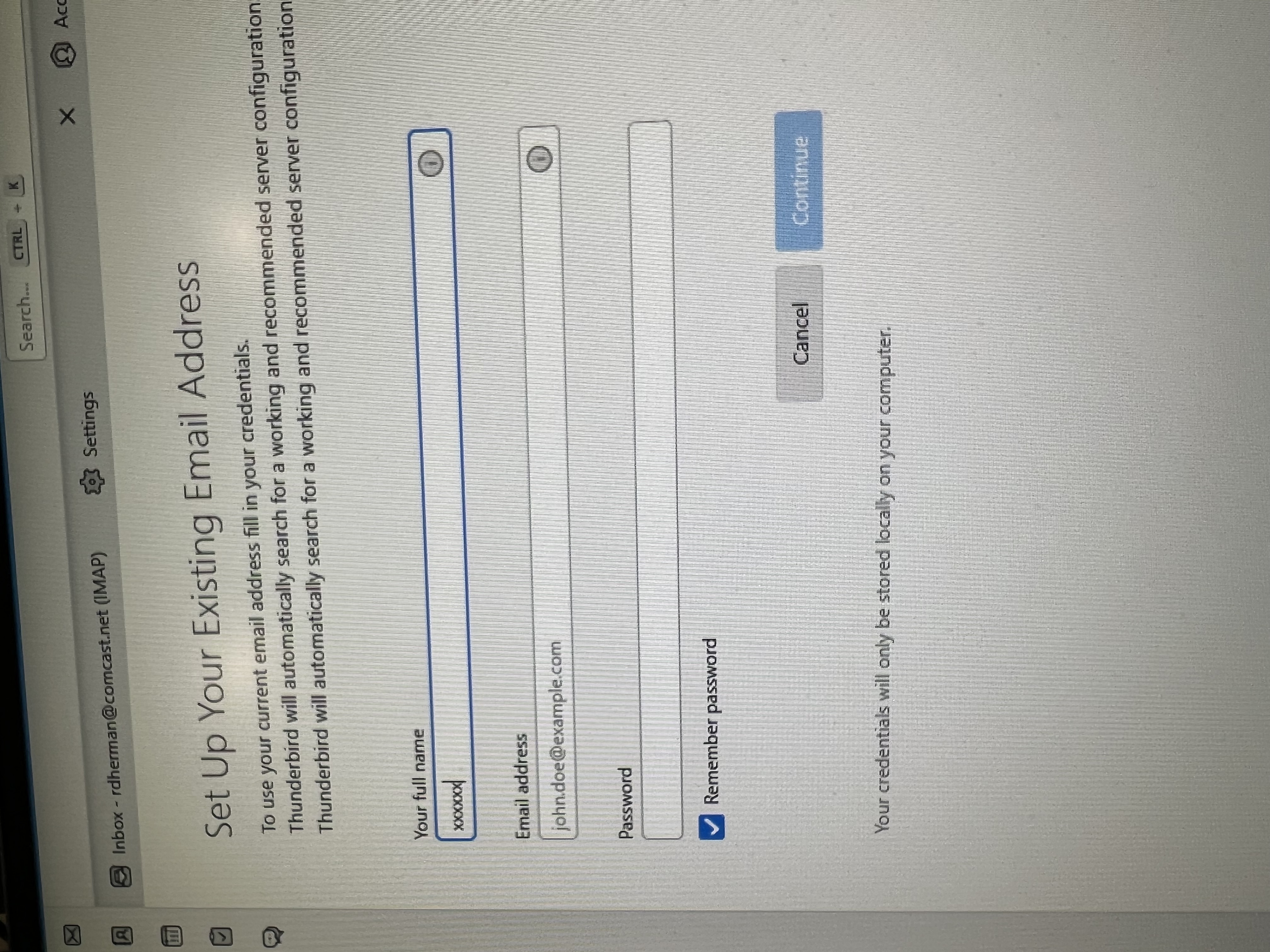
Ok - following your instructions .... not ticked, then I clicked the hamburger menu, new account, email and it gives me the iMAGE 2 attached which says "Set up your existing email address" .....this does not mean messing with my current existing main email but resetting up my second old email address that was deleted....correct?
If you can possibly respond to this...I will not bother you again. I am 82 years old and trying to not screw this up :)
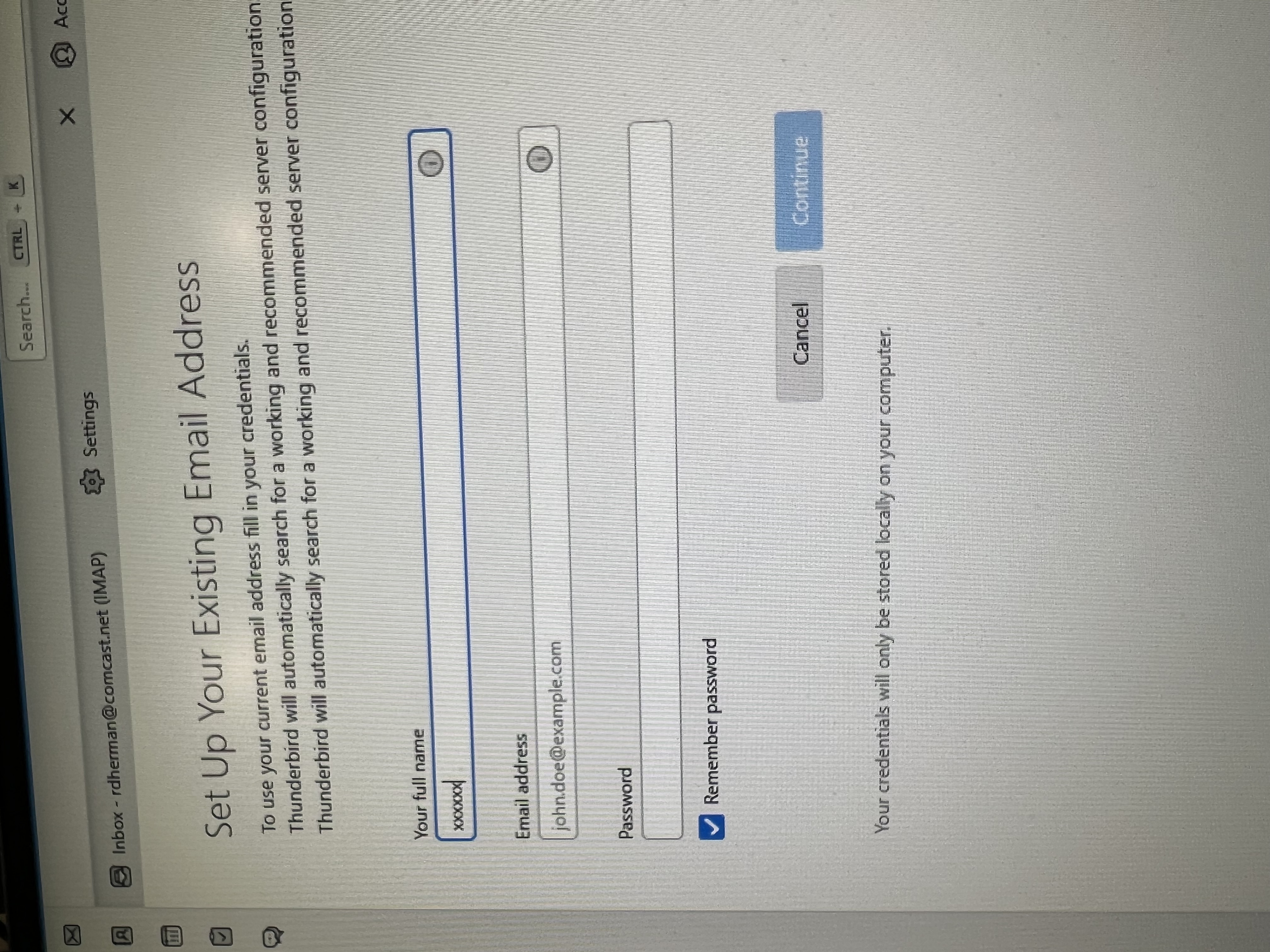
Yes, it means an email account that you own, but that has not yet been set up in thunderbird. And do ask more questions as you go, if needed. That's why we're here. :)