Drag & Drop not working in Ver. 145 Address Book

The new Address Book version 145 has All Address Books, Address Book, Personal Address Book, and Collected Addresses. I created several mailing list in the Personal Address Book but I can no longer drag and drop from that book to the mailing lists. Suggestions?
所有回复 (1)
选择的解决方案
Thanks for your message! You're referring to a known issue in Thunderbird Address Book version 145 (and similar builds), where drag-and-drop into mailing lists (also called distribution lists) no longer works as it did in earlier versions.
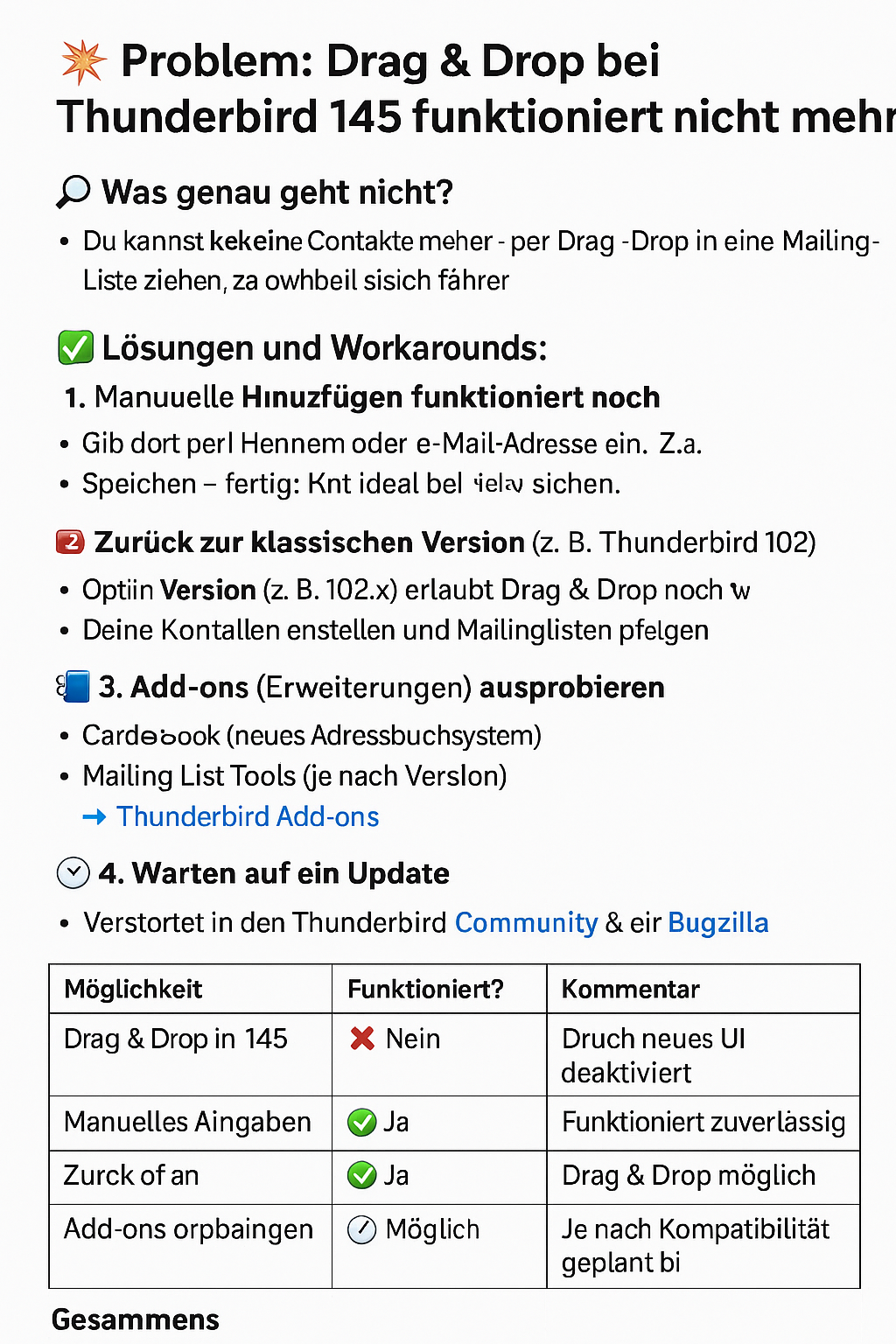
✅ The problem: In Thunderbird 115+ (including 145), the address book has been redesigned, and drag & drop behavior is broken or changed:
- You can't drag individual contacts from the main address book into a mailing list anymore. - The mailing list UI doesn't accept dropped items as before.
💡 Workarounds / Solutions: 🛠 1. Manually Add Contacts to the Mailing List
You can still: 1. Open the mailing list by double-clicking it. 2. In the window that opens, type the name or email address of the contact manually. Thunderbird auto-completes based on your address book. 3. Click OK / Save when finished. ⚠ This is tedious for large lists, but still works.
🔄 2. Switch to “Classic” Address Book (if possible) Some users have had success using older Thunderbird versions (e.g. 102.x), where drag & drop still works. - You can install an older portable Thunderbird version alongside the new one for managing contacts.
🧩 3. Use an Add-on (if available) Some Thunderbird extensions (like "Mailing List Tools" or "CardBook") have reintroduced better list handling. Keep an eye on: - https://addons.thunderbird.net - Search for Mailing list management tools or Cardbook 🔍 Compatibility with Thunderbird 145 must be confirmed before use.
⏳ 4. Wait for Fixes This is a known issue, and many users have https://bugzilla.mozilla.org/ and the https://support.mozilla.org/
👉 Developers are likely aware and may fix it in a future update.
🔚 Summary | Option | Status | | ----------------- | ------------------------- | | Drag & Drop | ❌ Currently broken | | Manual entry | ✅ Works, but tedious | | Older Thunderbird | ✅ Drag & drop works there | | Add-ons | 🔄 May help | | Future updates | ⏳ Likely fix coming |