


Cannot uninstall PWA created in Firefox 143.0.1 on Windows 11

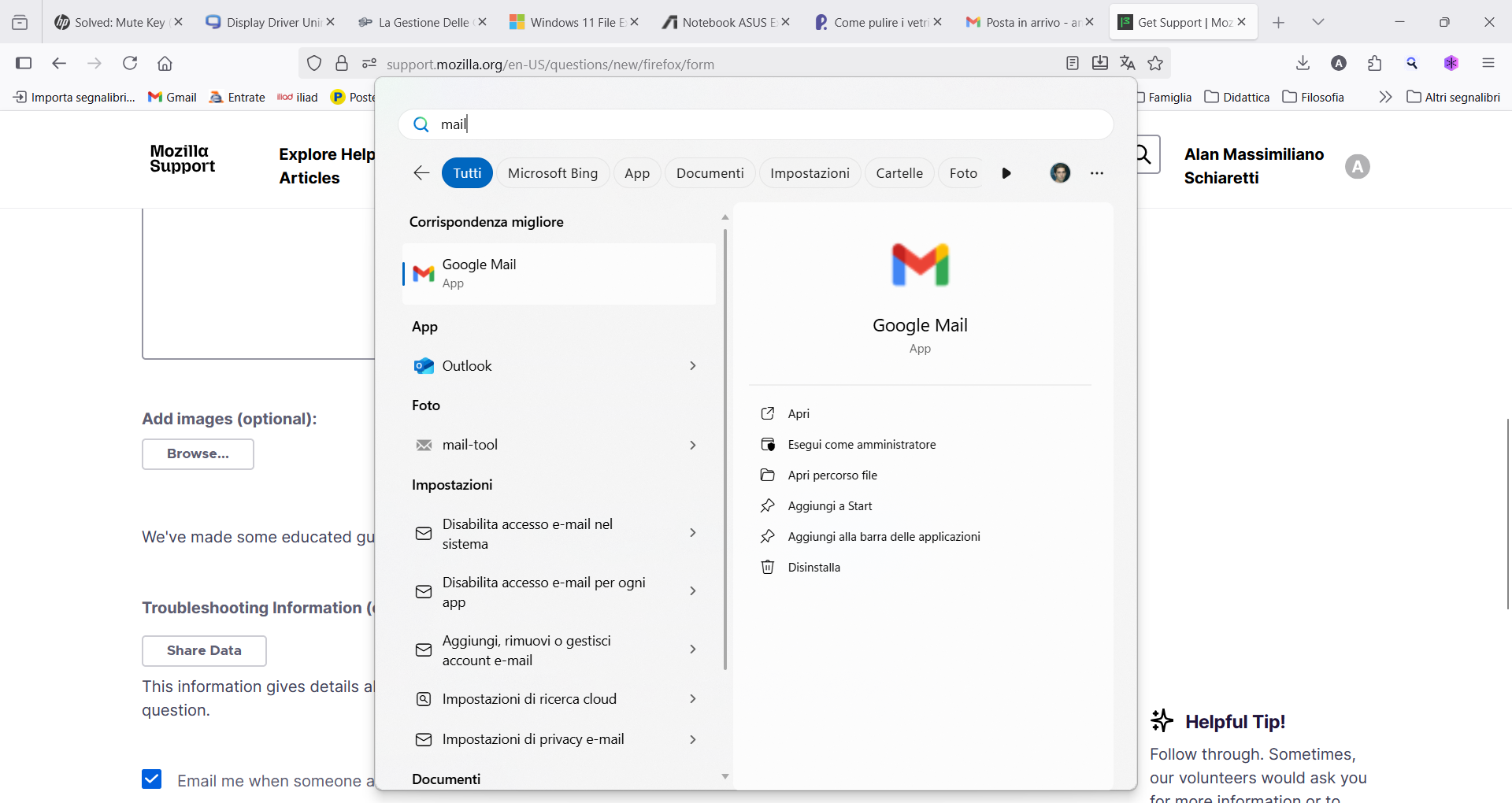
I'm not able to uninstall PWA apps created in Firefox 143.0.1 using Windows 11 usual uninstalling procedure. If i click "uninstall" in Windows Start Menu the app remains installed. PWA apps created with Firefox do not show on Windows 11 installed apps list so I cannot uninstall them. I haven't found any guide on the web on how to uninstall PWA created from Firefox. So, how can I effectively uninstall those PWA apps? Thank you in advance for your kind answer. Regards.
所有回复 (5)
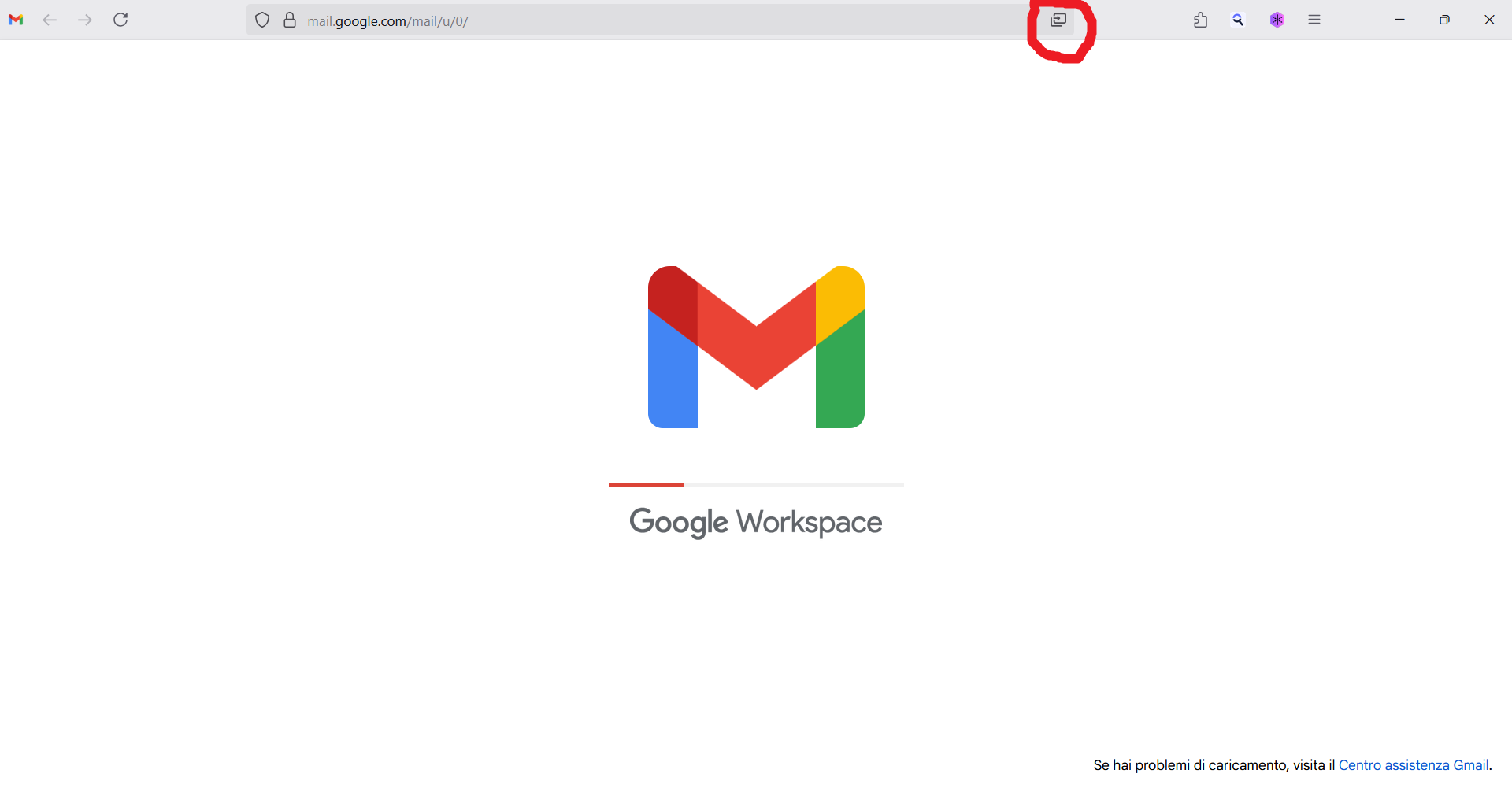
It's the same icon to install and uninstall it.
Thank you but I've already tried to use the same icon to uninstall the PWA but after clicking on it the app remains installed in Windows 11. I think there should be a standard way to uninstall a PWA app in the same way you can uninstall Edge created PWA apps from Windows standard uninstall procedure.

Hi, This happens because PWAs created in Firefox are not registered in the Windows “Installed Apps” list the same way regular programs are. You have to installed it first.
Ok, thank you for the explanation but how can I really uninstall Firefox created PWAs?
Thank you all for the answers but they did not solve the problem. So I guess if I uninstall Firefox and then reinstall it, all the PWAs created with Firefox should be gone, right?