


Turning off video popups

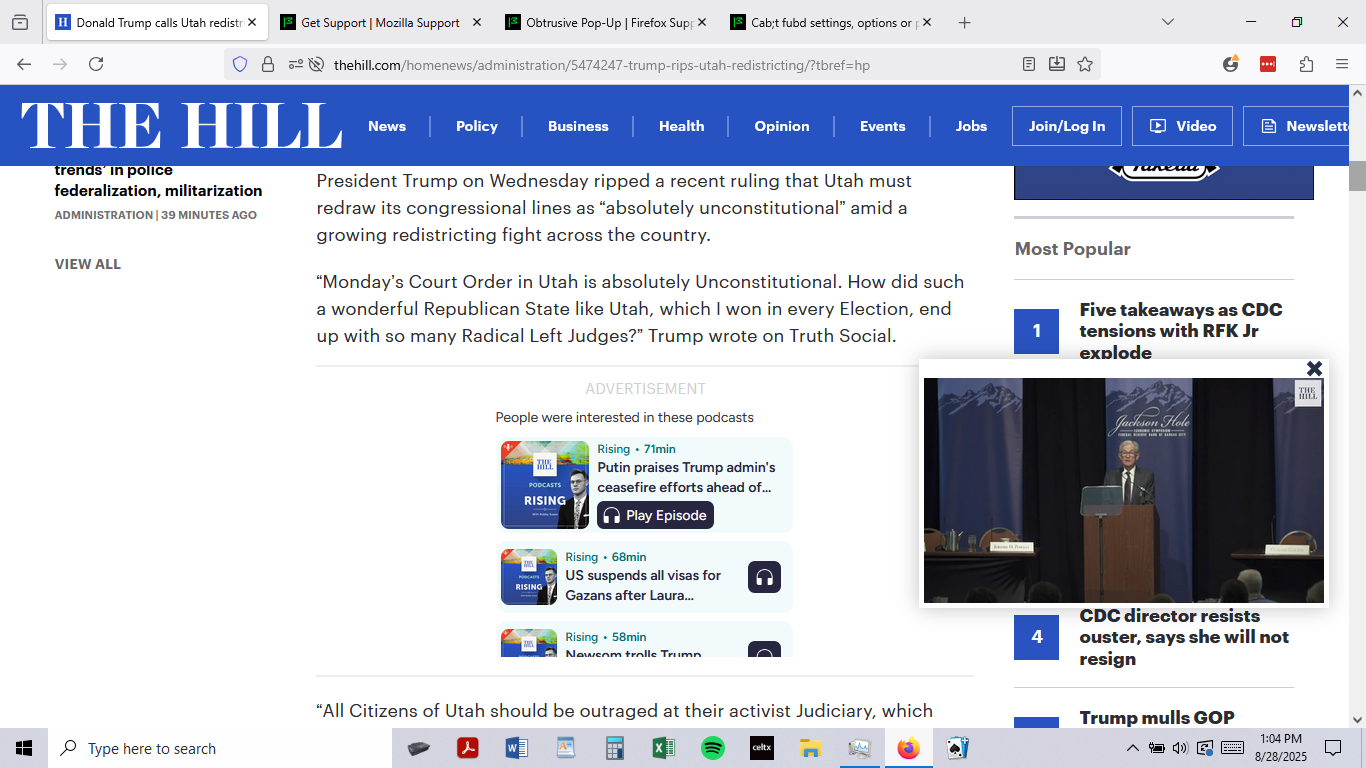
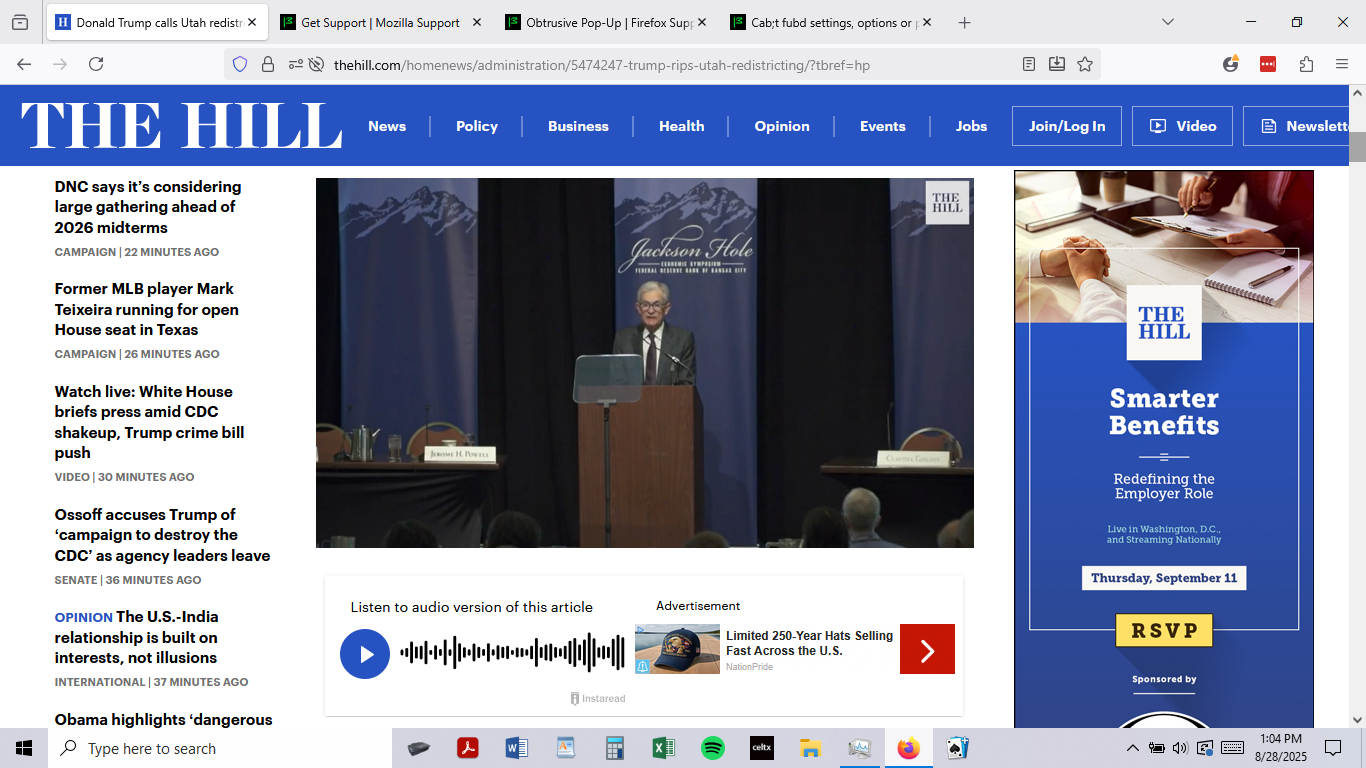
Many web pages that have a video header will launch the video in a popup window after you scroll past the header.
There are no user controls in the popup window, and clicking 'block popups' and turning off 'enable p-n-p controls' had no effect on them.
Is there a a setting that will stop these video popups from automatically launching? They eat up a lot of memory, and are a pain to turn off manually.
Thanks.
Many web pages that have a video header will launch the video in a popup window after you scroll past the header.
There are no user controls in the popup window, and clicking 'block popups' and turning off 'enable p-n-p controls' had no effect on them.
Is there a a setting that will stop these video popups from automatically launching? They eat up a lot of memory, and are a pain to turn off manually.
Thanks.
所有回复 (1)
Hello
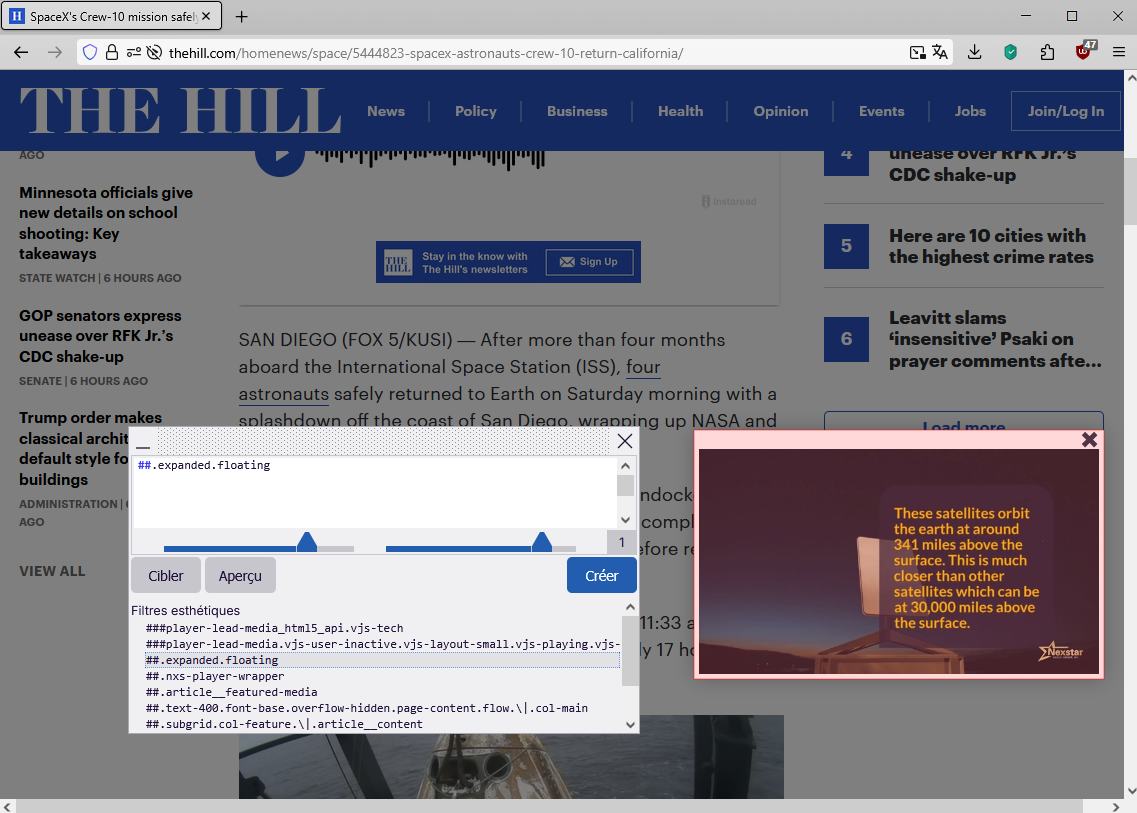
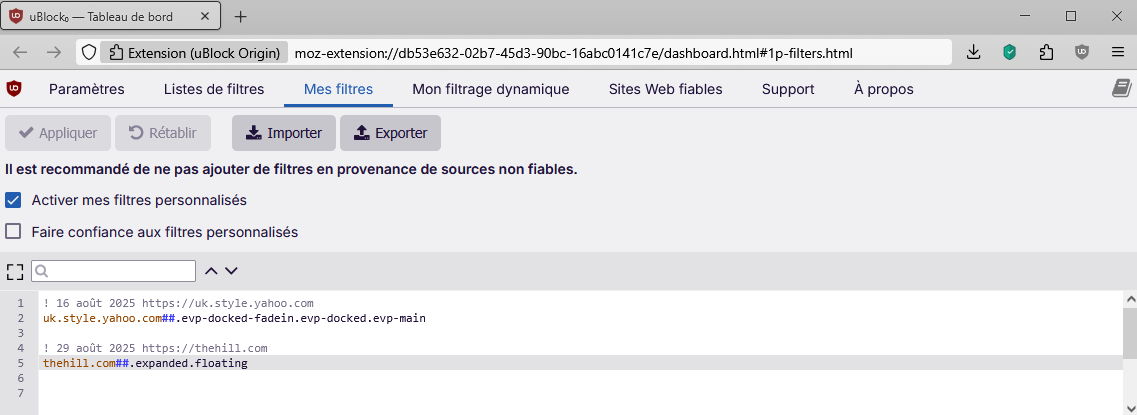
Maybe perform tests with the help of uBlock Origin. https://connect.mozilla.org/t5/discussions/i-don-t-want-pop-out/m-p/103291/highlight/true#M40125

由Agent virtuel于修改