Firefox won't stop explaining how to access my hidden tabs
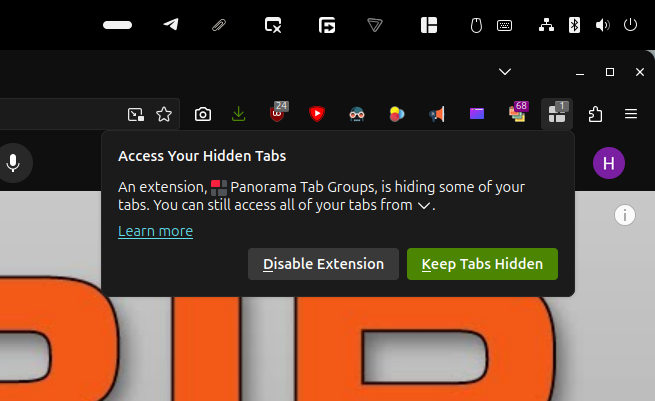
Every few days a popup appears that tells me "An extension, Panorama Tab Groups, is hiding some of your tabs. You can still access all of your tabs from <down arrow>." It has two buttons: Disable Extension and Keep Tabs Hidden.
There seems to be no way to turn this off. I *want* the tabs hidden; that's why I have the extension installed. And I really don't want to be pestered with this popup like this. How do I stop it?
Every few days a popup appears that tells me "An extension, Panorama Tab Groups, is hiding some of your tabs. You can still access all of your tabs from <down arrow>." It has two buttons: Disable Extension and Keep Tabs Hidden.
There seems to be no way to turn this off. I *want* the tabs hidden; that's why I have the extension installed. And I really don't want to be pestered with this popup like this. How do I stop it?
所有回复 (1)
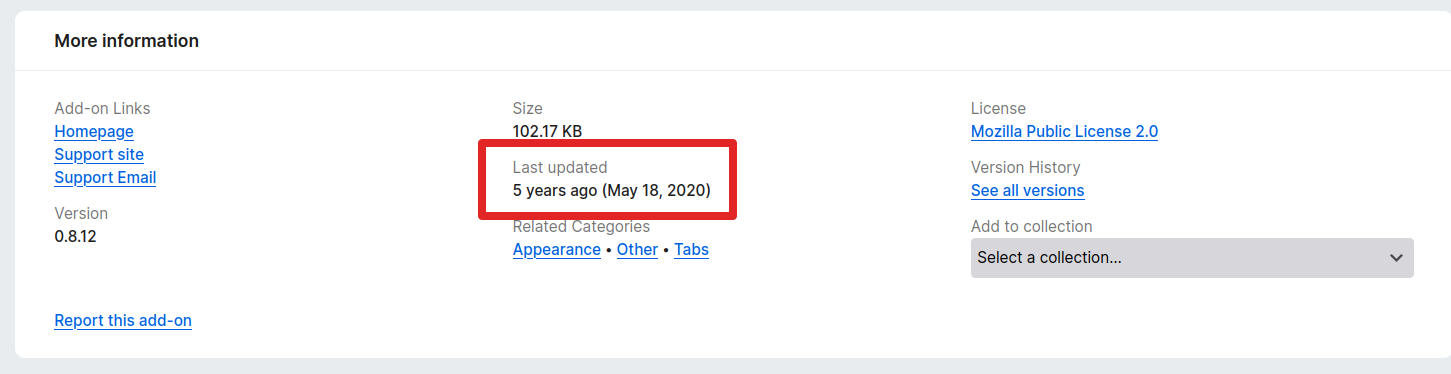
Sounds like an add-on issue that has not been updated in 5yrs. If the extension was not installed, there would be no issue.