


pinned tabs

For a week my pinned tabs are lost every time I open Firefox. I have checked my settings, they were the same as always. I have de-selected them, closed and re-opened firefox, selected them again, closed and re-opened again, pinned my tabs again. Then closed and re-opened firefox and still they are not there. I have done this multiple time with the same results. This seems to have started after the last update.
所有回复 (2)
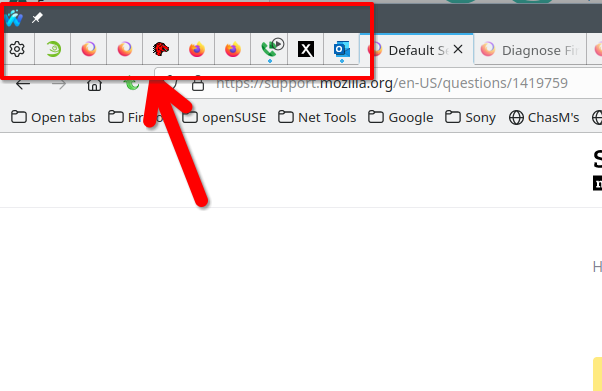
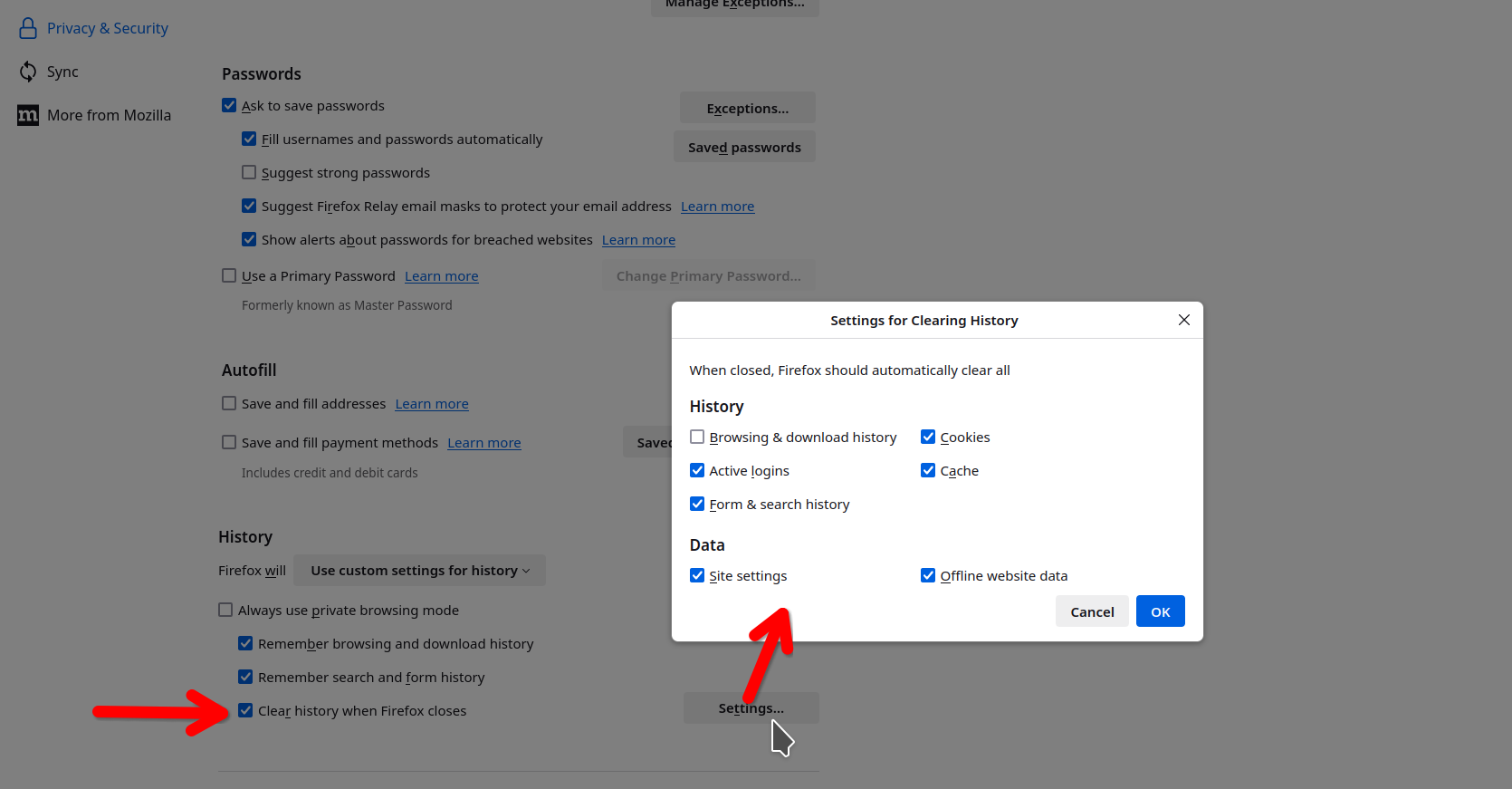
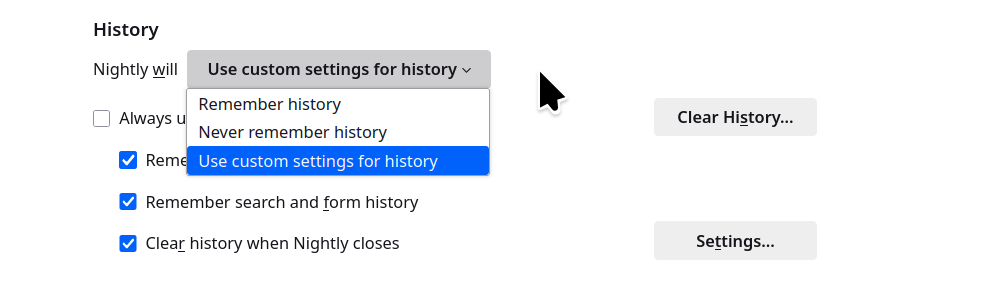
My pinned tabs are usually there, i have them in all versions that i run. see screenshot What do you have Firefox set to when you close the browser? see screenshot
由jonzn4SUSE于修改
I also face the same issue. I have three pinned tabs, and at least two of them disappear every time I open Firefox. What I do now is to Reopen Closed Tabs every time I see that pinned tabs have disappeared.