firefox developer edition no longer working on X11

export GDK_BACKEND=x11 MOZ_ENABLE_WAYLAND=0 MOZ_DISABLE_WAYLAND=1; /mnt/bootdrive/firefox3/firefox/firefox -P tx1p72s0.dev-edition-default XPCOMGlueLoad error for file /mnt/bootdrive/firefox3/firefox/libxul.so: /mnt/bootdrive/firefox3/firefox/libxul.so: undefined symbol: gdk_wayland_device_get_wl_seat Couldn't load XPCOM.
Has support for X11 been removed?
所有回复 (5)

alexpennyblack said
Has support for X11 been removed?
I'm in Nightly daily, so I know Dev should be working.
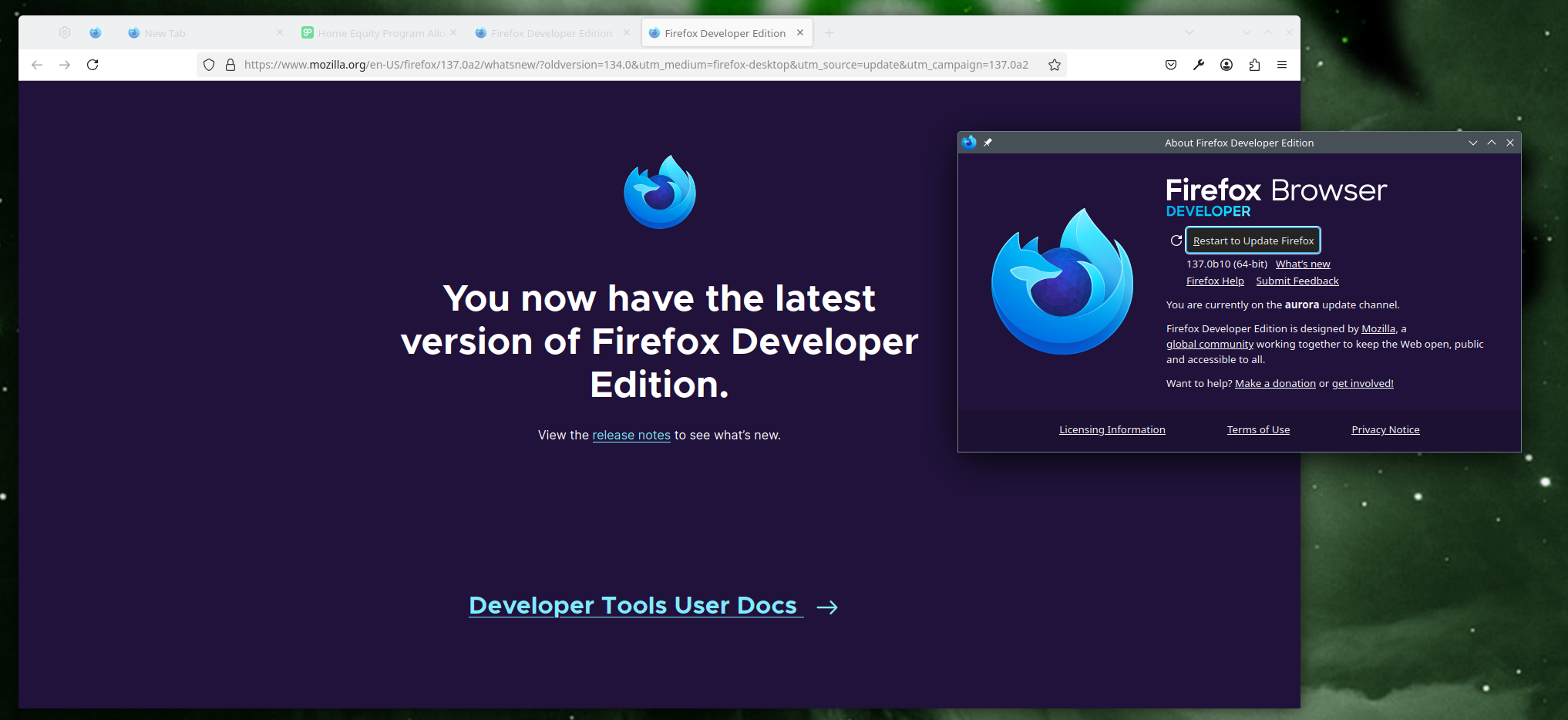
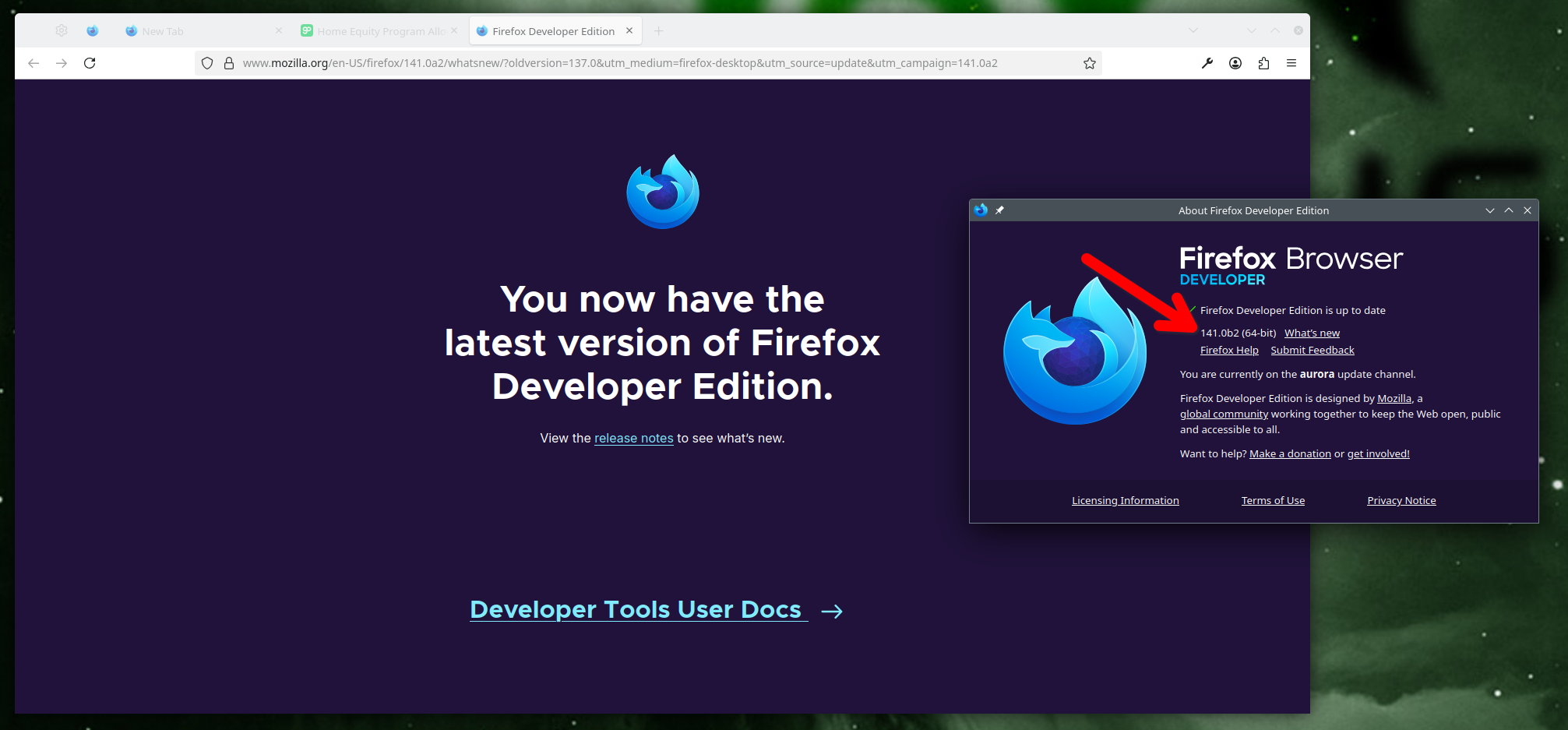
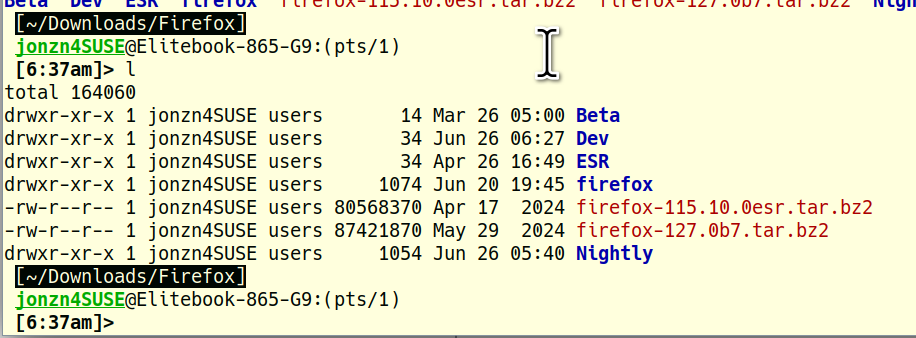
Works for me. see screenshots
What OS? What Desktop? Looks like you're running it from the cmd line. I run all downloaded versions from my download folder. What's the path to firefox or firefox-bin? Try running it from a different account.
Operating System: openSUSE Leap 15.6 KDE Plasma Version: 5.27.11 KDE Frameworks Version: 5.115.0 Qt Version: 5.15.12 Kernel Version: 6.4.0-150600.23.53-default (64-bit) Graphics Platform: X11 Processors: 16 × AMD Ryzen 7 PRO 6850HS with Radeon Graphics Memory: 62.1 GiB of RAM Graphics Processor: AMD Radeon Graphics Manufacturer: HP Product Name: HP EliteBook 865 16 inch G9 Notebook PC System Version: SBKPF,SBKPFV2
由jonzn4SUSE于修改
alexpennyblack said
export GDK_BACKEND=x11 MOZ_ENABLE_WAYLAND=0 MOZ_DISABLE_WAYLAND=1; /mnt/bootdrive/firefox3/firefox/firefox -P tx1p72s0.dev-edition-default XPCOMGlueLoad error for file /mnt/bootdrive/firefox3/firefox/libxul.so: /mnt/bootdrive/firefox3/firefox/libxul.so: undefined symbol: gdk_wayland_device_get_wl_seat Couldn't load XPCOM.
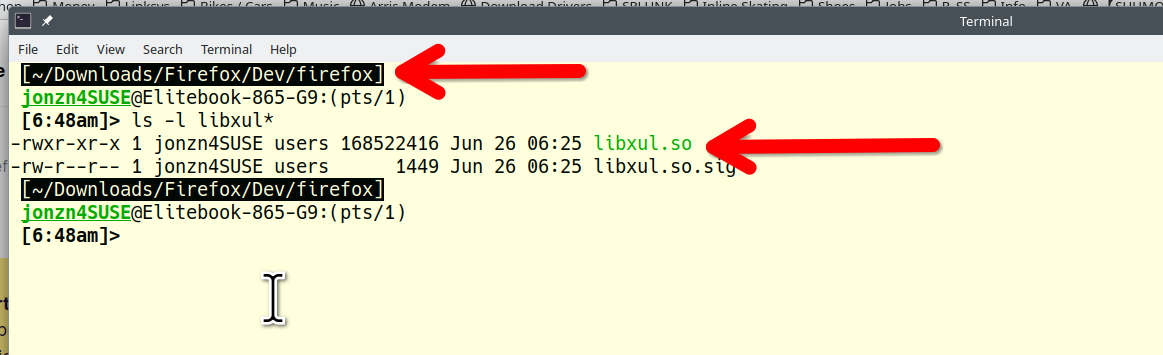
see screenshot of the path to the same file in the error.
由jonzn4SUSE于修改
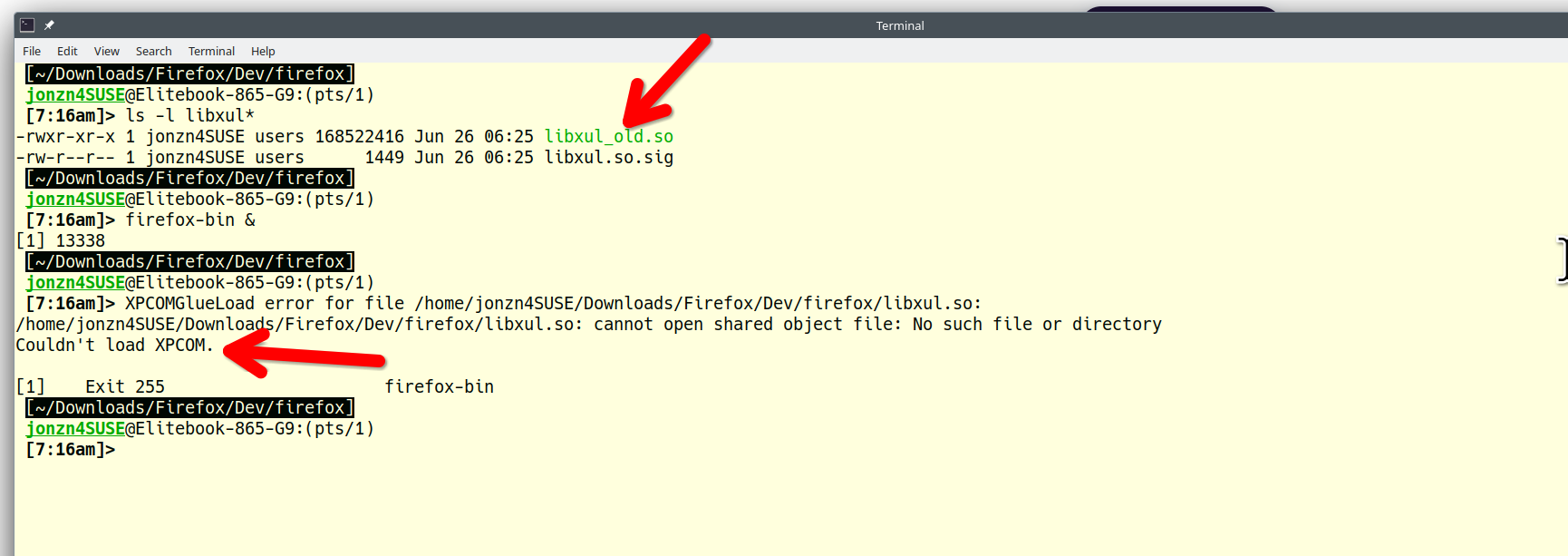
I renamed the same file in your error and could generate the same error. see screenshot Assume bootdrive is not mounted.
jonzn4SUSE said
I renamed the same file in your error and could generate the same error. see screenshot Assume bootdrive is not mounted.
mnt/bootdrive/firefox3/firefox/libxul.so: undefined symbol: gdk_wayland_device_get_wl_seat Couldn't load XPCOM.
Not same error. Good to know X11 still supported. I also have desktop v140. It works OK.
alexpennyblack said
jonzn4SUSE said
I renamed the same file in your error and could generate the same error. see screenshot Assume bootdrive is not mounted.mnt/bootdrive/firefox3/firefox/libxul.so: undefined symbol: gdk_wayland_device_get_wl_seat Couldn't load XPCOM.
Not same error. Good to know X11 still supported. I also have desktop v140. It works OK.
Of course the error message is not going to be the exact same... but the end result is Couldn't load XPCOM