


Login Failed

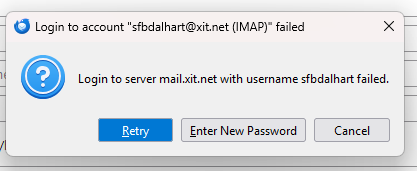
When trying to login, I keep receiving the below error message:
login to server failed
I know my password is correct.
所有回复 (8)
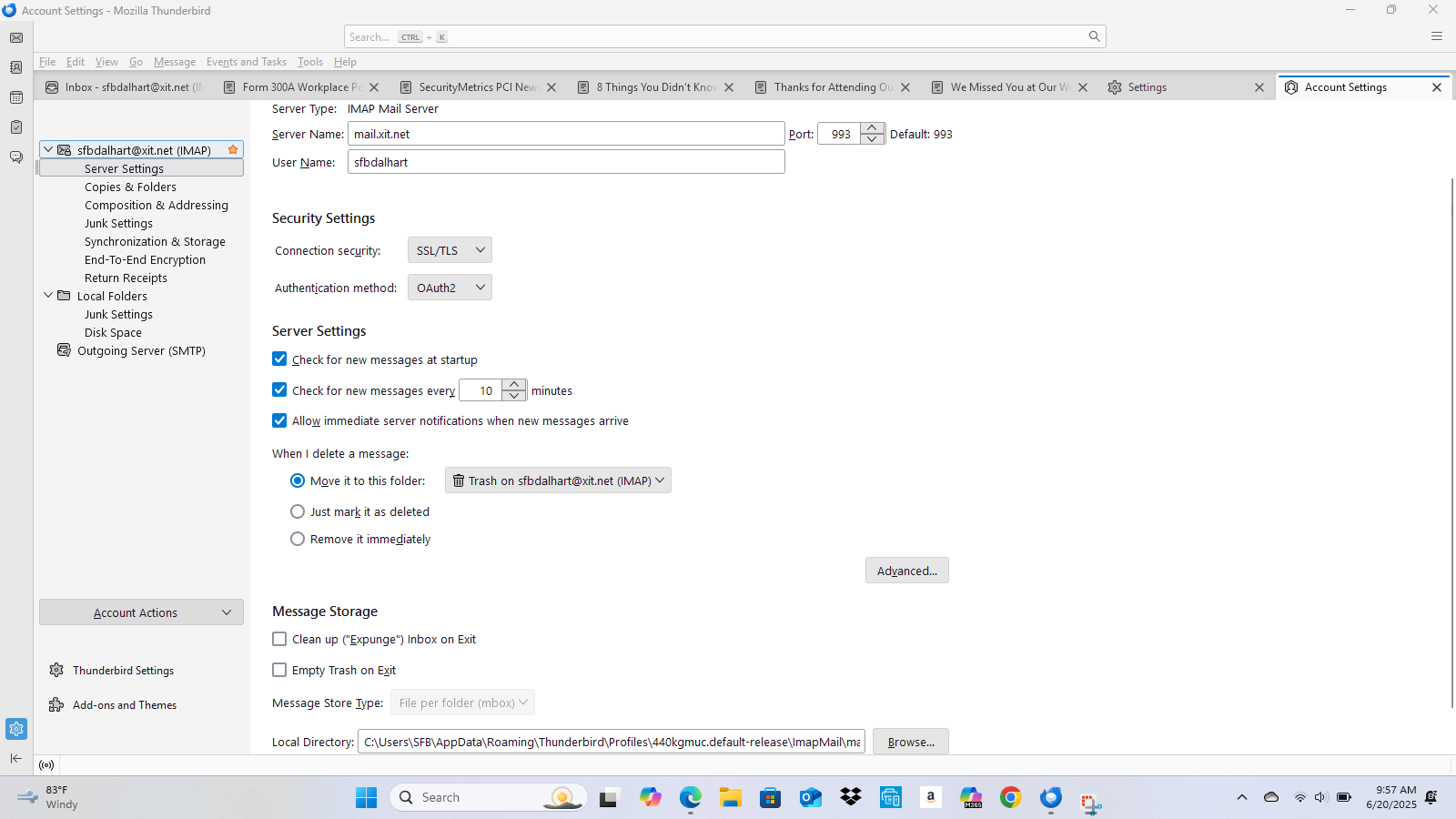
In that case, your settings may be wrong. post a screenshot of incoming server settings pane and the complete text of error message.
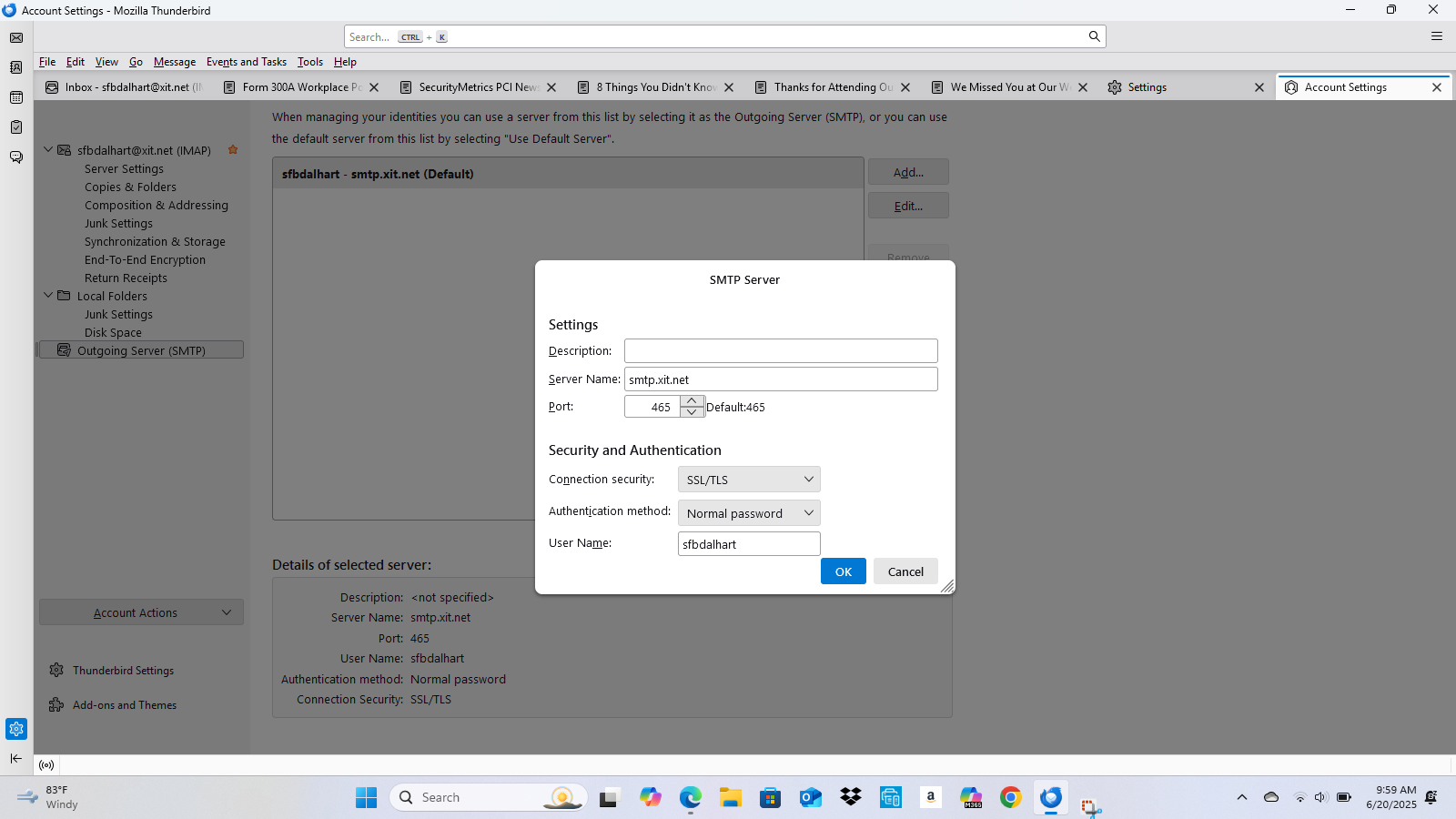
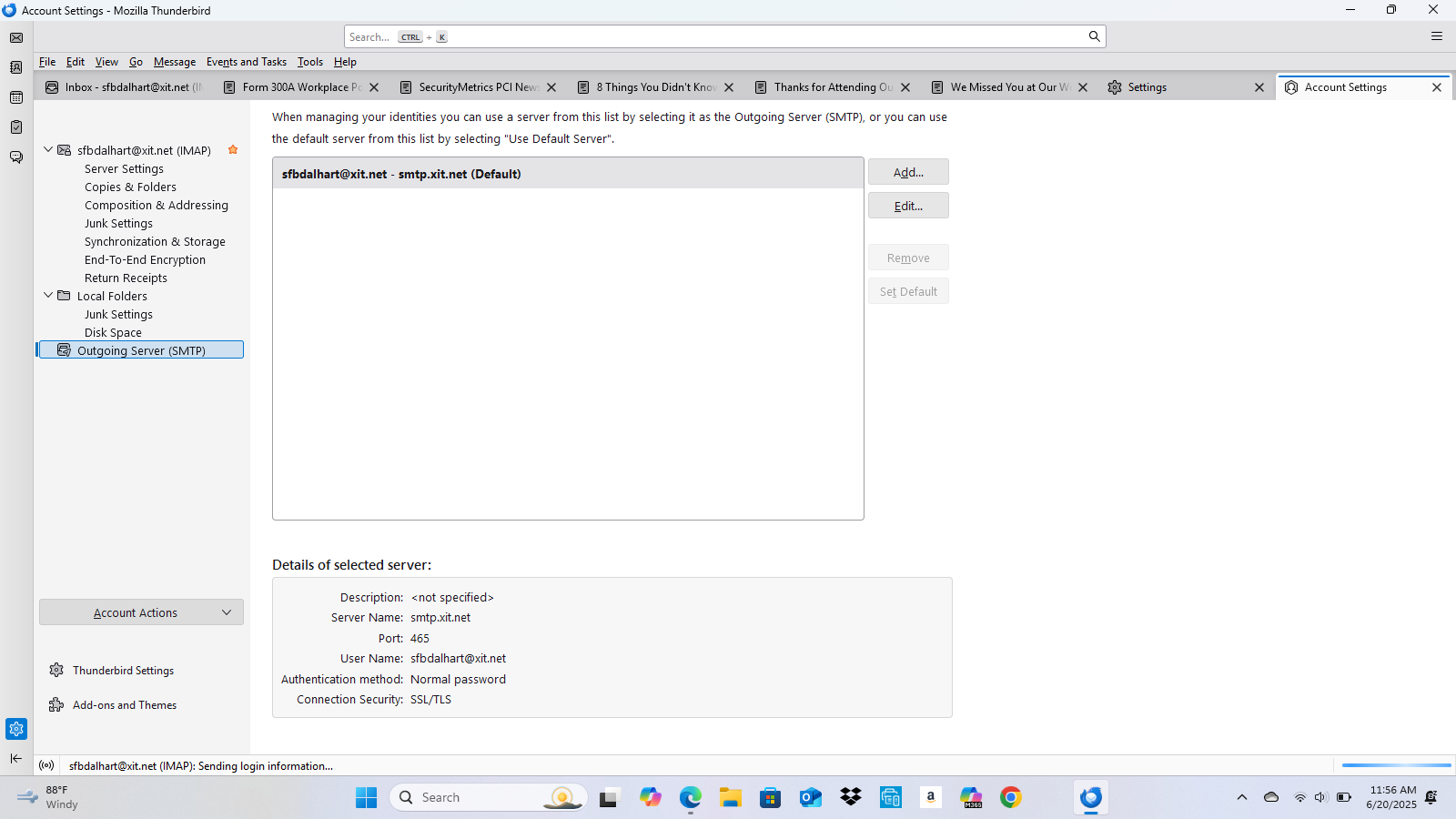
I attached the following images: 1. Server Settings 2. Outgoing Server Settings - OAuth2 is not an option 3. The error message
My server settings were set to "Normal Password" but in reviewing related support articles, it showed to change it to OAuth2, which I did. However, OAuth2 is not an option in my Outgoing Server Settings.
When I changed my Server Settings to OAuth2, I no longer received the error message. However, it would not retrieve my incoming mail.
Try using your full email address, including the @ and domain name
I changed it on my outgoing server, but it did not work.
http://xit.net/emailsettings.asp
incoming IMAP: mail.xit.net, 993, SSL/TLS, normal password, email address
outgoing SMTP: mail.xit.net, 587, STARTTLS, normal password, email address
We're making progress!
I changed the server settings that you suggested. I can now receive mail, but I cannot send mail. Any ideas?
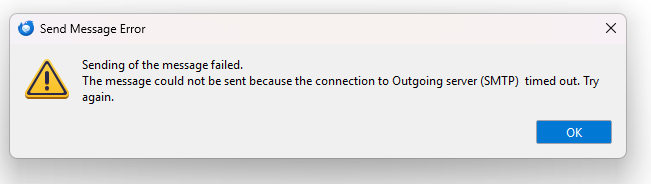
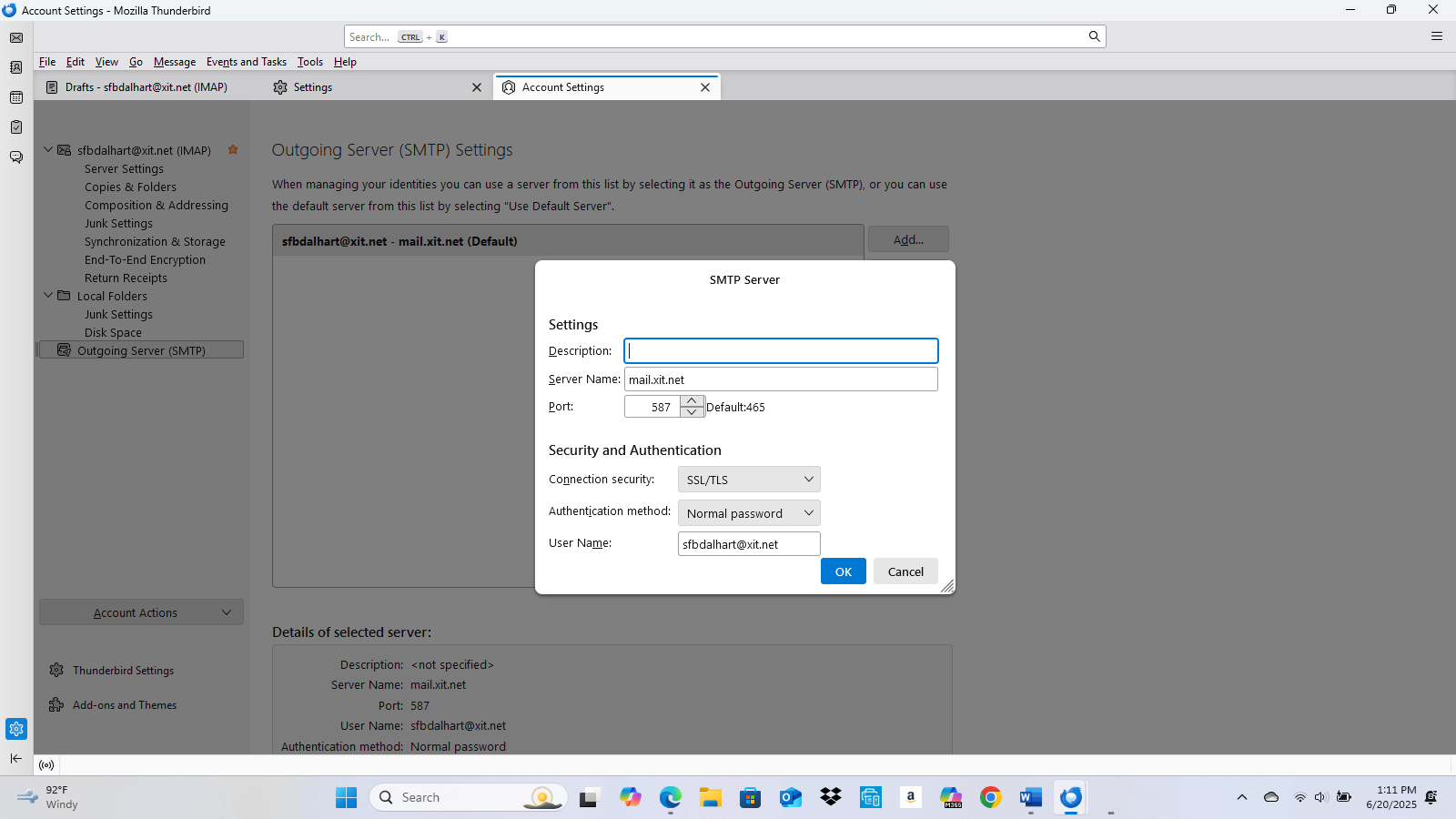
Timeouts are often caused by antivirus. What is your AV app? Disable scanning of outgoing mail, e.g. Avast/Avira Mail Shield.
Also, the security should be STARTTLS on 587, not SSL/TLS.
sfbdalhart said
When trying to login, I keep receiving the below error message: login to server failed I know my password is correct.
Happens to me sometimes too. Could be server issues or your account might be locked. Maybe try resetting your password anyway or check with IT just in case.